CodeTwo Exchange Migration
- Seamless migration to Exchange Server SE
- Used by 10k+ organizations from 170+ countries
- Ultra-secure (no 3rd party involved) »
Exchange to Exchange migration
CodeTwo Exchange Migration allows you to move the content of user mailboxes and public folders from one on-premises Exchange Servers to another. The program supports migrations from Exchange Server 2019, 2016, 2013, and newer to Exchange Server Subscription Edition (SE).
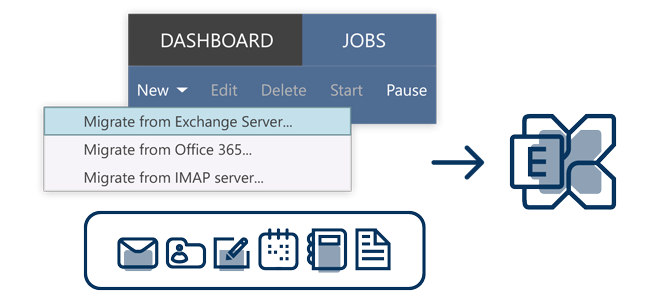
CodeTwo Exchange Migration is designed to ease cross-forest and cross-domain migrations by reducing the time and effort that is normally associated with native migrations. Thanks to the program, you don’t need to be PowerShell-savvy and run complex migration scripts. When using CodeTwo migration tool, the only admin tasks related exclusively to the data migration process are narrowed down to installing the software, connecting it with source and target servers, and configuring a migration job that automatically copies data between the servers. And all that is managed via an intuitive, GUI-based Administration Panel.
The migration of archive mailboxes (In-Place Archives) is also supported. You can migrate them to the primary or archive mailboxes located in your target Exchange environment.
Useful links:





