Features
The most trusted email signature software for Exchange Server
CodeTwo
Email Signatures On-prem
- Centrally managed email signatures, disclaimers, marketing banners and email flow control
- Support for all email clients, including Outlook and mobiles
- 100% on-prem solution (installed locally; no cloud agents)
- The only on-prem signature & mail flow manager for Exchange SE
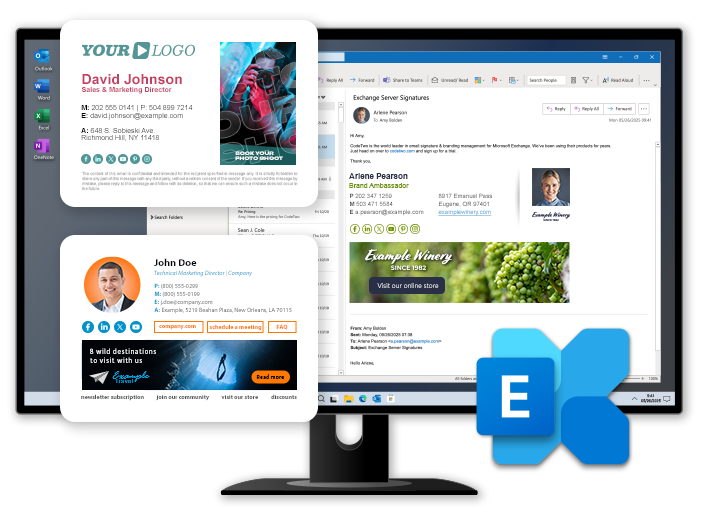
Powerful and intuitive HTML signature template editor
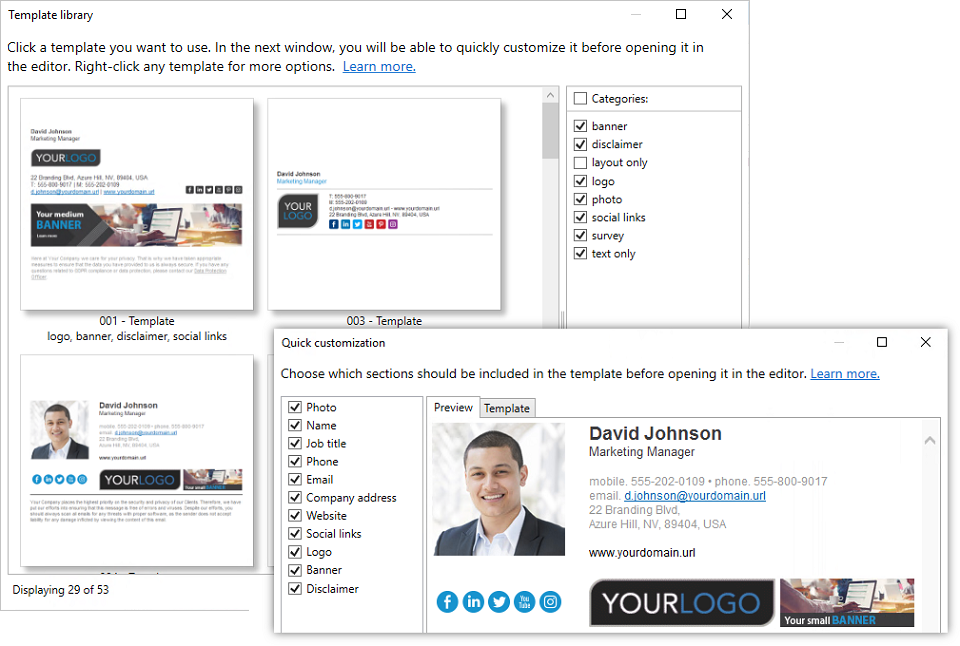
The template editor featured in CodeTwo Email Signatures On-prem will significantly simplify the creation of your company’s email signatures. The editor focuses on ease of signature deployment, which is why it comes with dozens of predefined templates that you can use and customize to your needs. Each template has been prepared by our HTML experts and is optimized for both desktop and mobile email clients.
If you prefer to create your signature from scratch, the editor has all the basic options (text and image formatting, links and tables insertion, etc.) necessary to compose pretty much any type of email signature – from a minimalistic yet elegant signature that contains only the necessary contact details and a disclaimer, to a visually complex block that includes logos, tables, links, social media buttons and more. The template editor features WYSIWYG (what you see is what you get) interface, which means you don’t need to have any HTML knowledge to create professional‑looking signatures. On the other hand, if you prefer working directly with HTML, the editor also offers a source code view.
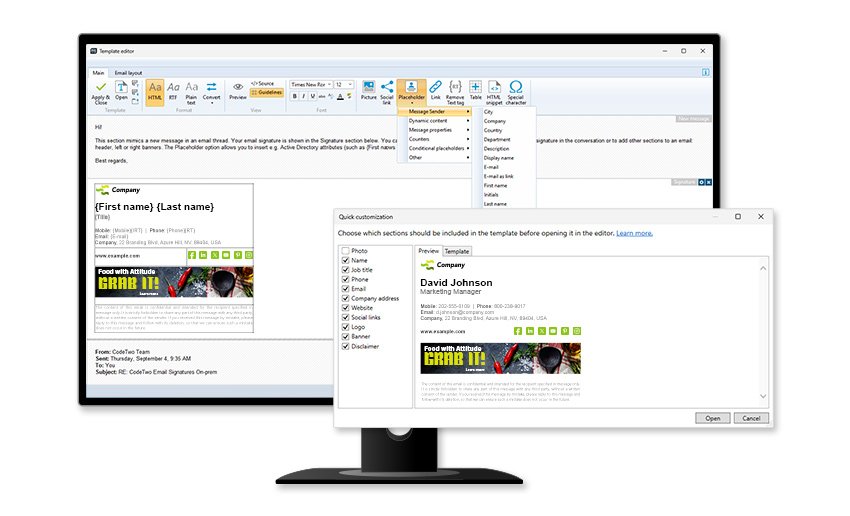
Key features of the signature template editor:
- Quickly customize pre-built signature, disclaimer, or auto-reply templates in the template library before opening them in the editor. You can, for example, add or remove elements such as logo, banner, social links, etc.
- Save your custom email signature templates in the template library and use them in other rules.
- Personalize your templates by using placeholders, which are replaced with sender’s information taken from Active Directory when a signature is added to an email.
- Use conditional placeholders that can contain multiple values depending on specified prerequisites. This type of placeholder can be used e.g. to add a generic phone number to a signature in case a sender has no phone number specified in AD, or to add a different banner for selected users only.
- Create content for other sections of an email (header or side banners) and add it to your template.
- Decide where you want to place your signature in an email thread: right under the latest message reply or forward, or at the bottom of a conversation.
- Use the Remove Text tag to automatically remove selected content from a signature if it contains empty placeholders.
- Create email signatures in HTML, RTF, and plain text formats.
See this article for step-by-step instructions on how to create a signature template in the editor.
Download free trial
no credit card required; free support while you test
Download free trial
no credit card required;
free support while you test






