


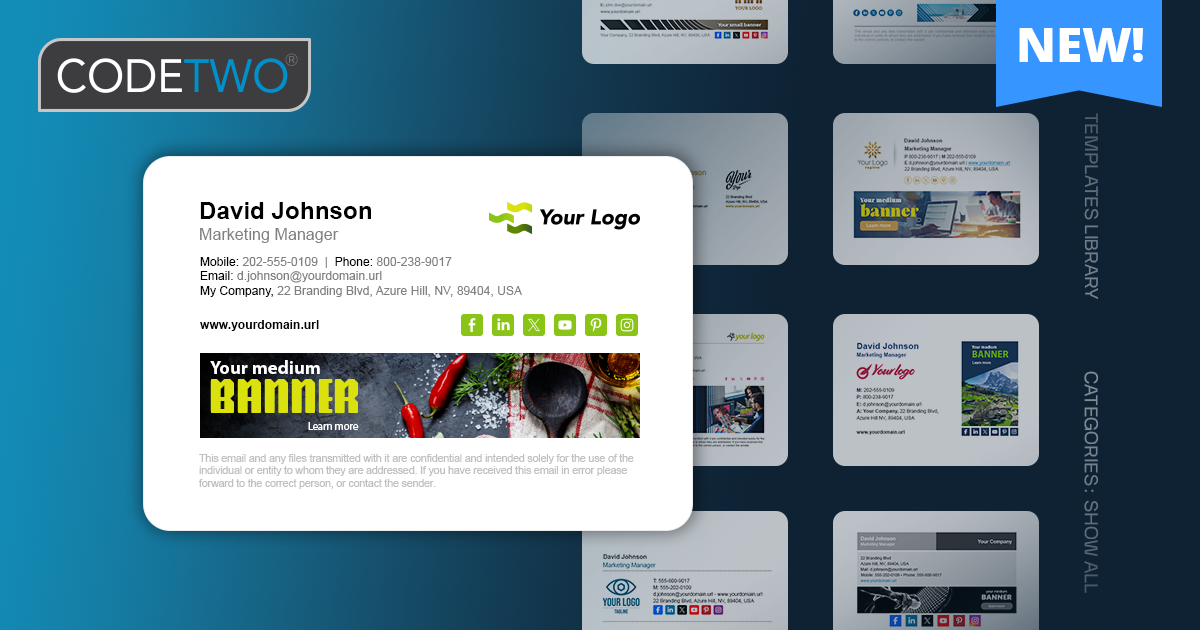
A major update to our template library is now rolled out globally. In addition to several brand-new designs, all existing signature, disclaimer, and auto-reply (out of office) email templates have been fine-tuned to look great in any email app. We’ve cleaned up spacing, improved text styling, and ensured a more balanced layout:

To learn how to customize built-in templates and design the perfect signature for your organization in just a few minutes, see this article.
Updates to existing templates
All existing templates have been replaced with new and improved versions that use smart signature HTML code. If you’ve used a specific template in the past to create email signatures in your organization, you can save your current email signature in the template library (or as a local file) and use it as the basis for new signatures. This way, the layout and spacing remain identical in all signatures. Learn more about managing templates
Let us know what you think about the new templates!
CodeTwo Email Signatures 365 is the only fully Microsoft 365 Certified email signature solution (the entire infrastructure reviewed & pen-tested by Microsoft). It's an Azure-based cloud service that supports all devices and email apps. Co-engineered and awarded by Microsoft, it also holds the highest user satisfaction ratings. With ISO 27001 & 27018 certification and a proprietary 4-layer security system, it's the most secure signature manager on the market. Watch a short product video
CodeTwo offers solutions for organization-wide email signature management, data backup and migration for Microsoft 365 & Exchange Server, developed since 2007 and used by over 140k organizations worldwide, including Facebook, Samsung and UNICEF.
Recommended articles

Can you elaborate more on how you ‘cleaned up spacing’?
Different email apps often interpret HTML in their own way, which can cause signatures to appear slightly different across platforms. To address this, we’ve refined our signature HTML code to make it more reliable and ensure greater consistency across email clients. For example, all signature content maintains consistent spacing – each signature fragment is treated as a separate HTML paragraph with a predefined minimal margin, preventing email apps from adding extra line breaks or spacing of their own.