


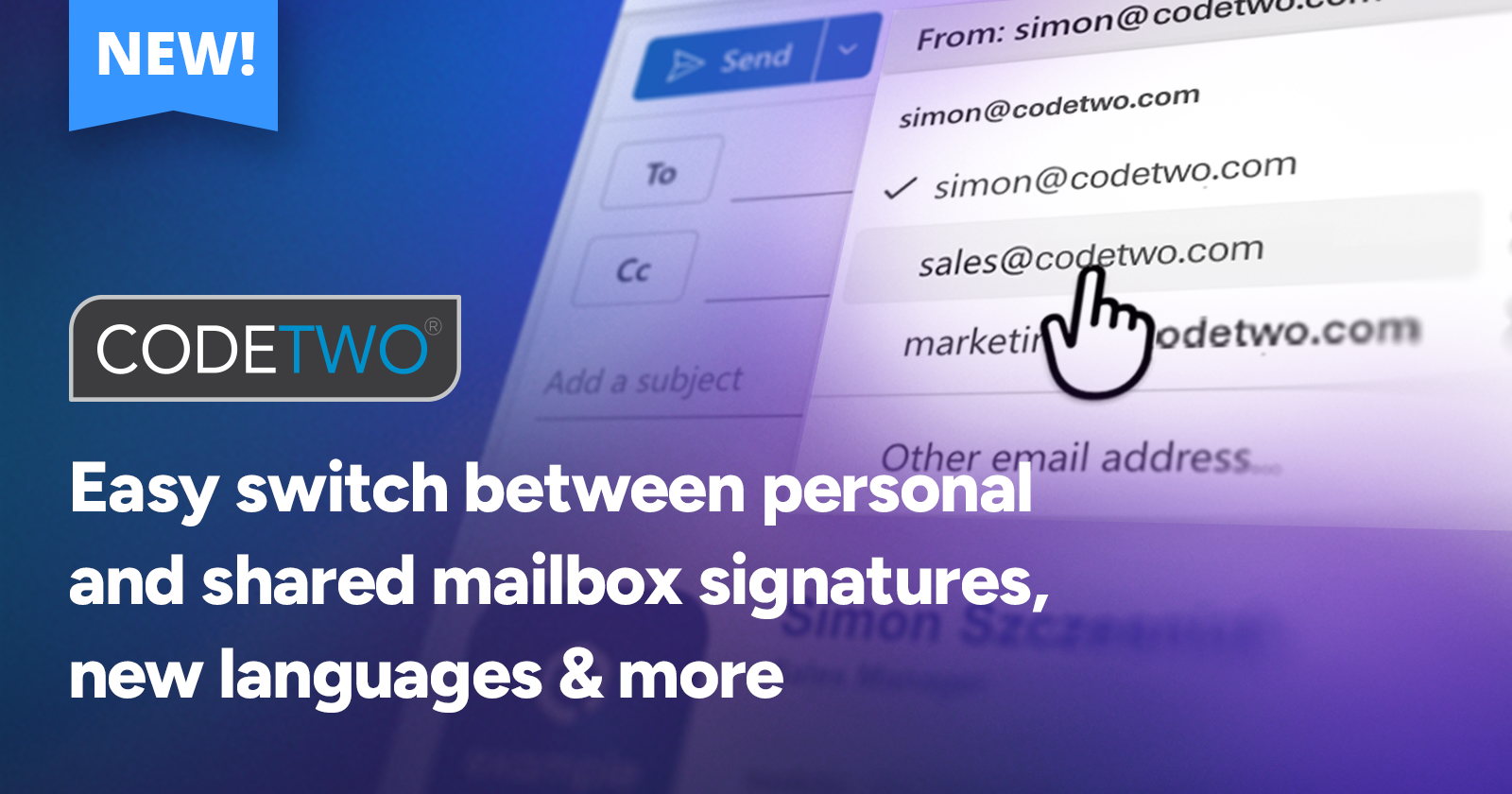
CodeTwo Outlook add-in now lets you decide which signature you get when sending emails from alternative email addresses, like delegate mailboxes, aliases, or shared mailboxes.
How does this work for end users? When they select a different email address in the message From field (for example, when sending an email as or on behalf of another user, from a shared mailbox, or from an alias address), they can now use their own signature or the signature of that other user/mailbox:
How to turn this on?
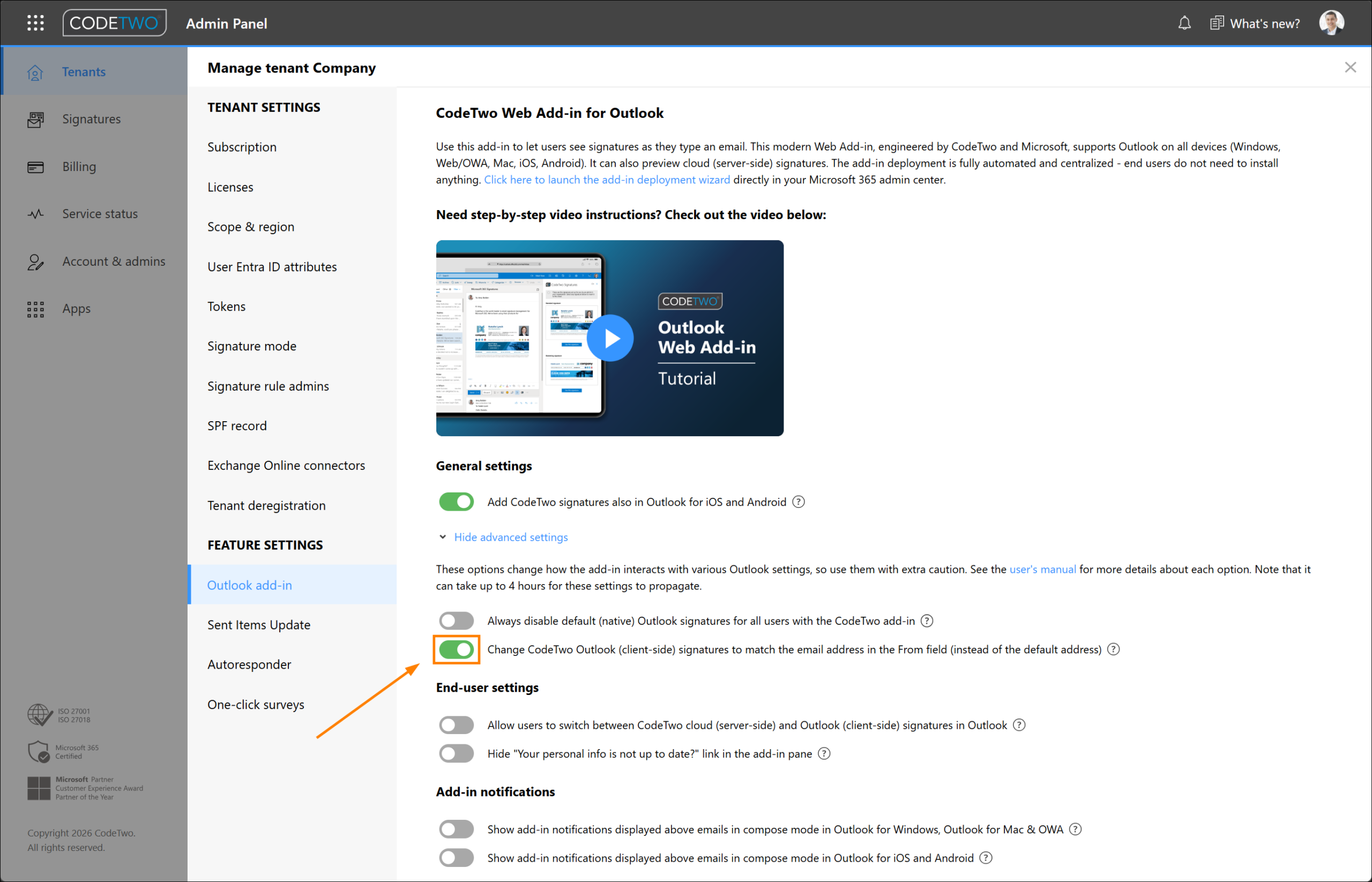
For this feature to work, an admin needs to enable it in CodeTwo Admin Panel in tenant settings:
Learn more about this feature in our manual
Refreshed add-in pane and new languages
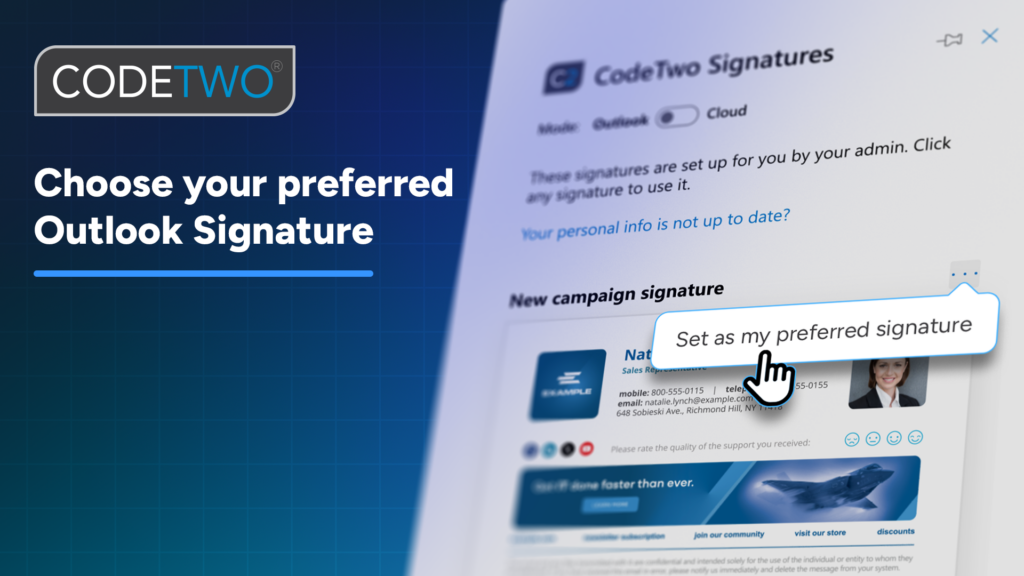
The add-in pane interface has been improved, both visually and in terms of usability. The Use this signature button is now gone; to add a signature from the pane, just click on it:
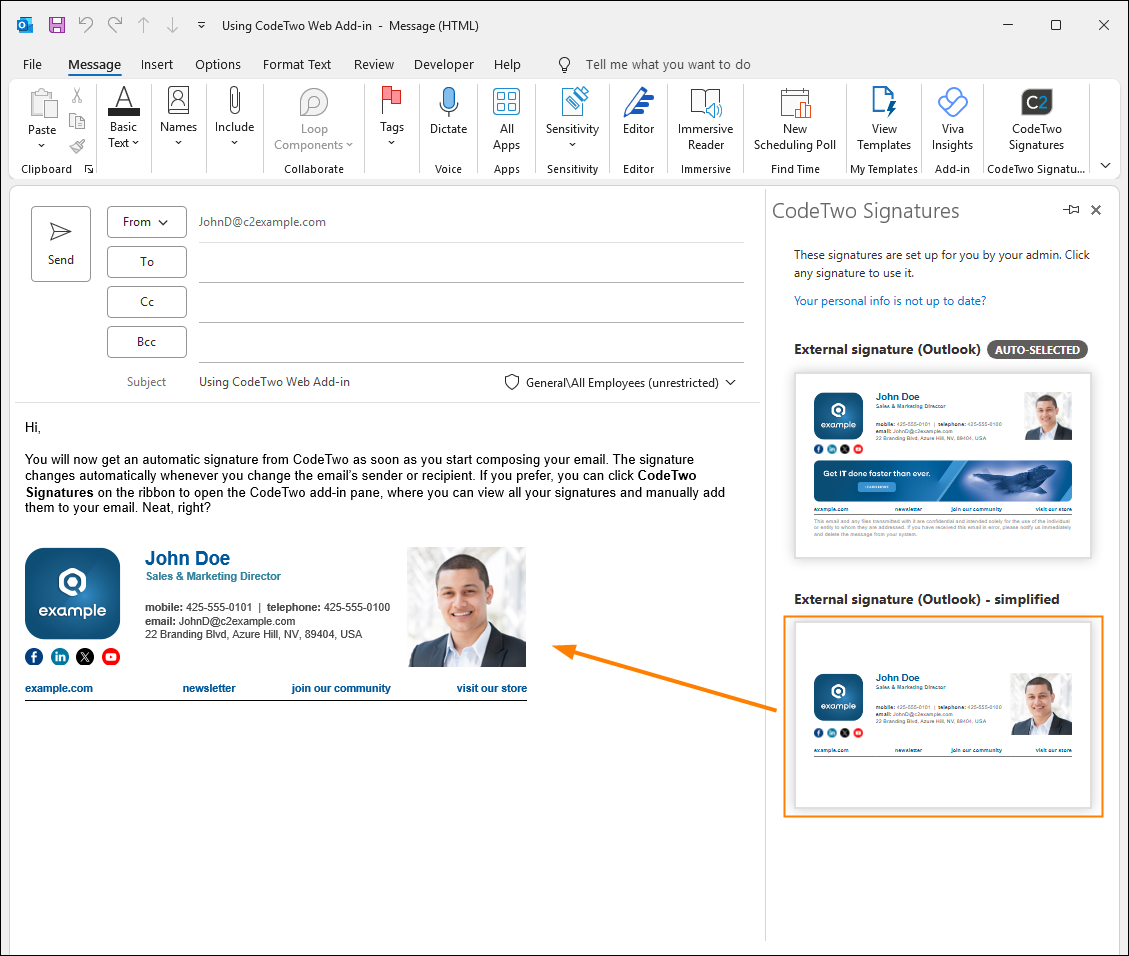
But that’s not all. The add-in pane is now available in four new languages: French, Dutch, Spanish, and Polish (alongside English and German). The language automatically matches your language settings in Outlook.
Show/hide the My User Info link in the add-in pane
We’ve also added a new setting to show or hide the link to the My user info app (user.codetwo.com) in the add-in pane (as shown below). This allows admins to decide whether end users can easily access and update their contact details used in email signatures and automatic replies.
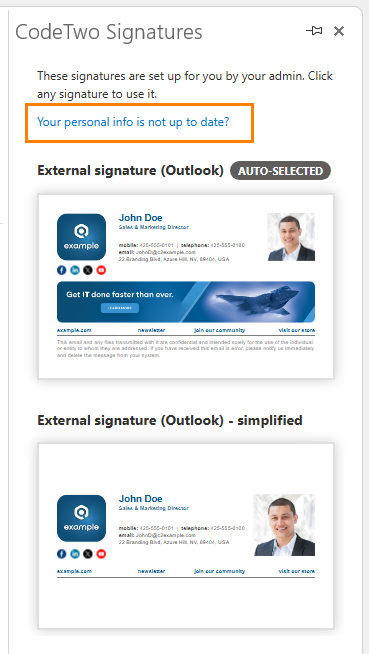
By default, the link is always shown in the add-in pane, but admins can hide it by accessing the add-in settings in CodeTwo Admin Panel, as described here.
Learn more about the Attributes manager and My user info apps
Enjoy all the new features and stay tuned – more updates are on the way!
Recommended articles

CodeTwo sp. z o.o. sp. k. is a controller of your personal data.
See our Privacy Policy to learn more.