


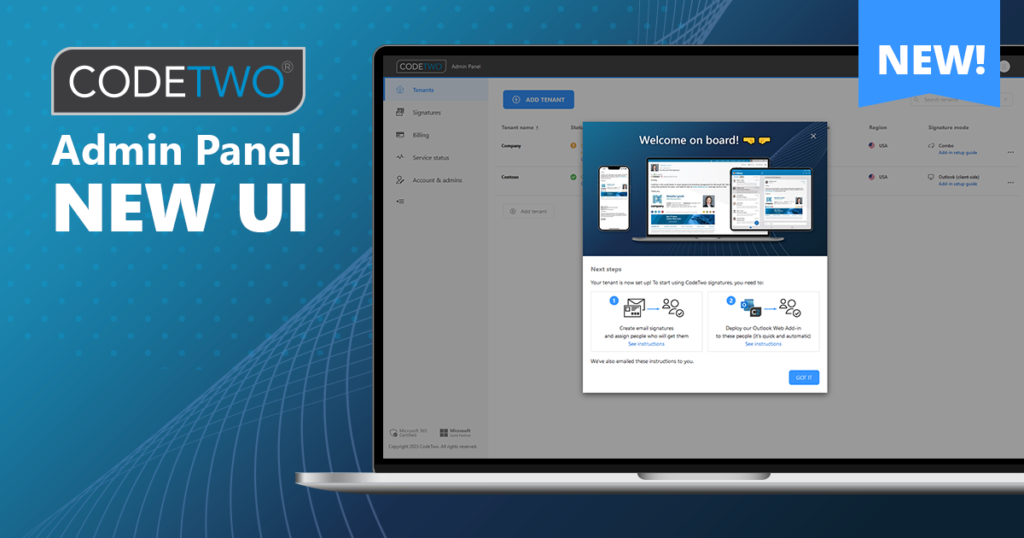
The new Admin Panel interface is now rolled out globally. The first thing you’ll notice is that it’s simple, responsive and looks just like the signature management app – we’re unifying user experience across all components in CodeTwo Email Signatures 365.
Here’s how Microsoft 365 tenant management now looks like:
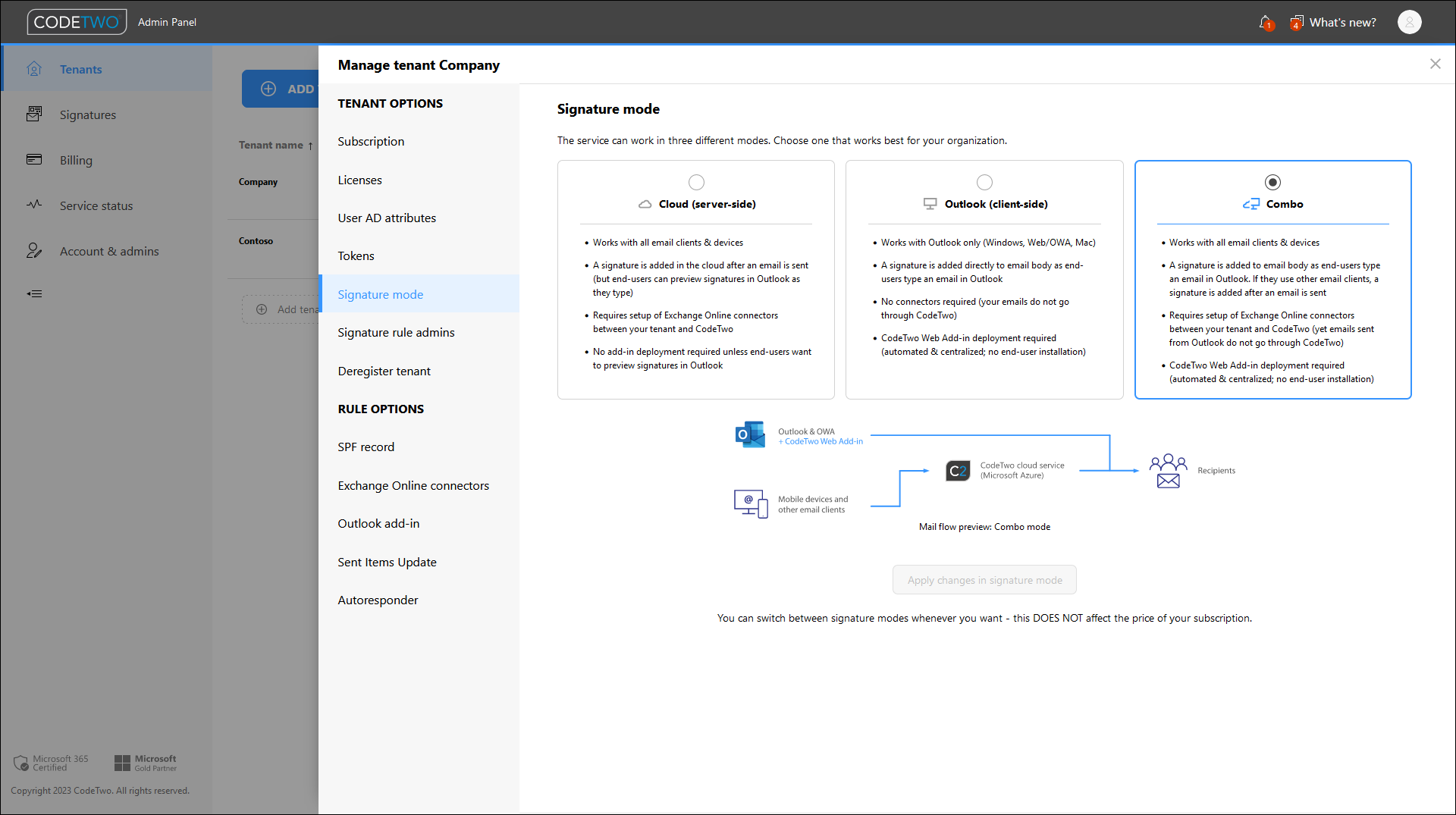
We’ve also simplified the onboarding process – a wizard guides you all the way through and brings new features like SPF record validation. It only takes a few minutes to get started with email signatures – see our quick video:
And that’s not all. Great new features are coming real soon! Stay tuned!
CodeTwo Email Signatures 365 is the only fully Microsoft 365 Certified email signature solution (the entire infrastructure reviewed & pen-tested by Microsoft). It's an Azure-based cloud service that supports all devices and email apps. Co-engineered and awarded by Microsoft, it also holds the highest user satisfaction ratings. With ISO 27001 & 27018 certification and a proprietary 4-layer security system, it's the most secure signature manager on the market. Watch a short product video
CodeTwo offers solutions for organization-wide email signature management, data backup and migration for Microsoft 365 & Exchange Server, developed since 2007 and used by over 140k organizations worldwide, including Facebook, Samsung and UNICEF.
Recommended articles

CodeTwo sp. z o.o. sp. k. is a controller of your personal data.
See our Privacy Policy to learn more.