


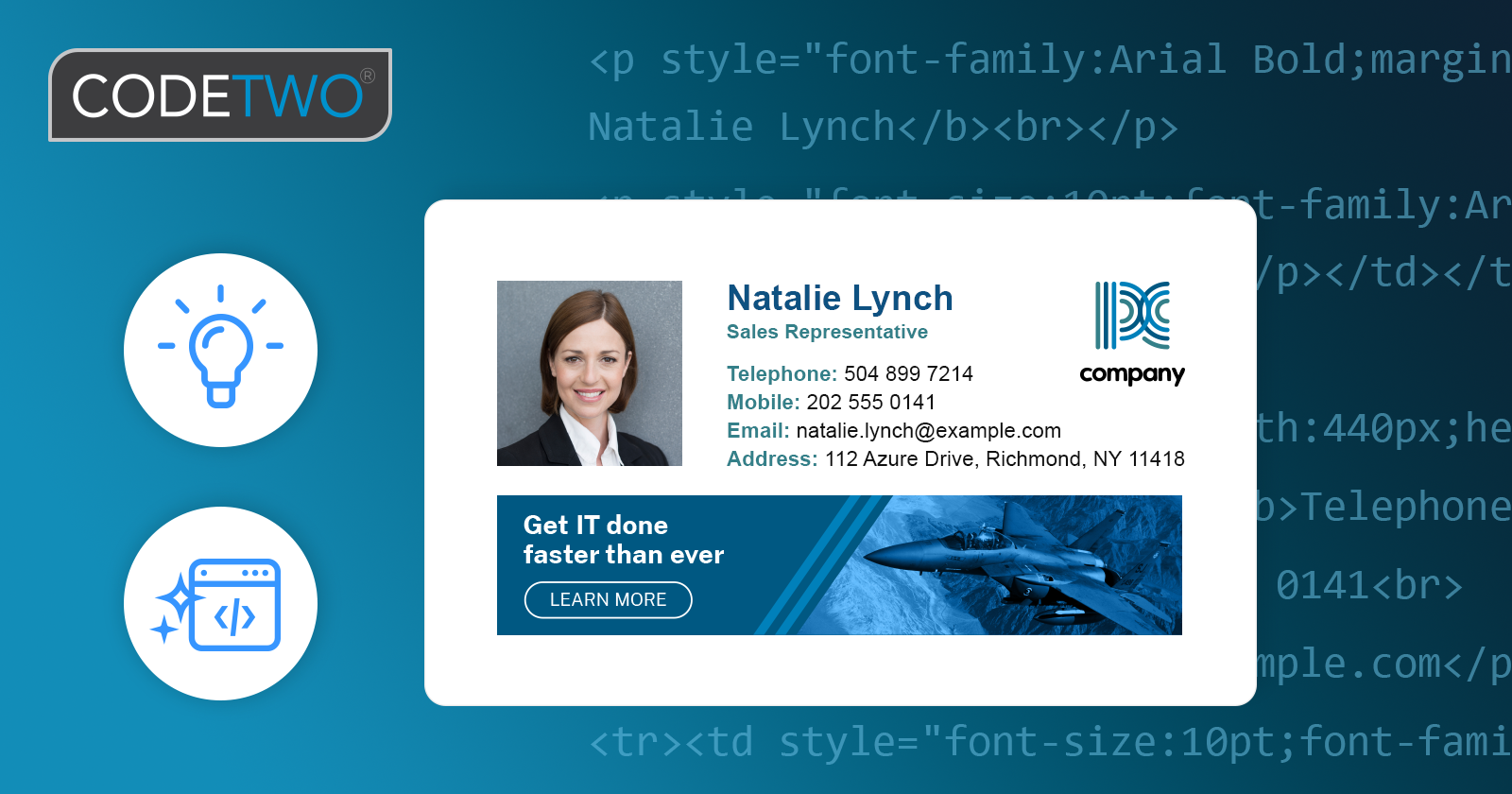
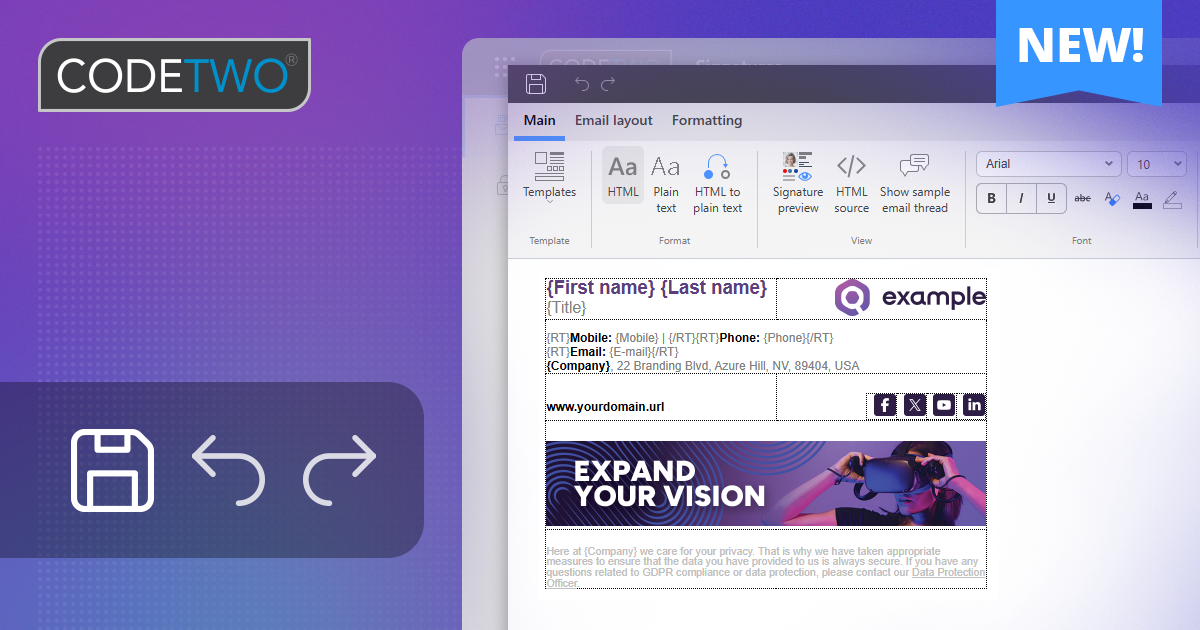
We’ve rolled out an update to the template editor in CodeTwo Email Signatures 365 that makes creating email signature and auto-reply templates easier and more reliable than ever. The new editor produces cleaner, smarter code and introduces a set of new features designed to save you time and ensure your signatures look consistent across all email apps.
Smart HTML handling
Different email apps often interpret HTML in their own way, which can cause signatures to look slightly different from one platform to another. To counter this, we’ve refined our signature HTML code so it adapts better to these environments. The editor now:
- Generates cleaner, more reliable HTML that improves consistency across different email apps.
- Introduces a smart HTML code cleanup mechanism that removes unused styles, fixes code issues, and simplifies structure, making signatures lighter and more efficient.
- Improves existing templates – whenever you edit a part of your signature, the editor tidies up the code in that section.
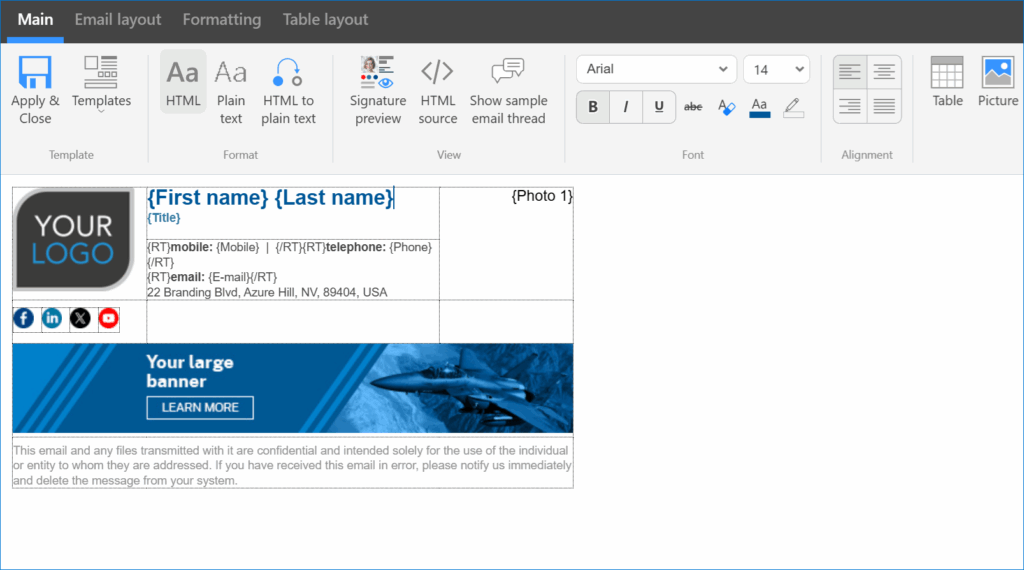
How does it work? You don’t need to do anything – the editor takes care of it all in the background while you design your template.
Easier formatting & other UX enhancements
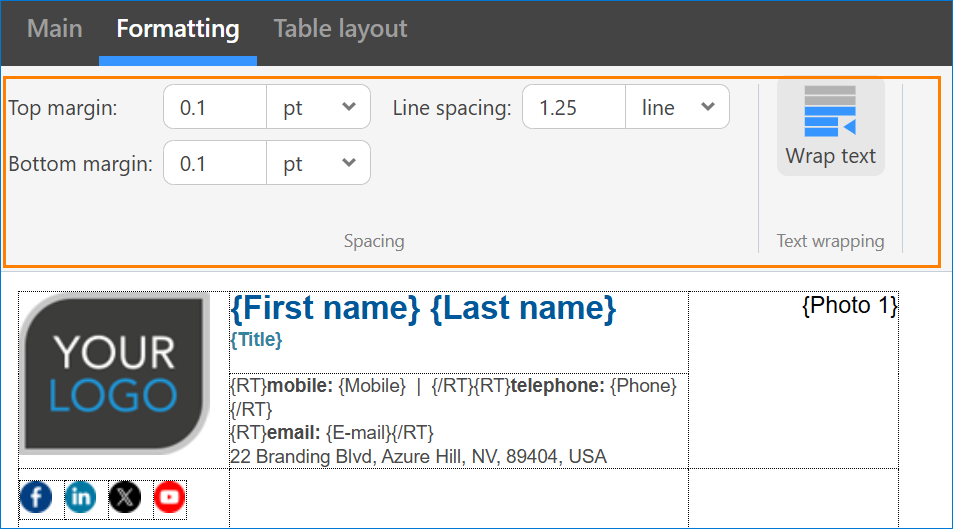
We’ve also streamlined the design experience: all signature content keeps consistent spacing, so email apps won’t add their own extra line breaks. The Formatting tab is now also always visible on the ribbon for quicker access to spacing options.
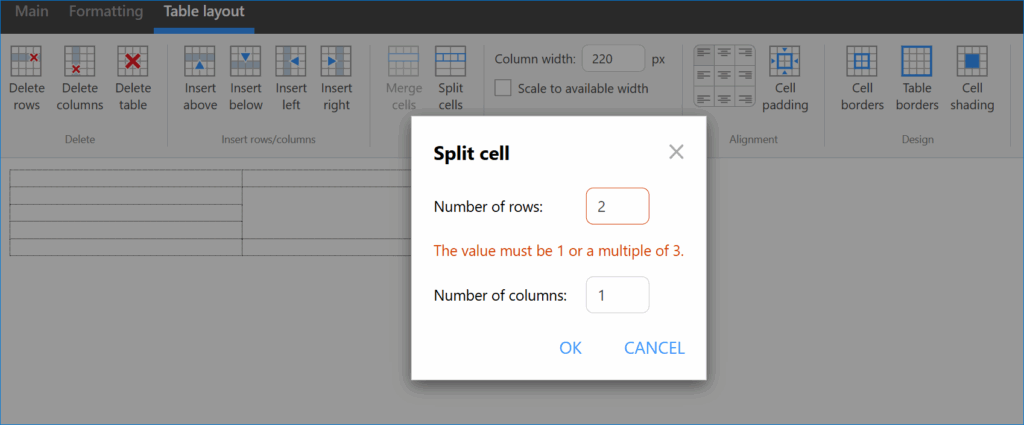
Tables are at the heart of many signature layouts, so we’ve made them more reliable across email apps. New validation prevents layout issues when splitting cells, and we’ve made the Clear cell shading option easier to access to help you remove table background colors instantly.
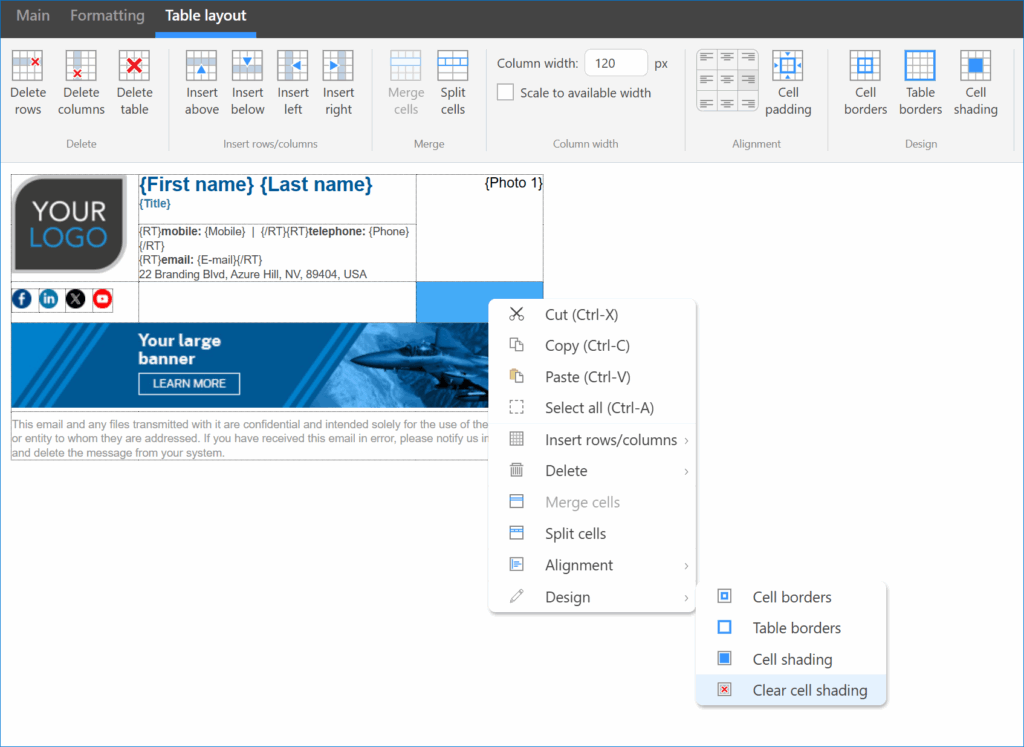
On top of these major updates, the editor includes a number of small but useful UX tweaks to make designing signatures faster and more intuitive. Enjoy!
CodeTwo Email Signatures 365 is the only fully Microsoft 365 Certified email signature solution (the entire infrastructure reviewed & pen-tested by Microsoft). It's an Azure-based cloud service that supports all devices and email apps. Co-engineered and awarded by Microsoft, it also holds the highest user satisfaction ratings. With ISO 27001 & 27018 certification and a proprietary 4-layer security system, it's the most secure signature manager on the market. Watch a short product video
CodeTwo offers solutions for organization-wide email signature management, data backup and migration for Microsoft 365 & Exchange Server, developed since 2007 and used by over 140k organizations worldwide, including Facebook, Samsung and UNICEF.



Recommended articles

It’s very interesting. I will tell my friends about it.