


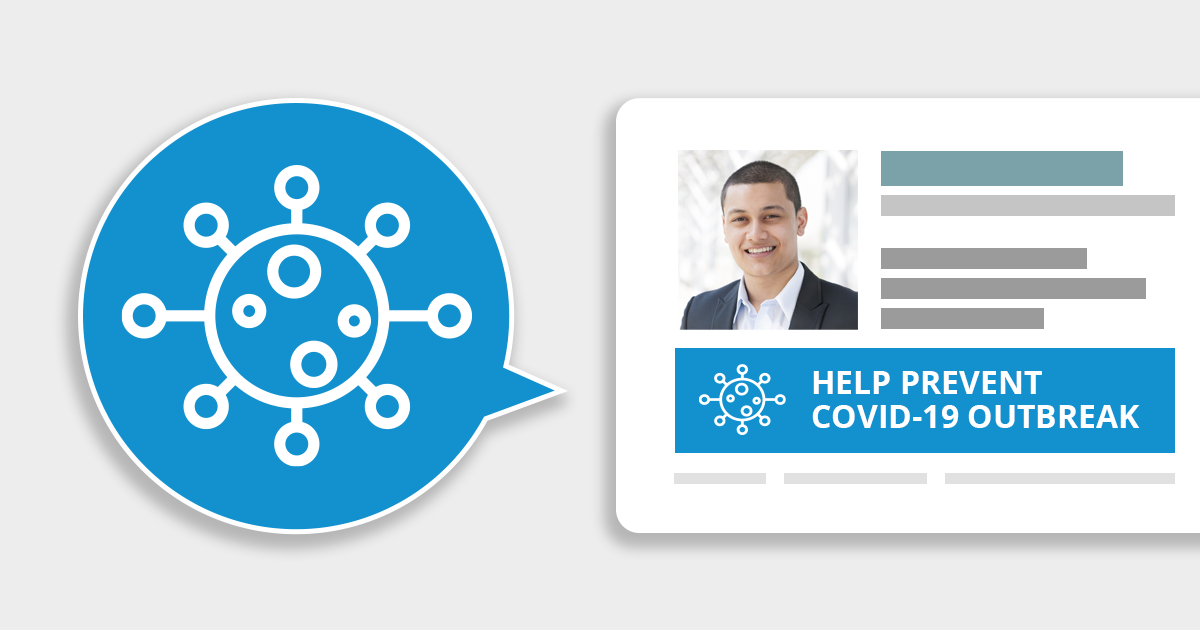
We’re providing banners for personal and commercial use to help you spread the word and flatten the curve. You can use them in your emails, social posts, websites, and anywhere else you want. The banners are both static and animated images with general health advice for public, based on some of the recommendations from the WHO. They come in several different styles and layouts.
Click a banner to download all related image files.




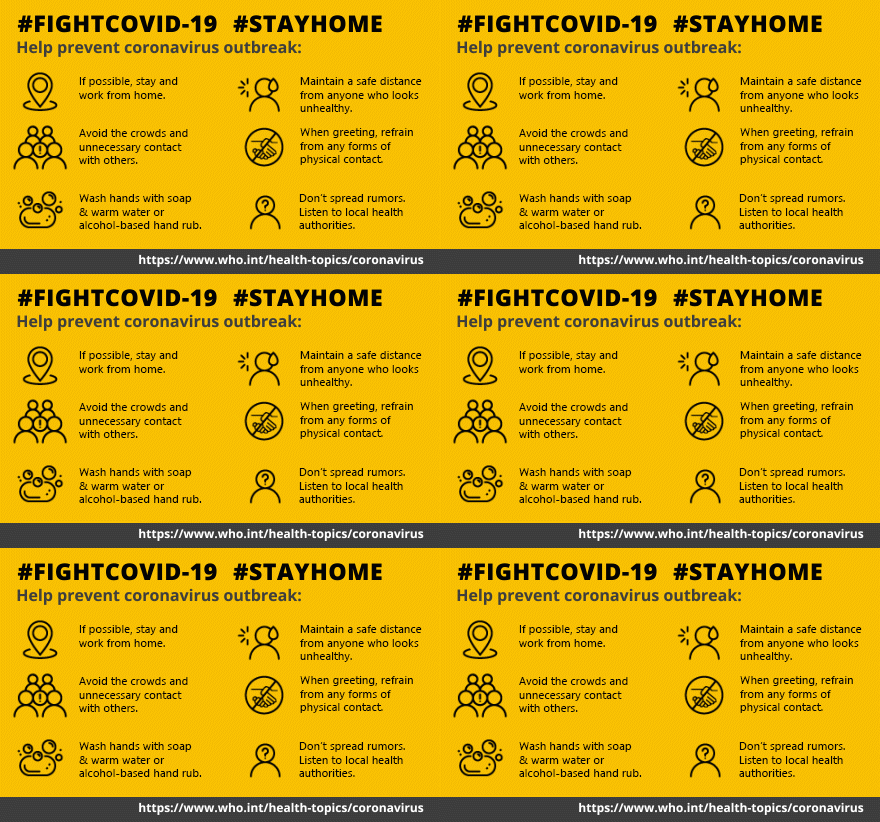
Each download file includes PNG images with individual health tips and GIF images that combine all of these tips (two types of GIF animations are available). We’ve included the following COVID-19 prevention guidelines:
- Prevent coronavirus from spreading. Whenever possible, stay and work from home.
- Maintain a safe distance from anyone who looks unhealthy.
- Avoid the crowds and unnecessary contact with others.
- When greeting, avoid any forms of physical contact.
- Wash your hands with soap and warm water or using alcohol-based hand rub.
- Don’t spread rumors. Follow recommendations from local health authorities.
To give you more flexibility, each banner (except the last one) comes in three sizes:
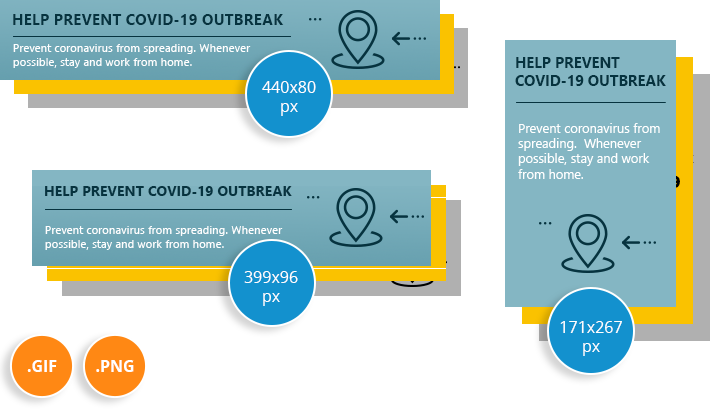
So, you get 24 images in total per each banner layout (except the last banner package, which includes only a PNG and a GIF file).
We’re sure you’ll put them to good use and help stop the new coronavirus from spreading.
Stay safe!
Recommended articles

Thank you very much its a really great design and creativity. Would like to see more of these.
Not able to add in gmail signature
tried all image which is in zip
my signature having simple text and no any formatting
still Gmail says my signature is too long
The “signature is too long” problem is usually caused by hidden formatting information which is applied to the signature. Even if the text appears as normal, there might be a lot such hidden information. If you have copied the signature from a word processor, it is certain to include a lot of unnecessary styling parameters. If you encounter this problem, it is a good idea to create the signature from scratch.
Nice one, very cool. I’ll be adding one of these to all our company signatures. Based in Ireland. Well done!