We have just released updated versions of our two products:
CodeTwo Exchange Rules PRO (1.4.8) and CodeTwo Exchange Rules 2010 (2.4.0).
The update contains a fix that addresses the issue with Microsoft Exchange 2010 SP3RU1 update – when it was applied on the Exchange 2010 server it crippled signature insertion in our software.
This problem is now solved – simply update the existing installation.
The update is free for all owners of licenses for CodeTwo Exchange Rules 2010 2.x and CodeTwo Exchange Rules PRO. If you have any additional questions, give our Support team a call or send them an email – we are open 24 hours Monday through Friday.
Recommended articles

Learn how CodeTwo is transitioning from Exchange Web Services to Microsoft Graph ahead of Microsoft’s 2027 deadline.

You can now give users more control over their email signatures while keeping full administrative control over what they can change.
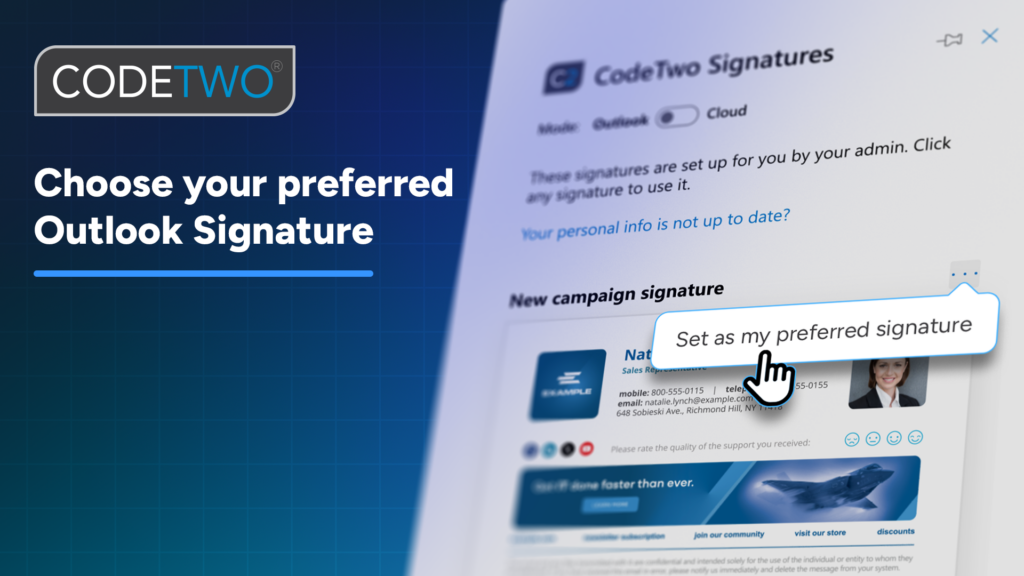
Using CodeTwo Outlook signatures? You can now choose your preferred signature once and have it added to every email.
had this issue today, uninstalled codetwo and all messages went to mailboxes. then stopped transport, tried to repair database but it was corrupted.
renamed queue folder in exchange, restarted transport, then once all was running nice installed code two again and back running again
at fist thought it was antivirus but after removing it no improvement
Sorry, with ref my previous enquiry – please reply to [email protected] as mail is backing up again and I won’t be able to see your reply!
Thanks, Chris.
Hi Chris,
Please contact our Support team with this issue: [email protected]. We are open 24/5.
Keep in mind that, if the case proves to be complex, you may need to purchase a support contract: www.codetwo.com/support/pricing/exchange-rules-2007.
Best regards,
Pawel
Hi, I keep getting errors as pasted below. We use CodeTwo Exchange Rules 2007 v 2.2.8.3 and Windows SBS2008.
Please can you advise? We keep getting situations where mail backs up in the Submission queue. I am not sure if this is related, but the error below seems to appear at the same time each time.
Many thanks, Chris.
The execution time of agent ‘CodeTwoExchangeRules’ exceeded 300000 (milliseconds) while handling event ‘OnRoutedMessage’. This is an unusual amount of time for an agent to process a single event. However, Transport will continue processing this message.
I just had this same issue with Exchange 2007 and Rules 3.4.5.1
“The execution time of agent ‘CodeTwoExchangeRules’ exceeded 300000 (milliseconds) while handling event ‘OnRoutedMessage’. This is an unusual amount of time for an agent to process a single event. However, Transport will continue processing this message.”
Rebooting the server did not fix it. I had to uninstall and reinstall the Transport Agent.
Hello Richard,
Please contact our Support Team with this issue (we’re available 24h, Monday through Friday).
Best regards,
Pawel
Hello Laurent,
Thanks for your feedback. I will let our support team know. If you already have a case number – please contact them at [email protected].
Otherwise – please use the form below to open the case:
https://www.codetwo.com/support/
we got issue with codetwo 1.4.8 on Exchange 2010
The Execution time of Agent CodetwoExchangeRulesPro Exceeded 9000 Miliseconds while handling event ONrouteMessage..
Customer name : Firalp
Laurent TERUIN