CodeTwo signatures vs. inline images in OWA and new Outlook for Windows
Problem:
In November 2025, Microsoft changed how inline (or embedded) images are represented in Outlook on the web (OWA) and the new Outlook for Windows. Inline images in the HTML email body are now represented by a content ID (cid) in the src attribute rather than a URL with an attachment ID (see this Microsoft article to learn more). You would like to know whether this change affects your CodeTwo signatures.
Solution:
This change doesn’t affect CodeTwo signatures in any way, whether you use cloud (server-side) or Outlook (client-side) signatures. This means you can normally use inline/embedded images when designing your signature in CodeTwo Email Signatures 365, as shown in Fig. 1. These images will work correctly in both OWA and the new Outlook for Windows.
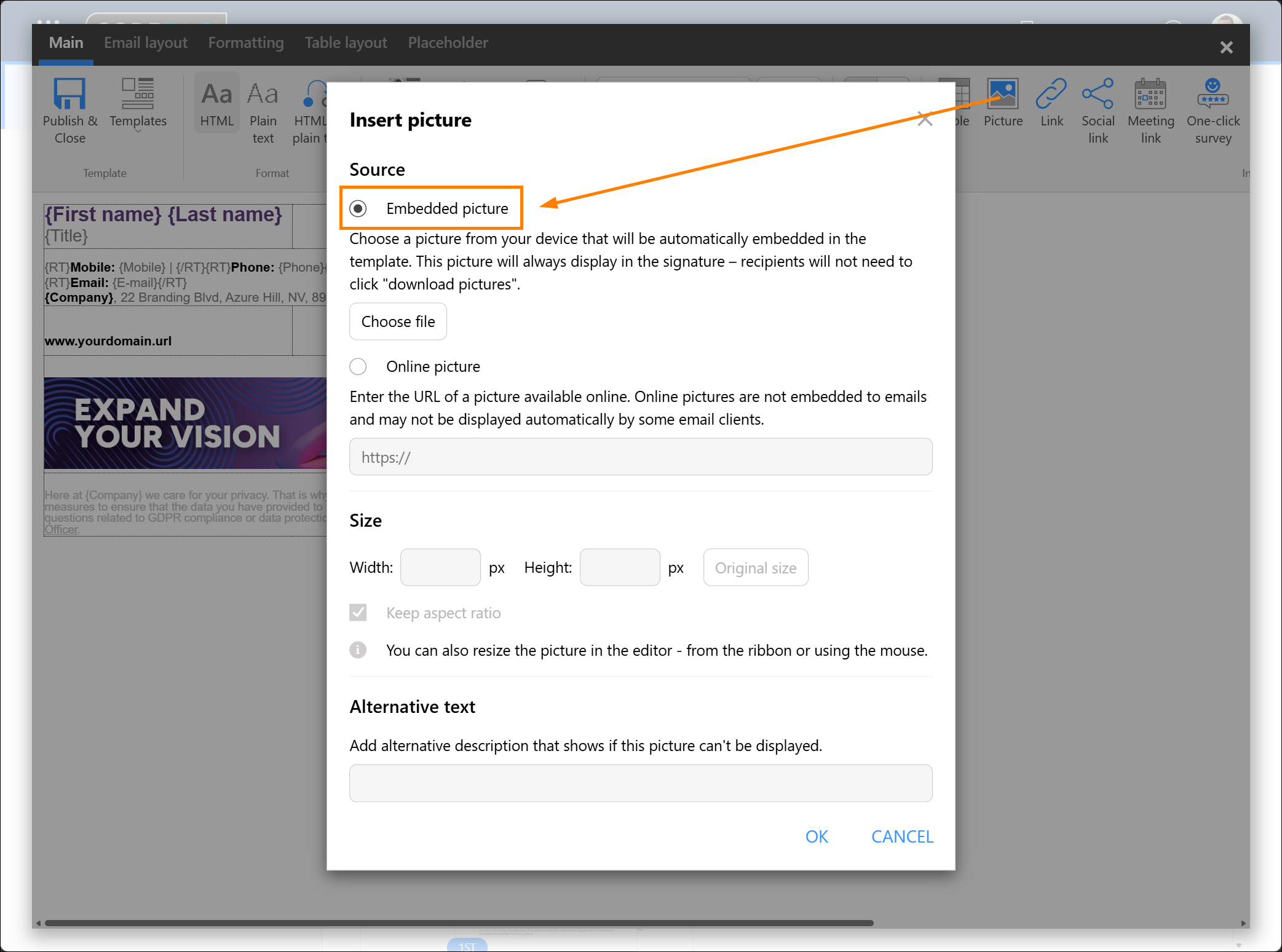
Fig. 1. Inserting an inline (embedded) image into a signature.
See also:
| Related products: | CodeTwo Email Signatures for Office 365 |
| Categories: | FAQ |
| Last modified: | August 19, 2026 |
| Created: | December 23, 2025 |
| ID: | 1144 |






