Menu
Help menu
The Help menu available on the Administration Panel’s toolbar (Fig. 1.) contains useful links and general information about CodeTwo Email Signatures On-prem. Also, it allows you to collect log files, manage email notifications, and check for updates.
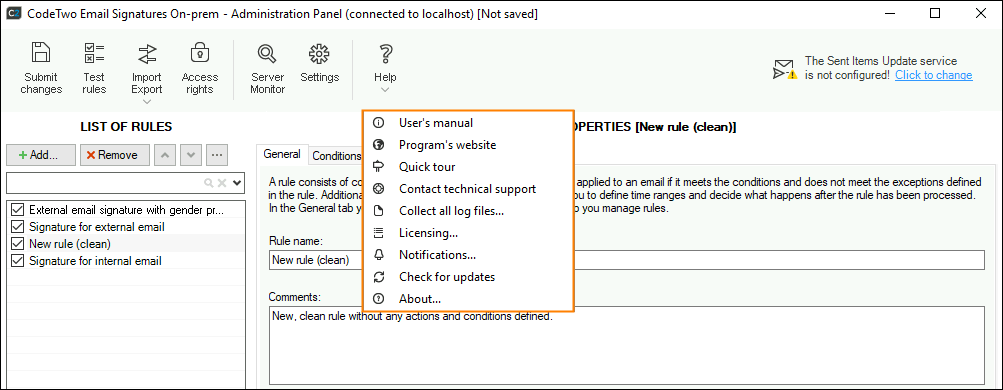
Fig. 1. Expanded Help menu.
The Help menu contains the following items:
- User’s manual – a link to this manual,
- Program’s website – a link to the official website for CodeTwo Email Signatures On-prem,
- Quick tour – opens a short presentation of the program’s features,
- Contact technical support – a link to CodeTwo Support contact details,
- Collect all log files – allows you to save diagnostic information that can be used for troubleshooting,
- Licensing – opens the Licensing window, where you can check license information and activate the program,
- Notifications – allows you to specify which users or groups should receive important program notifications, e.g., license expiration alerts,
- Check for updates – verifies if your program version is up to date and allows you to download updates, if available,
- About – shows the program version and subscription expiration date.
In this article