Author: Gniewko Oblicki

We are happy to announce that our international crew has grown bigger again. This time, the Indian-based software distributor, ForeSight Software Solutions, has become an official distributor of the CodeTwo Exchange Rules product family for India. Our new Indian partner will be responsible for the redistribution of CodeTwo Exchange Rules on Indian market, as well as providing their customers with professional advice and technical support on CodeTwo products. The majority of licenses for CodeTwo programs are sold directly by our Sales staff but we keep our doors always open to partners who want help us reach new customers. Therefore, we have created a wide network of local distributors and resellers who help us fulfill the needs of users who use our software. The full list of companies, which sell CodeTwo programs locally in their respective countries can be found in the reseller program section on our website. And if your country isn't listed there, or you simply feel like contacting us directly, our Customer Service is always willing to serve you - 24 hours a day! Go to CodeTwo Home
Find your local reseller of CodeTwo products

Our Microsoft Exchange Server synchronization add-on, CodeTwo Exchange Sync, has just been updated. Version 2.2.6 is since yesterday available on our website. The program received some minor improvements users have requested over the past weeks. Download it now - we always recommend using the most recent version of our programs! Since this is a regular update, it's free of charge for all license owners. Simply download the new installer from here and install it on top of the existing version. All settings and license keys will remain valid. In case of any troubles, our Technical Support is always ready to help out. Thank you for all your bug reports and feature requests! See the full list of changes in CodeTwo Exchange Sync
Download the newest installer About CodeTwo Exchange Sync CodeTwo Exchange Sync is a powerful Microsoft Exchange Server add-on, enabling the creation of synchronization tasks between different Exchange Server folders, either in one-way, or two-way modes. Because it is so flexible, it opens completely new possibilities as far as data synchronization in Exchange Server organizations is concerned. For instance, it allows users to synchronize their calendars, tasks, contacts or mail with one another or replicate the public folders content to private mailboxes. It also solves the problem of viewing public folders on Android and iOS mobile devices. Learn more about the program and download for free
Watch videos about the program

It's official now, so we can finally share the good news with you! CodeTwo has been certified as Microsoft Certified Partner after achieving the Microsoft Competency in ISV/Software Solutions. Both the Logo and the Competency mirror CodeTwo's high expertise in developing solutions based on Microsoft technologies. As a company delivering highly specialized software for Microsoft Office and Exchange Server platforms, CodeTwo has officially joined the community of Microsoft Certified Partners, which gathers companies showing the biggest commitment to develop one of the most innovative and robust products on the market.

We are happy to let you know that CodeTwo will be exhibiting at IT/Dev Connections 2016 in a few weeks. The event will take place in Aria Resort in Las Vegas on October 10-13, 2016. We will be there for the second year in a row as a Silver Sponsor and we can't wait to meet you there!
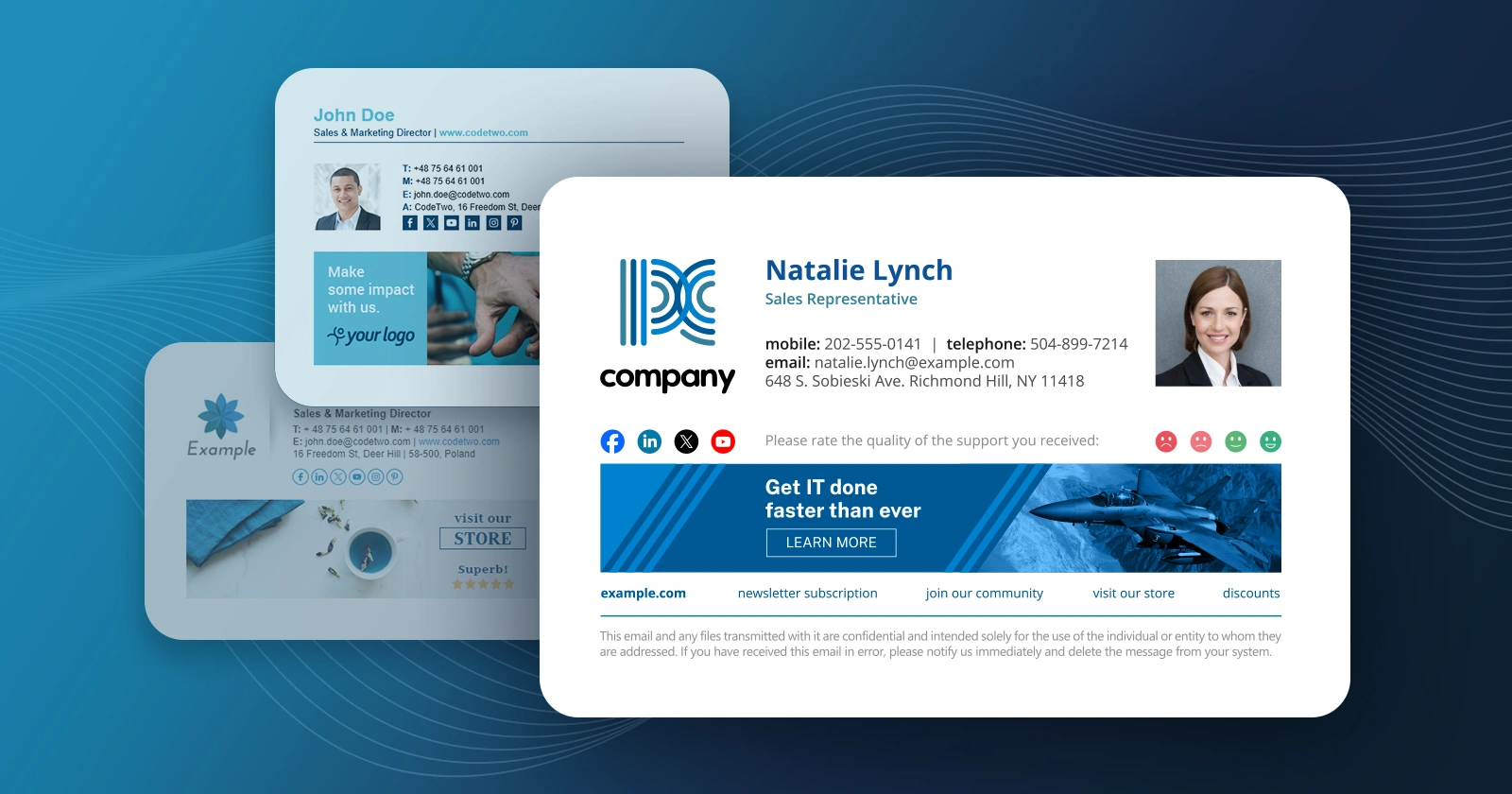
We have just released updates to 3 applications from our CodeTwo Exchange Rules product family and CodeTwo Exchange Rules Pro. The current release brings a number of fixes and significant improvements to our email signatures and disclaimiers management software for Exchange Server. The most important changes include: the brand new HTML template editor engine and the new Social link functionality. Our developers also took care of some minor bugs users have reported recently.
It's been exactly two years since the first release of CodeTwo Exchange Migration and CodeTwo Office 365 Migration, our twin solutions for Exchange-to-Exchange and Exchange-to-Office 365 migrations. Those two products have come a long way since they premiere, gaining: better performance, improved stability and new important features. Today marks the next milestone in the development process. With the release of version 1.10.0 we are introducing advanced email migration reports in both our migration tools.
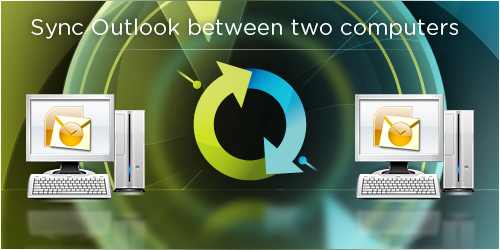
As the world’s favorite mail client, Microsoft Outlook is used in many scenarios, equally by students, small business sector and large companies all over the globe. It is perfect for organizing your mail, keeping track of calendar entries and works fine as a contact manager too. In larger organizations Outlook is often a part of a larger collaboration system. The Exchange Server – Outlook partnership enables co-workers to share Outlook folders between them and that makes them work faster and more efficiently. But what if I have to share Outlook only between two machines, e.g. a desktop and a laptop? Do I have to invest money in expensive server-based platforms in order to synchronize only two PCs? Obviously not. Internet is full of various third party solutions designed for Outlook synchronization. If we take a closer look at them, most of these applications are outdated and do not support the latest editions of Outlook. The other ones are simply too complicated for a person who is not an IT specialist. Luckily a brand new solution has been developed by CodeTwo recently. It is called CodeTwo Outlook Sync, it’s for free, works with all the latest versions of Outlook and even a child would know how to use it. What is more, there’s no doubt CodeTwo Outlook Sync is a high-quality software, since it was developed by a company that holds several Microsoft certificates and is well experienced in creating reliable Outlook add-ins.

Moving Exchange Server mailboxes to another Active Directory forest is always a critical moment and a difficult task to perform. The key to a successful Exchange migration lies mainly in making a good plan and choosing a tool that will do the job for you. Although Exchange allows for moving user mailboxes between servers internally in an organization, migrating a large number of users to another Exchange Server forest is still a big challenge. Microsoft simply didn't make it possible for administrators to move mailboxes between two different Exchange Server organizations using a convenient built-in feature in Exchange. This is where our new program, CodeTwo Exchange Migration comes in. With this brand new tool, migrating between different Exchange Server organizations is easier than ever before. Easy Exchange-to-Exchange cross-forest migrations
CodeTwo Exchange Migration has been designed to give you the maximum comfort and control over Exchange-to-Exchange migrations. The configuration of the program is really simple and doesn’t require running any Power Shell scripts in order to get started. Every necessary option is easily accessible directly from the user's interface. The program must be installed in the source Active Directory domain. After providing the Domain Admin’s credentials at startup, the list of source mailboxes is displayed in the chart. Before starting your migration you need to establish a connection with the target Exchange Server organization. The program uses the Exchange Web Services (EWS) address for that. If your target server is located within the same Active Directory domain as the source, you can also use the Autodiscover option for setting your connections. You now need to set the target mailbox for each of the source mailboxes. The list of target users is displayed in the connection settings. Choose the appropriate mailbox for each user that you wish to migrate. After establishing a connection and choosing the target mailboxes you are ready to set off! You can now launch your migration right away and observe how data is transferred to another Exchange Server. It’s as simple as that.
Migrate from Exchange 2003 to 2010, or 2013
One of the most important benefits you gain with CodeTwo Exchange Migration is the ability of moving users' mailboxes from an older version of Exchange, e.g. 2003 directly to Exchange 2010, or 2013. No special configuration, or staged migration process is required in this scenario.
Status reports and log files
The migration status of each mailbox can be easily checked during and after the migration. The program displays status reports directly in the main window and the administrator can also review the details of each migrated folder by checking the detailed log files. Reduced time and resources
Simplicity, reliability and competitive price are the biggest values of CodeTwo Exchange Migration. The program contains absolutely no spare options and that’s what makes it so practical. Thanks to this easy-to-use migration tool you will be able to perform your migration without engaging any additional consultants and studying large amounts of technical documentation.
Easily accessible trial / Test for free!
CodeTwo Exchange Migration can be tested easily before buying the license. The trial version is available for download on the product page. You don’t need to fill out any forms and wait for us to send you the setup file. During the 30-day trial period
