update
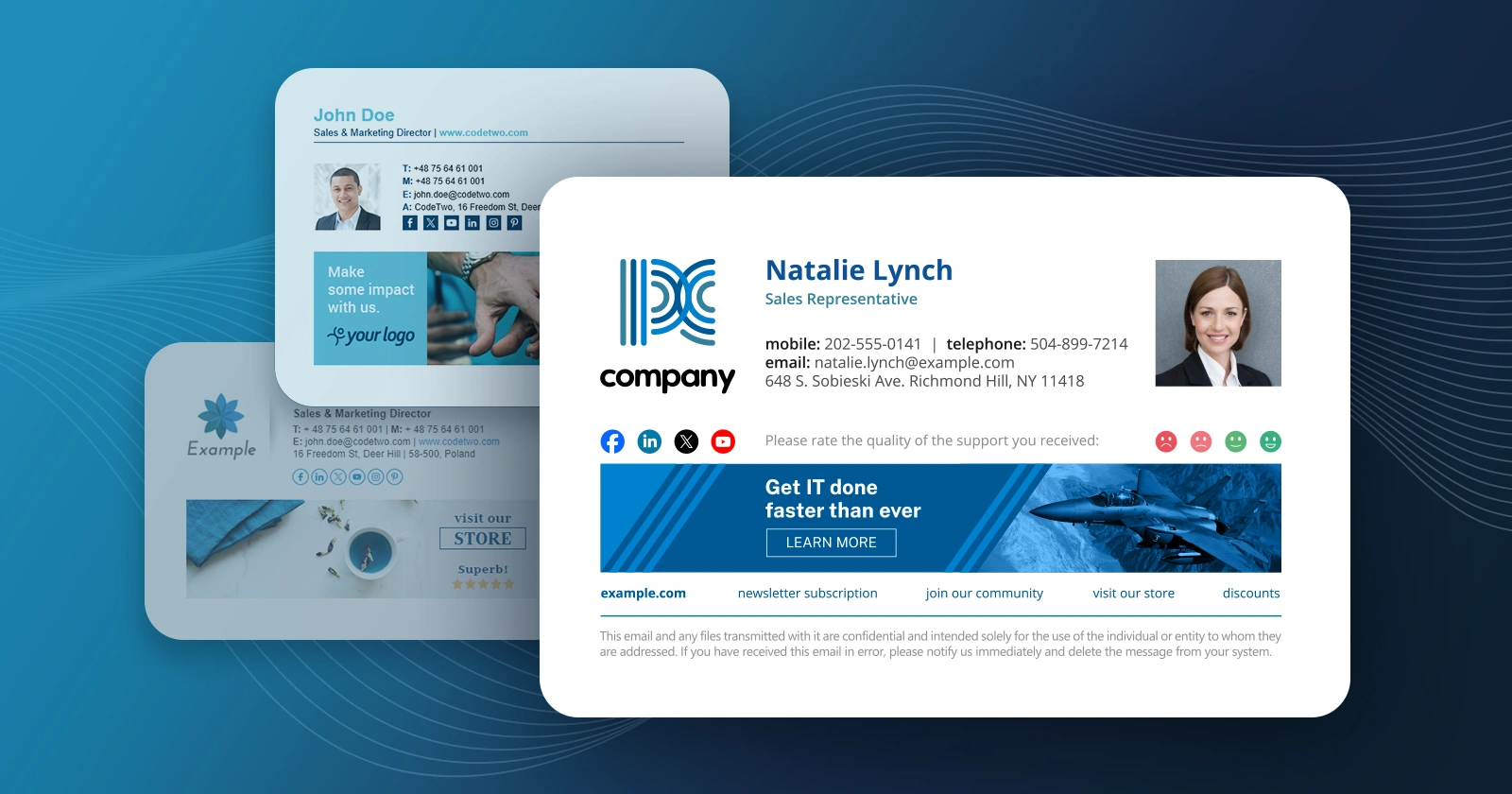
We have just released updated versions of our two products: CodeTwo Exchange Rules PRO (1.4.8) and CodeTwo Exchange Rules 2010 (2.4.0). The update contains a fix that addresses the issue with Microsoft Exchange 2010 SP3RU1 update - when it was applied on the Exchange 2010 server it crippled signature insertion in our software. This problem is now solved - simply update the existing installation. The update is free for all owners of licenses for CodeTwo Exchange Rules 2010 2.x and CodeTwo Exchange Rules PRO. If you have any additional questions, give our Support team a call or send them an email – we are open 24 hours Monday through Friday.

CodeTwo Public Folders has finally made its way to Android! Last week marked the release of the new version of the program featuring the first build of dedicated Android app. Thanks to the new mobile applications you will finally get to access your public Outlook contacts, calendars and tasks from an Android phone or tablet. What's more, the iOS version of the program is also coming up soon! The new CodeTwo Public Folders mobile app will give you the maximum of freedom in accessing your shared Outlook items, wherever you are and whenever you need. It uses the same type of connection with the Syncing Master as the desktop Client Apps on your PCs. It means your data is never uploaded to the Cloud and exposed to 3rd parties. The calendar entries, contacts and tasks are stored only on the linked devices and that's what makes CodeTwo Public Folders so special and safe. CodeTwo Public Folders Android app in fact consists of three separate applications for managing contacts, calendars and tasks. They allow for creating, editing and removing your public Outlook items, exactly the same way as the Client Apps on desktop machines. After installing the mobile app from Google Play you will be asked to establish a connection with the Syncing Master. Before you do that your CodeTwo Public Folders desktop installation should be already configured (Learn more). You can also choose to test the application with the Demo Server first. In this scenario the configuration of your own Syncing Master is not required. Managing Outlook items with the mobile app on Android device is very simple. Given that the administrator hasn't limited the access rights in the Administration Panel of the Syncing Master (Learn more), users can choose every public folder from Outlook to be displayed and synchronized. After that, the Outlook items are displayed in the dedicated Android apps and synchronized with other devices in real time. Whenever someone changes anything on any other device in the network, it will be replicated on other PCs and mobile phones immediately. Using CodeTwo Public Folders Android apps is free of charge for all users that own the license key for the current version of the program. However, in order to work properly with the mobile applications, the desktop installation of the program needs to be updated. Head on over to CodeTwo Public Folders download page and update your program now! Ready to go mobile with CodeTwo Public Folders yet? Get the mobile app from Google Play Store and test it by yourself! If you happen to use an iPhone or an iPad at your home or office, keep checking on us here or on our Facebook fanpage. The iOS applications for CodeTwo Public Folders are set for their launch very soon. We'll keep you posted!

We have just released a new update for CodeTwo Public Folders, our Outlook and mobile device synchronization software. Version 5.3.0 contains 2 new features (Support for attachments in items synchronized to the Client App for Android and Option for changing timeout for Client App for Android synchronization) and 8 minor fixes - you can view a detailed list on the version history page. The update is free for all version 5.x license owners. We recommend that users download the latest installer and update their Syncing Master and all client and mobile applications by simply installing the new version on top of the old one. All settings and licensing information will stay untouched.
The new version of the Android mobile apps can be downloaded from Google Play Store: If you have any sales or technical questions regarding CodeTwo Public Folders make sure to contact our Support team.
Download CodeTwo Public Folders 5.3.0
Learn how to update CodeTwo products
Contact CodeTwo Support

We are continuing with adjusting our Outlook plugins to the latest Microsoft platform updates. This time we are happy to announce that CodeTwo Outlook Sync has been made fully compatible with Outlook 2013 and Windows 8. The newly updated version of the program is already available on the official product page. Download CodeTwo Outlook Sync 1.0.14 This is by now our third Outlook plugin that has been made compatible with Microsoft latest releases. We have recently published similar updates to CodeTwo Public Folders and CodeTwo Sync for iCloud and more are still to come soon. If you are interested in the rest of our programs, for instance the free ones, please keep checking our blog posts and social channels. We'll keep you posted on all the latest news! :)
What is CodeTwo Outlook Sync?
This smart Outlook plugin enables to easily synchronize Outlook on two PCs. The program works within a local network and thanks to it every Outlook item can be synchronized automatically and in real time. The full version of the program will let you sync literally every Outlook folder and in many different scenarios, e.g. with your laptop you carry with you outside office, or a computer of your assistant that creates entries in your calendar. The possibilities are almost endless! To find out more about CodeTwo Outlook Sync, or to see how it works, watch this short video presentation: You can also test it live in your environment. Download the time-unlimited free version and use it as long as you want! It's completely free. More about CodeTwo Outlook Sync

UPDATE: We are sorry, but CodeTwo Out of Office Manager, mentioned in this article, has been discontinued. If you are looking for an alternative for Exchange Server, take a look at the auto respond feature in CodeTwo Exchange Rules Pro.
We have just released an update to CodeTwo Out of Office Manager. Version 1.3 includes two new features and several fixes of bugs users reported recently. If you already own a license for the program, get the latest version now! It’s free of charge for all licensed users.
What’s new?
Starting from this version, you can now preview the Out of Office message template together with the given user’s actual Active Directory data. If the auto-reply template contains dynamic fields, they will be now filled with the given user real AD attribute values in the preview window.
The second change is related to program's recurrence editor. It is now possible to set the duration of recurring items in minutes, hours and days.
For full list of changes, please go to the official release notes.
How to update?
To update the program simply download the latest version from CodeTwo website and install it on top of the existing installation. All your licensing data and program’s settings will remain unchanged.
Download CodeTwo Out of Office Manager 1.3.0
About the program
CodeTwo Out of Office Manager is a handy Exchange Server and Office 365 extension letting system administrators, or any other designated persons to centrally manage users’ Out of Office replies. Thanks to this solution it is possible to set, edit and remove other users’ Out of Office messages without logging in to their accounts. The program can be installed on any machine that has a connection to the given Windows or Office 365 domain. It can be the administrator’s PC, but also any other computer, e.g. in backoffice or HR departments.
Learn more about CodeTwo Out of Office Manager

Exchange 2013 admins can finally breathe a sigh of relief and start synchronizing Exchange folders - with version 2.3.0 coming out today, CodeTwo Exchange Sync now officially supports Exchange 2013. As some of you already know, the application is very easy to set up. The installation takes a couple of seconds and upon completion automatically opens the Admin console along with a prompt to configure the synchronization service (which you can OK or ignore and configure the synchronization service later on). CodeTwo Exchange Sync is also extremely useful. It gives you the ability to easily synchronize literally all types of personal and public Exchange folders, without having to install anything on the user end - all operations are executed directly on the server level.
Exchange 2013 compatibility means that now also users of the latest MS Exchange Server edition can benefit from such CodeTwo Exchange Sync features as: Two-way synchronization - a great solution for teams where everyone needs to stay on top of changes in their colleagues contact, calendar, task or email databases and also have their own input replicated in real-time. More here ...
One-way synchronization: One-To-Many - a feature most often used to sync data from a public folder to multiple personal users' folders, so that they can e.g. access it on their mobile devices. More here ...
One-way synchronization: Many-To-One - perfect for when you want to, e.g. archive items from many personal folders in a single public folder. More here ...
One-way synchronization: One-To-One - similar to the above, but gives you the ability to define very precise folder-to-folder relationships. More here ... Furthermore, CodeTwo Exchange Sync allows for virtually absolute control over the synchronization of Exchange items, thanks to Filters and Modifiers. These helpful tools let you block specific items from being synchronized or modify items when they are synchronized (e.g. add the name of the source mailbox, categorize, mark as private, etc.). Version 2.3.0 introduces Exchange 2013 support, and improvements in synchronization speed and stability. It can be downloaded via this site. We recommend that current CodeTwo Exchange Sync users update to version 2.3.0 by installing it on top of their current CodeTwo Exchange Sync copies. The update will not modify any previous settings. For more details make sure to take a look at this article. The update is free only for CodeTwo Exchange Sync version 2.x license owners. Information about our update policy can be found in this article. One more tip before wrapping up: if you are looking for a solution enabling direct synchronization between iOS and Android devices and Exchange 2013 / 2010 / 2007 (or SBS 2011 / 2008), check out CodeTwo Exchange Folders! If you have any additional questions, make sure to contact us directly any time between Monday and Friday. Download CodeTwo Exchange Sync version 2.3.0
How to synchronize public Exchange folders with mobiles
How to update CodeTwo products

We have just released an update to CodeTwo Exchange Sync (v. 2.6.0), which introduces some new features in item filtering and modification functionalities. It also includes several bug fixes and application code improvements.
New key features: New modifications: Convert meeting to regular appointment, Remove attachments, Clear body, Hide private content.
New: The option to determine a subdomain while choosing folders for synchronization.
New: The possibility to sort folders added to the list of folders scheduled for synchronization.
New: The option to filter items multiple times using the same property.
Changed: Filters were renamed to Conditions.
Changed: Mailboxes are displayed in the Last name + First name pattern while choosing folders for synchronization.
And more! For the full list of changes, go to the version history page. The update is free of charge for all version 2.x license owners.
We have just published an update to CodeTwo Exchange Sync. The program is now available for download in version 2.5.0. The current release includes a number of fixes to bugs reported recently by users and also introduces an updated user interface. For full list of changes, please check the version history. We recommend that you update your current installations to the current version. Read how to update… Download CodeTwo Exchange Sync 2.5.0 CodeTwo Exchange Sync is an Exchange Server data synchronization tool. It allows automatic and real time sharing of data between Exchange mailboxes, public folders and even mobile devices. Synchronization can be customized to copy items only in one direction or bidirectionally, filter, or even modify them without any interruptions. Thanks to these features it is possible to e.g. safely share company calendar from Exchange public folders to iOS, Android, Windows Phone and other mobile devices. Learn more about CodeTwo Exchange Sync
