This manual refers to an old version of CodeTwo Exchange Sync. Go here if you use the latest version.
Troubleshooting server connection
Once the Exchange Server is defined and the user's credentials are supplied, the program tries to establish conection to the particular Exchange Server. However, it may happen at times that the connection fails. Please refer to the links below to learn more about the most common connection errors and the solutions to these issues:
- Failed to start service C2ExchangeSync
- Failed to determine if the synchronization service is connected to Exchange Server
- Unable to collect MAPI configuration data
- Failed to configure MAPI profile
Error: "Failed to start service C2ExchangeSync"
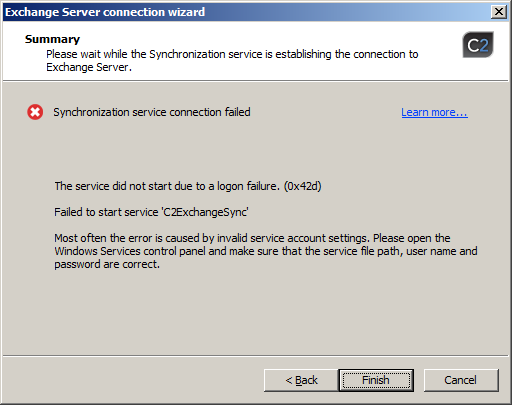 |
| Fig. 1. Error message informing about inability to connect to Exchange Server. |
This error is most often caused by entering wrong user name or password of user the Synchronization Service / Admin's Panel was configured to run under. To resolve the issue, go back to the Synchronization service account step and correct the user's credentials.
On the other hand if the user's credentials are correct the error may appear if the user's account has no rights to start the service. To resolve the problem, make sure the account is granted logon as service rights.
Error: "Failed to determine if the synchronization service is connected to Exchange Server"
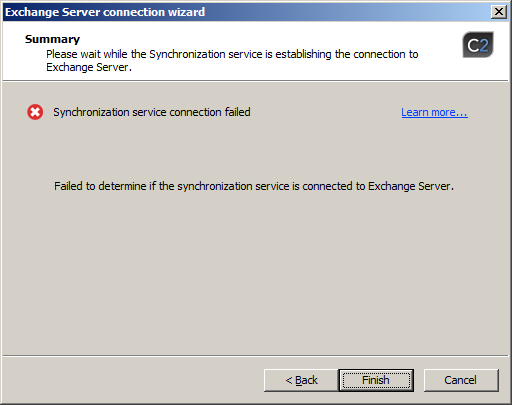 |
| Fig. 2. Error message informing about missing information on the status of connection to Exchange Server. |
This error most often happens if a user is not granted Domain Admin's rights. To resolve the issue make sure to grant the user the Synchronization Service / Admin's Panel runs under the Domain Admin's rights and rerun the wizard.
Error: "Unable to collect MAPI configuration data"
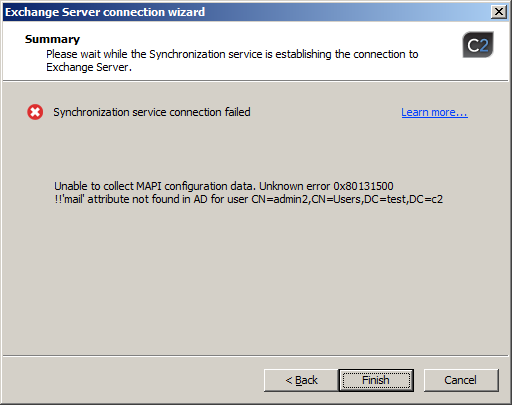 |
| Fig. 3. Error message informing about inability to collect Mapi configuration data. |
This error may appear if the user the Synchronization Service / Admin's Panel runs under has not his mailbox configured. To solve the issue create mailbox for the user or use another account with the mailbox configured.
Error: "Failed to configure MAPI profile"
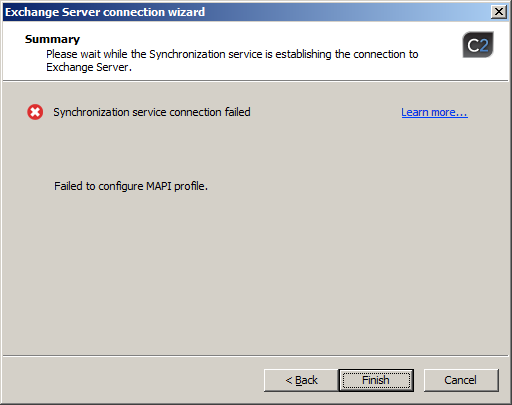 |
| Fig. 4. Error message informing about failed configuration of Mapi profile. |
This error may appear if the user's account the Synchronization Service / Admin's Panel runs under is set as hidden form Exchange. To resolve the issue, go to Exchange Management Console and in the properties of a particular account in the General tab unmark the checkbox Hide from Exchange.
However, if the above mentioned solution doesn't help, it will need further investigation. In such case, please collect the Log files and send the package to the Customer Support.