This manual refers to an old version of CodeTwo Exchange Sync. Go here if you use the latest version.
Installation process
The installation of the program is simple and takes up to 60 seconds. After starting the installer you need to accept the licensing agreement and in the next step point to the location where you want the program to be installed (Fig. 1.). By default, the program will be installed to C:\Program Files\CodeTwo\CodeTwo Exchange Sync however the path may be changed if necessary.
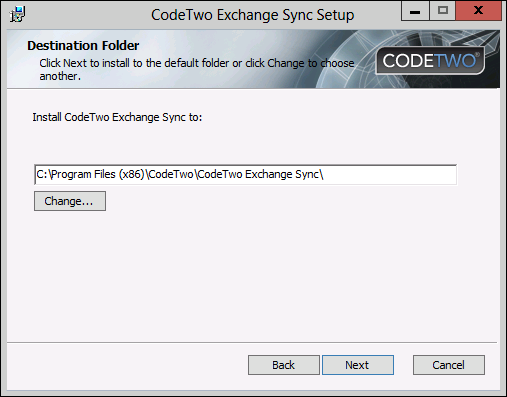 |
| Fig. 1. Choosing the installation path. |
Once the wizard is initiated, it copies data files to the system and installs any required components. Depending on your environment, the installation of .NET 3.5 (or higher) or MAPI CDO might be required.
After the installation is completed CodeTwo Exchange Sync Administration Panel opens along the Exchange Server connection wizard. Within the wizard you will be able to define the type of connection to your Exchange Server and the user's account the program will work under (Fig. 1.).
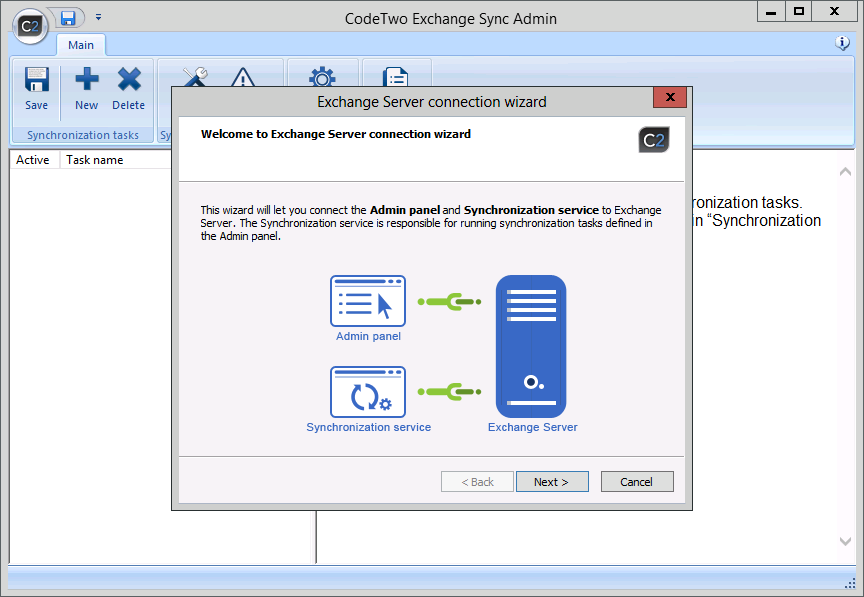 |
| Fig. 2. Administration Panel along the first screen of the Exchange Server connection wizard. |
In the case of Microsoft Small Business Server 2011, CodeTwo Exchange Sync must be installed directly on the mailbox database machine.
CodeTwo Exchange Sync cannot be installed on a machine equipped with any version of MS Outlook.
Learn more about Program's components
Learn more about system requirements
Learn more about Exchange Server connection wizard
In this article