Open the Outlook Address Book and go to the folder you named a moment ago. In the address book all contacts with e-mail addresses from the public folder will be displayed. Owing to this, all network users will be able to use a common address book.
| 1. | Create a contact folder in the public folders. |
| 2. |
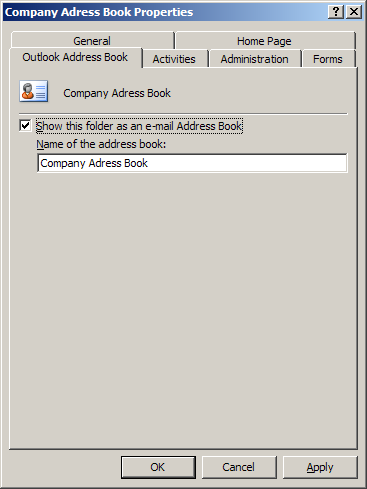
In the folder properties go to the Outlook Address Book tab and check the
Show this folder as an e-mail Address Book option. In the Name of the address book
field enter the name by which you want the folder to be known in the address book.
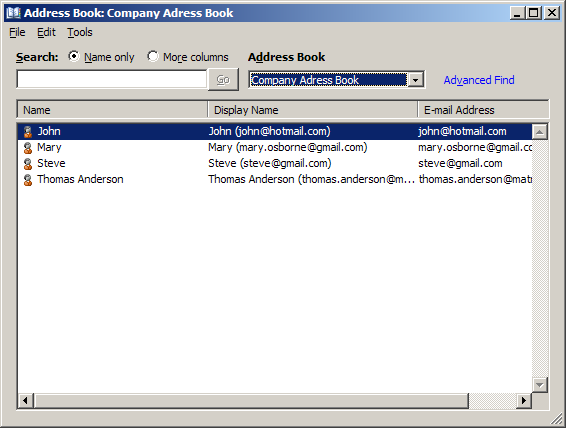
Open the Outlook Address Book and go to the folder you named a moment ago. In the address book all contacts with e-mail addresses from the public folder will be displayed. Owing to this, all network users will be able to use a common address book.
|