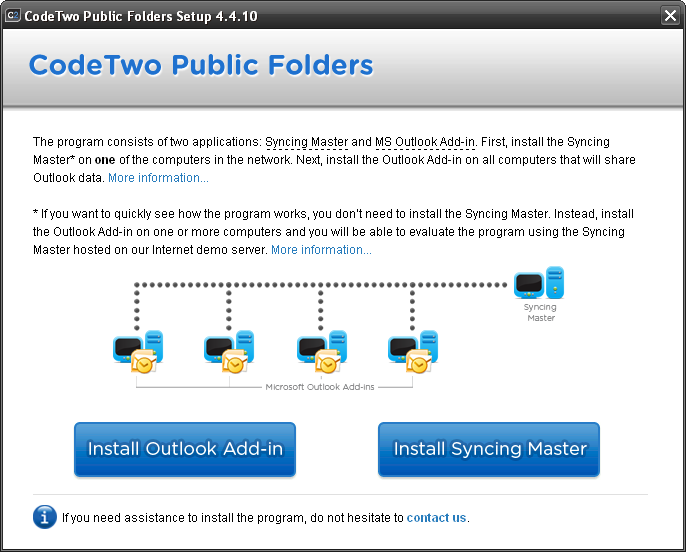
The installation of CodeTwo Public Folders is very straightforward and consists of only two steps:
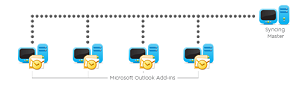
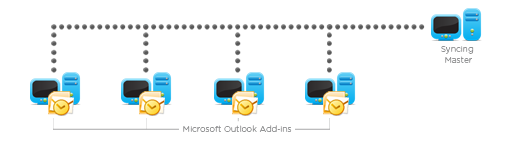
1. First, install* Syncing Master
on one of the computers in the network - the module does not require any configuration and its installation is completed in 3 clicks.
2. Next, install the Outlook Add-ins
of CodeTwo Public Folders on the remaining computers that will share Outlook data. While installing the Add-ins point to the computer hosting the Syncing Master.
|
|
| * - |
Microsoft Office Outlook in v.2000 and 98 must be installed in Company or Workgroup Mode and the latest Service Pack must be installed. |
The installation of the Syncing Master in the local network is extremely easy and is completed in 3 clicks. The module itself does not need any configuration.
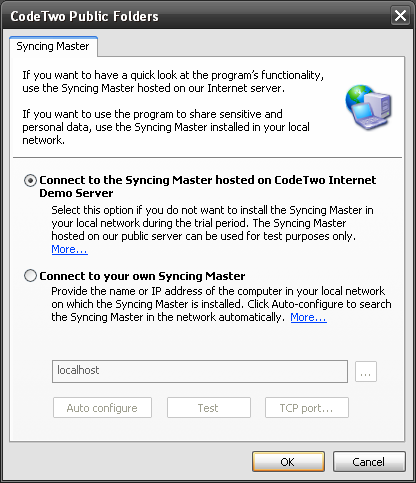
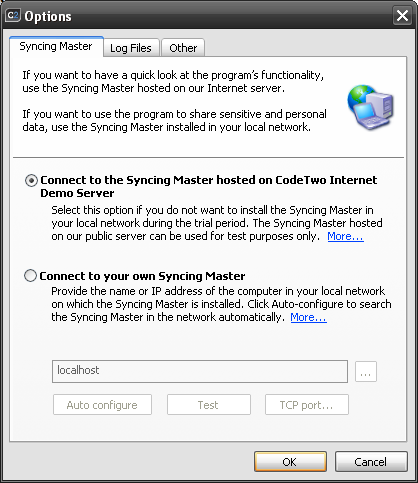
 To quickly test the program's functionality, you do not need to install the Syncing Master at all in your local network.
Instead, connect to
To quickly test the program's functionality, you do not need to install the Syncing Master at all in your local network.
Instead, connect to