 |
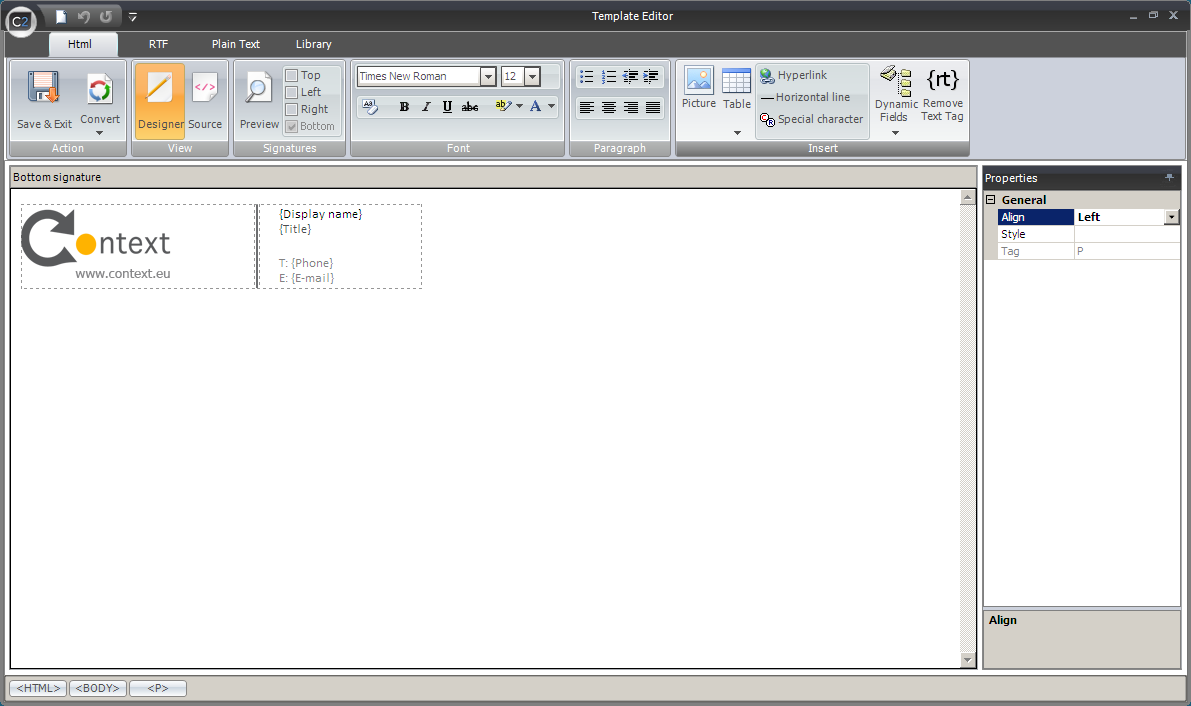
| Fig.1. Template Editor main window |
|
|
| Fig.1. Template Editor main window |
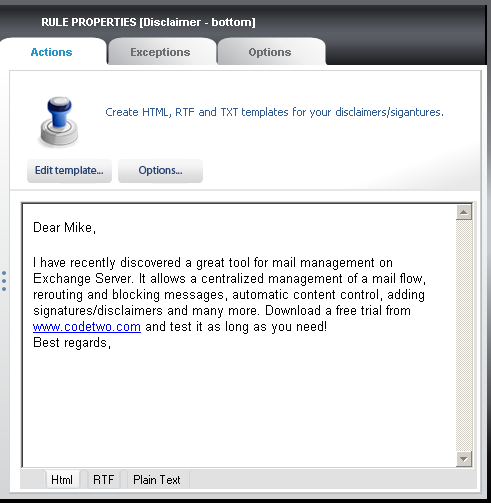 |
| Fig.2. Edit template button opening the Template editor. |
 |
| Fig.3. The Fonts section used in formatting text. |
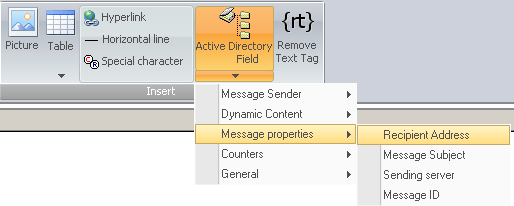 |
| Fig.4. Choose Dynamic fields in the Signatures section. |
 |
|
| Fig.5. Signature containing basic data from Active Directory. |
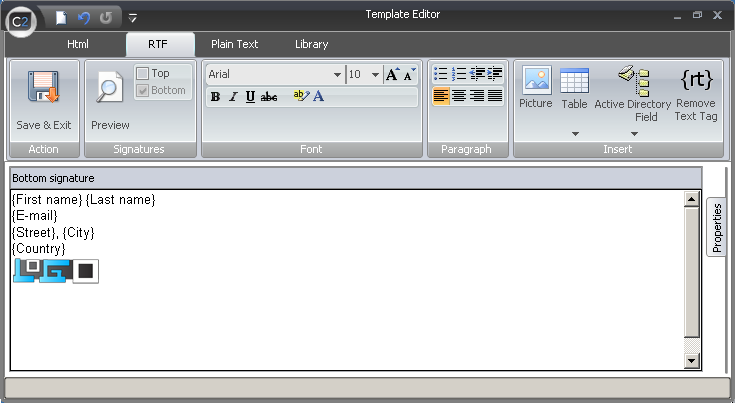 |
| Fig.6. Signature template in RTF format. |
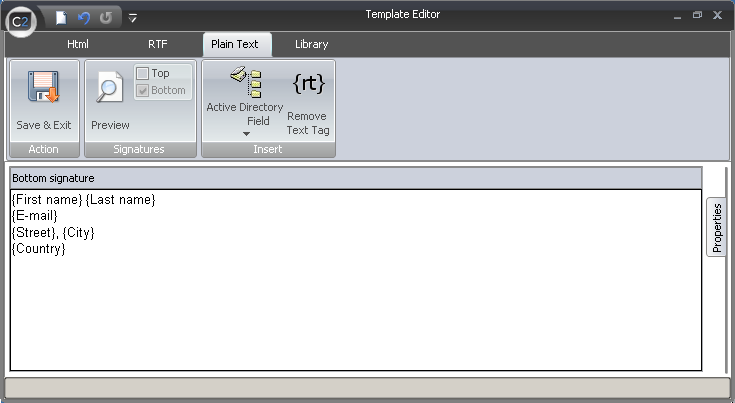 |
| Fig.7. Signature template in Plaintext format. |
 |
|
| Fig.8. Signatures section in the ribbon with pane view selection. |
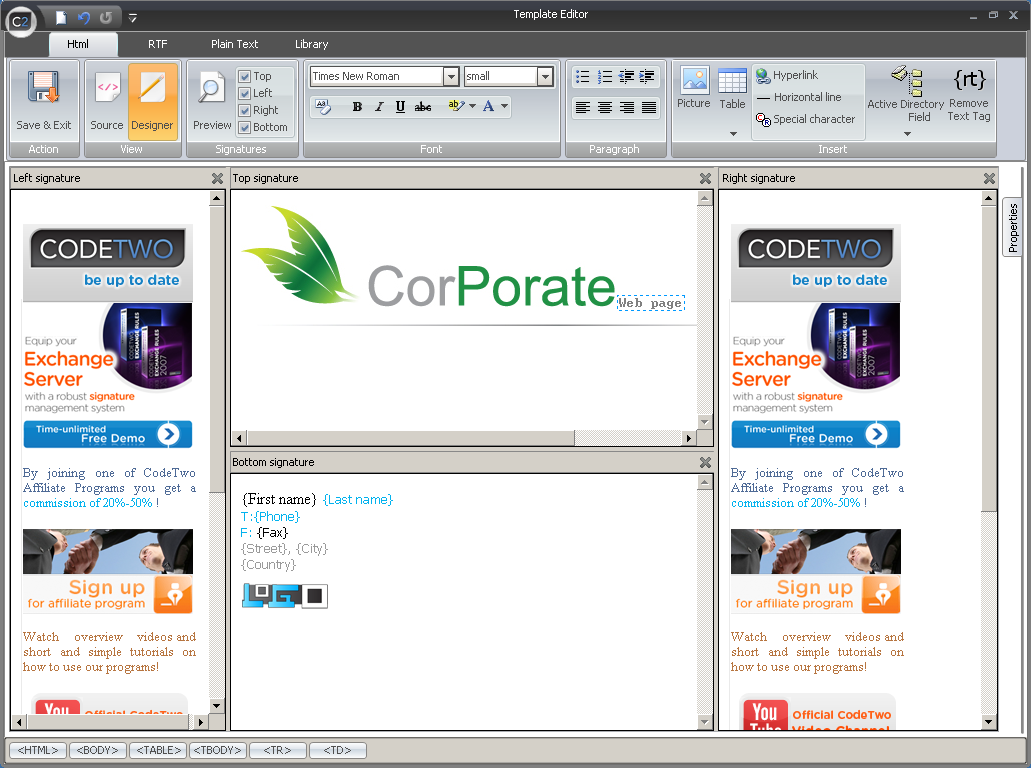 |
| Fig.9. View of all panes with defined signatures. |
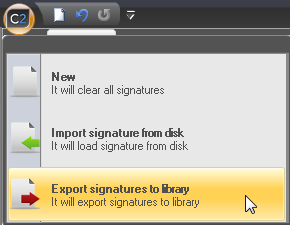 |
| Fig.10. Exporting signatures to the Library. |