 |
| Fig.1. Template Editor tabs to swap between template formats. |
|
|
| Fig.1. Template Editor tabs to swap between template formats. |
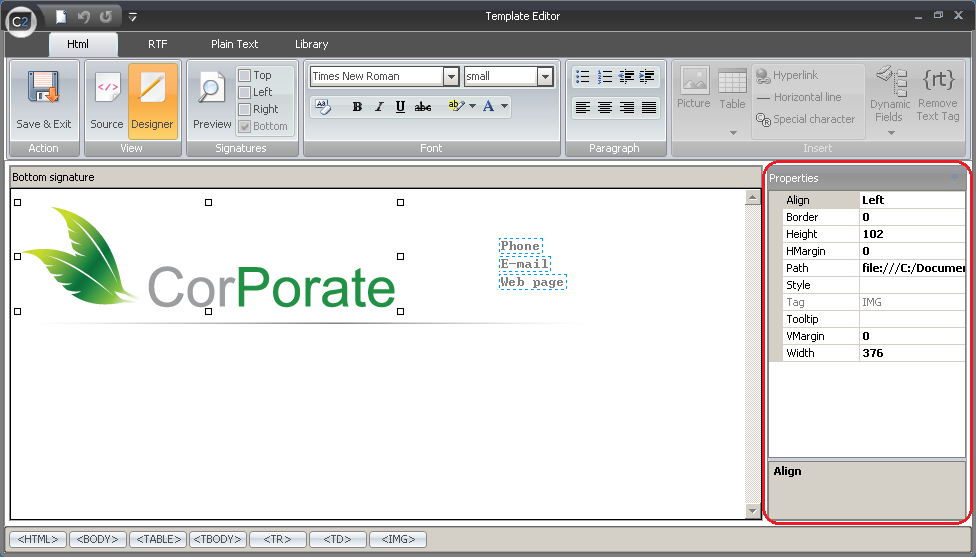 |
| Fig.2. Properties pane in the Template Editor. |
 |
| Fig.3. Toolbar in the Template Editor. |
 |
| Fig.4. Save & Exit button.. |
 |
| Fig.5. View section enables switching views between source code and end result. |
 |
| Fig.6. Signature section in the toolbar is used to switch the template views. |
 |
| Fig.7. Font section is used to format the font in the signature. |
 |
| Fig.8. Paragraph section is used to align the text and add lists. |
 |
| Fig.9. Insert section is to insert images, AD fields, tables etc. to templates. |
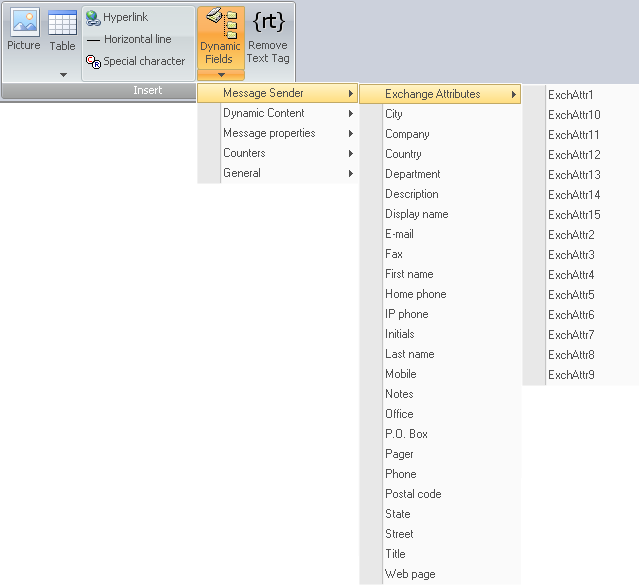 |
| Fig.10. Expandable Dynamic Fields menu in the Insert section. |
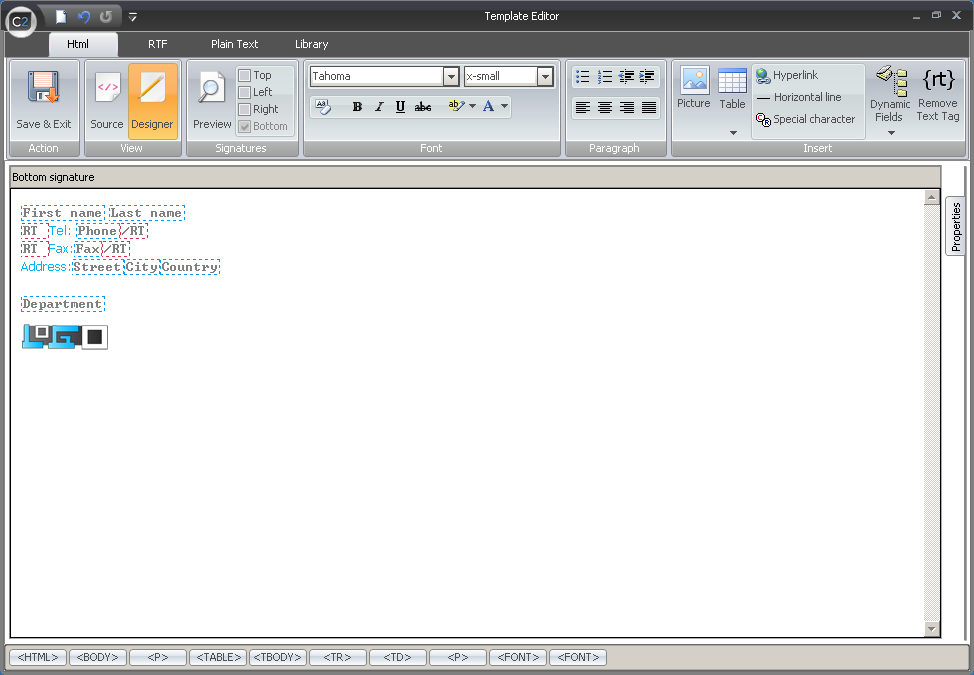 |
| Fig.11. Example use of Remove Text Tag. |