 |
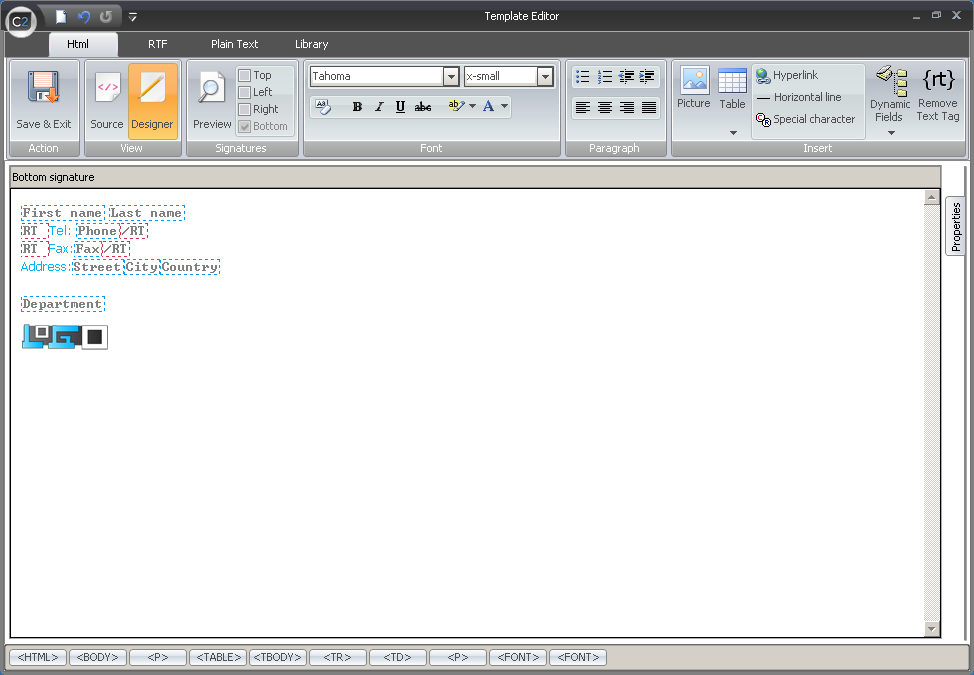
| Fig.1. Template Editor toolbar after switching to Plaintext. |
|
|
| Fig.1. Template Editor toolbar after switching to Plaintext. |
 |
| Fig.2. Save & Exit button. |
 |
| Fig.3. Signature section in the toolbar is used to switch the template views. |
 |
| Fig.4. Insert section is to insert AD fields to templates. |
 |
| Fig.5. Expandable Dynamic Fields menu in the Insert section. |
 |
| Fig.6. Example use of Remove Text Tag. |