 |
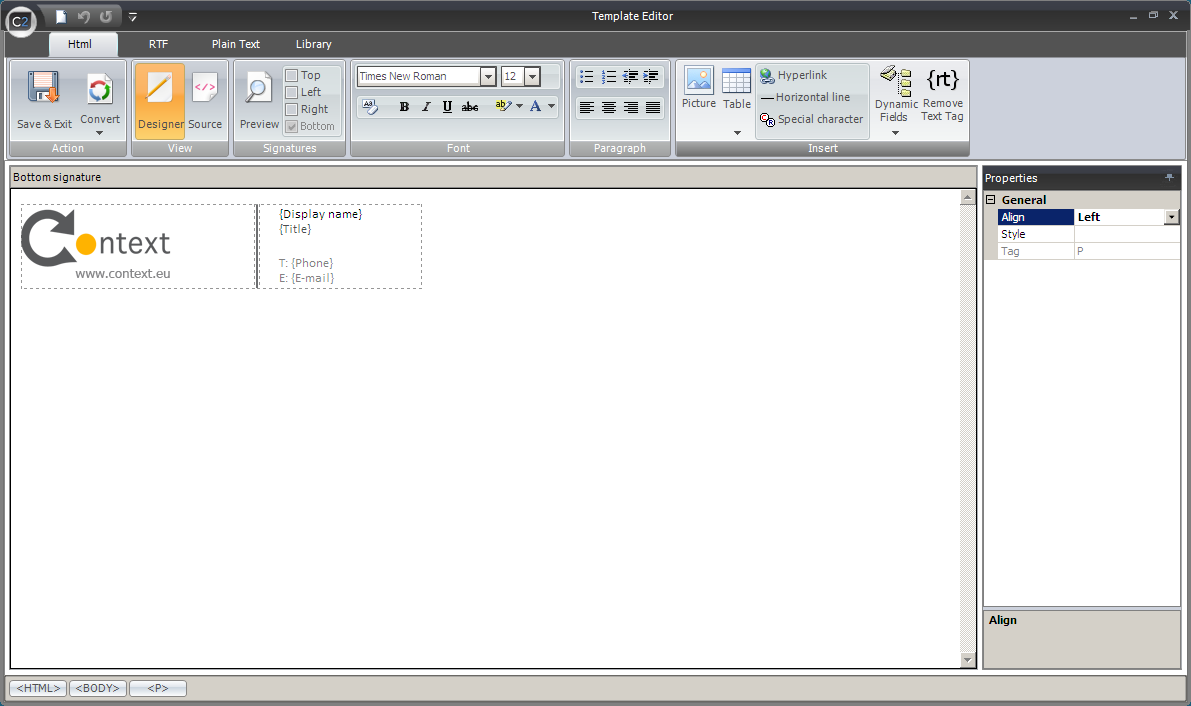
| Fig.1. Template Editor window. |
|
|
| Fig.1. Template Editor window. |
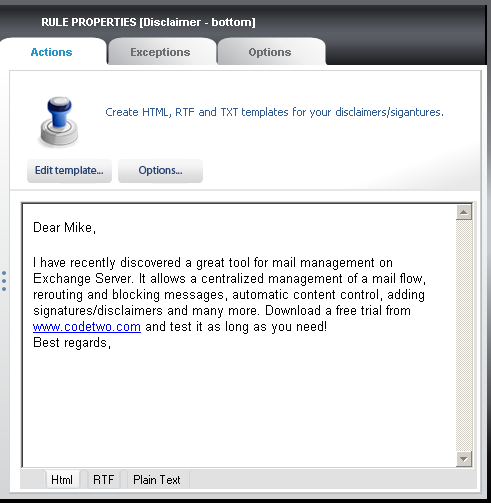 |
| Fig.2. Edit template button opening the built-in editor. |
 |
| Fig.3. Text of the disclaimer in the window of the built-in editor. |
 |
| Fig.4. The Font section is used to format the text in the template. |
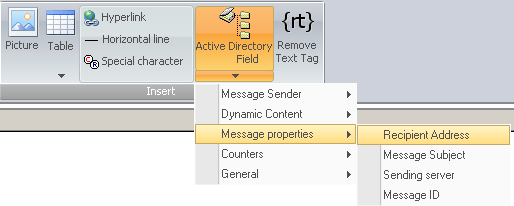 |
| Fig.5. Choose dynamic fields in the Insert section of the editor's toolbar. |
 |
| Fig.6. The disclaimer including a dynamic field. |
 |
| Fig.7. The RTF tab and the compose legal note. |
 |
| Fig.8. The Plain Text tab including the defined legal note. |
 |
| Fig.9. Choose the top, bottom, left and right edit fields for the disclaimers. |
 |
| Fig.10. The window of the editor with Top and Bottom panels activated. |