Block message
CodeTwo Exchange Rules PRO is capable of blocking selected messages if they match the rule criteria. This can be used as an antispam filter. For example you can block messages coming from specific senders or those that include keywords defined in the Conditions tab and therefore must be considered as spam.
How it works |
How to configure this action |
How it works
Typically once the message is sent from the client you cannot stop it from delivering (Fig.1.). In CodeTwo Exchange Rules PRO you can activate the Block message rule that will be responsible for intercepting and stopping messages that fit the defined criteria (Conditions) from delivering (Fig.2.).
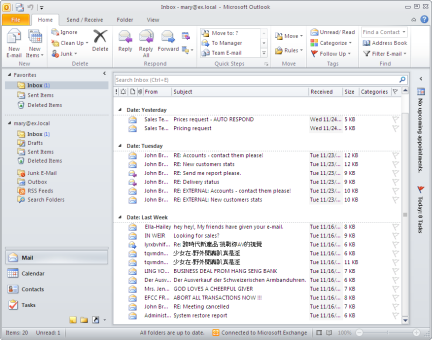 |
| Fig.1. Spam messages cluttering the end user mailbox. |
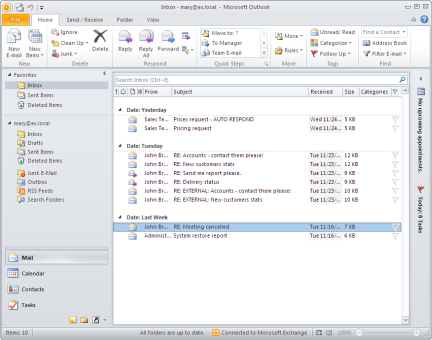 |
| Fig.2. Spam free mailbox with the CodeTwo Exchange Rules PRO Block message feature activated. |
Click the following link to learn more about how to configure the Antispam rule.
How to configure this action
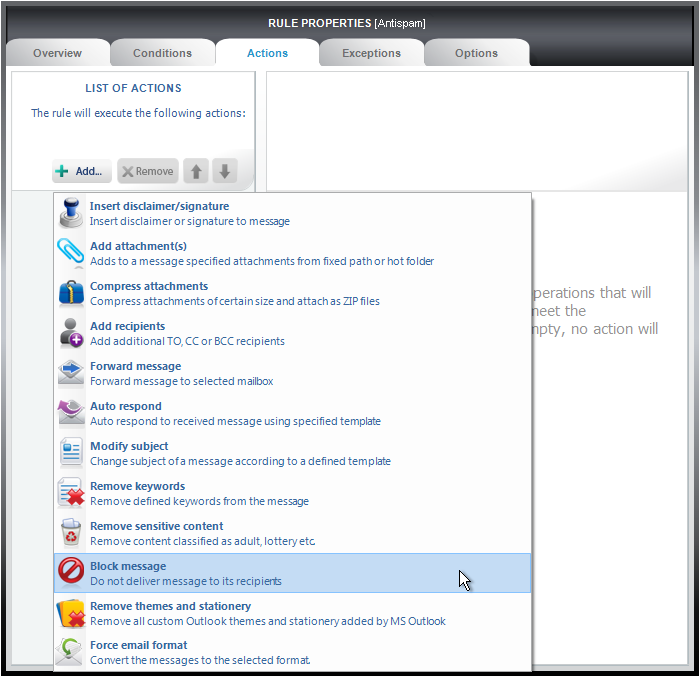
To activate this action in a given rule click Add in the Action tab and select Block message from the menu (Fig.3.).
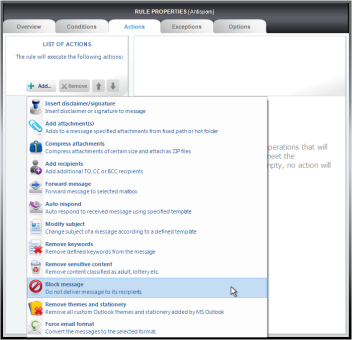 |
| Fig.3. Add Block message in the Actions tab. |
A new action named Block message will appear in the List of actions and a properties pane will open (Fig.4.).
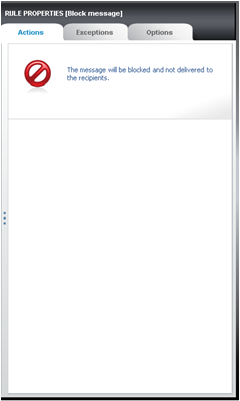 |
| Fig.4. Properties field for Block message. |
When you configure this rule in the way above, all messages that meeting the criteria specified in the Conditions tab will be blocked at Exchange.