CodeTwo Exchange Sync
- Synchronize Exchange folders
- Access public folders on mobile devices
- Synchronize data in real time
- For Exchange Server 2013, 2010 & 2007

This tool is deprecated, which means it’s no longer available for download, and we no longer develop, maintain, test, or support it. Because of that, we can’t guarantee it will work properly in your environment. You can see our current software products here.
Easy deployment and setup
Depending on your company needs and requirements, CodeTwo Exchange Sync can be installed directly onto Exchange Server or other platform, or even a workstation*. The only requirement is for the computer where the program is installed to be connected to the Microsoft Exchange server or servers that will participate in data synchronization.
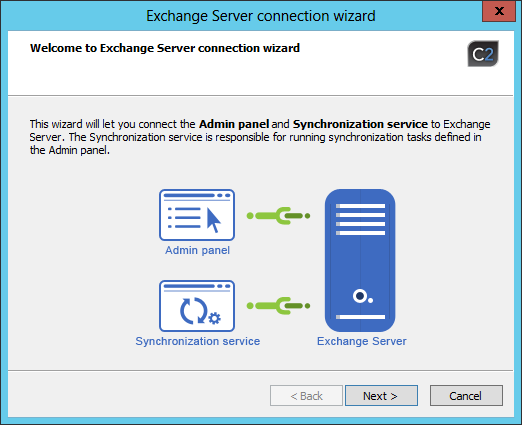
Similarly to all our applications, the deployment and setup of CodeTwo Exchange Sync is very easy and intuitive. In most cases, it can be performed without reading the documentation. However, a short guide to installation can prove helpful.
If necessary, the detailed guide to installing the program can be found in the User's Manual along with the in-depth application setup guide.





