update

If you are preparing a move from Google Workspace (formerly G Suite), IBM/Lotus Notes or Zimbra (or any other server that supports IMAP) to Microsoft Exchange or Microsoft 365 (Office 365), you may want to take a look at CodeTwo migration solutions.

We have just released an update of CodeTwo Exchange Rules PRO and CodeTwo Exchange Rules 2013, 2010 and 2007. The latest version of the application solves the problem with adding disclaimers to emails sent from OWA after updating Internet Explorer to version 11, resulting from the new browser file format MSHTML11 . We recommend that all users of CodeTwo Exchange Rules PRO, CodeTwo Exchange Rules 2013, 2010 and 2007 download the update and re-install the program on their servers. To install the update, please download the latest version of software from our website and launch it on the server. The old version of the program will be replaced with the new one and all previous settings will remain unchanged. If you have any additional questions, please contact our Technical Support Team - we are available 24 hours a day from Monday to Friday. Download CodeTwo Exchange Rules PRO 1.4.10.0.
Download CodeTwo Exchange Rules 2013 1.4.5
Learn more about updating CodeTwo software
Contact our Technical Support
Starting October 31, 2018, the support for Transport Layer Security (TLS) versions 1.0 and 1.1 is discontinued in Office 365. This means that TLS 1.0 and 1.1 will still work, but Microsoft will not provide support in case of connection/compatibility issues. For this reason, we have updated all our software that connects to or otherwise interacts with Office 365. To avoid possible issues in the future, we recommend that you update your software to the latest version.
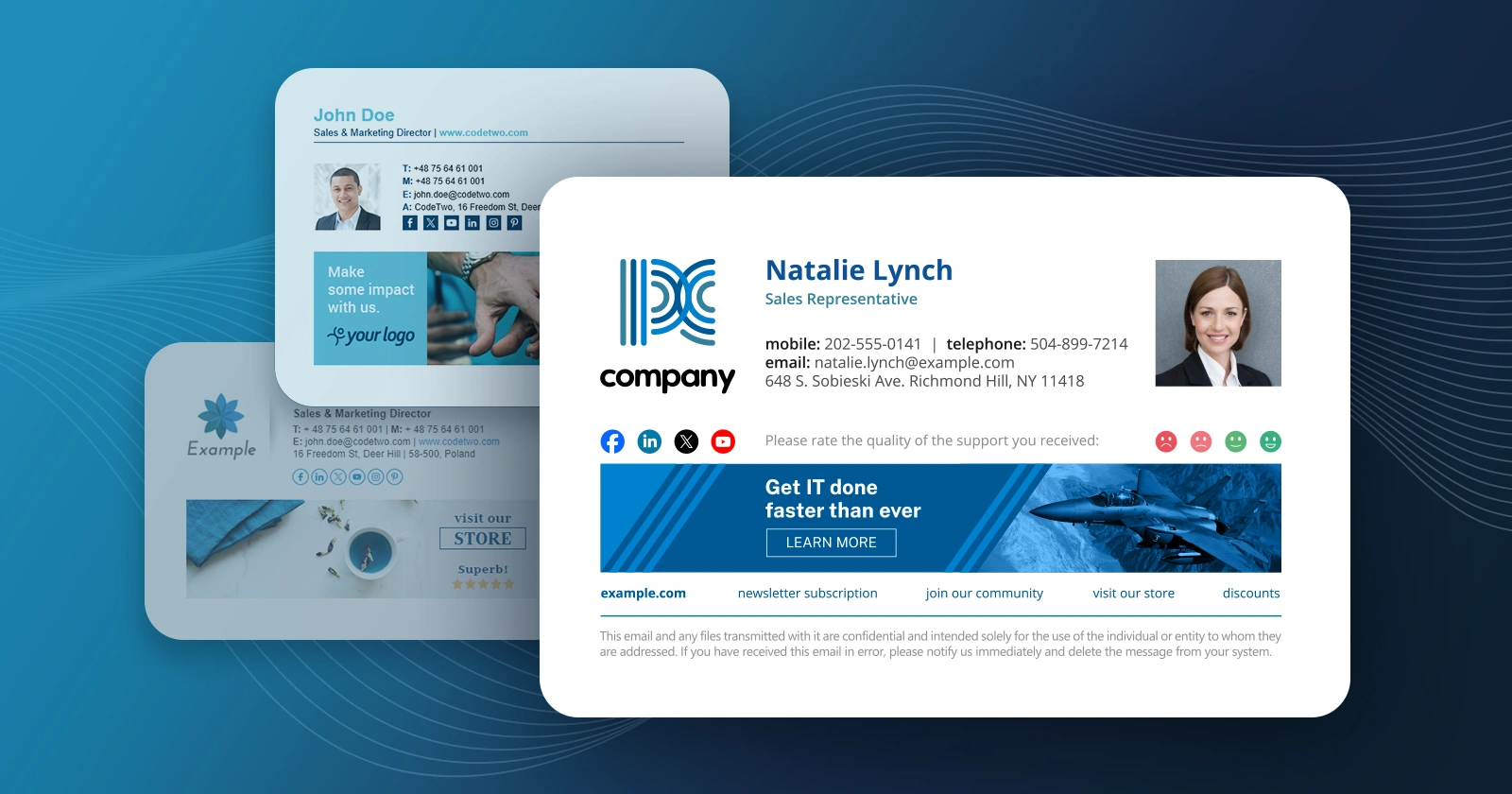
We have released a minor update versioned 3.1 to CodeTwo Exchange Rules, an application used in the management of disclaimers and signatures in Exchange mail. The new items in the program include: Extra Active Directory cache has been added to the application. This will reduce the queries to Active Directory leading to enhanced performance.
It is possible now to add custom Active Directory fields used by the program. The file containing custom variables named SchemaExtension.txt must be placed in the installation directory of the application. The newly added variables are available in the signature editor after restarting the server.
New installer for a desktop installation. It is possible to install the program on a desktop without Exchange. This is useful for customers who want non-admin users without access to Exchange to prepare the settings and footer templates to be later copied to the server. Read more about how to use the desktop version.
The rare problem in which messages containing large attachments or addressed to large distribution groups were not delivered has been fixed. The update is dedicated for users of 3.0 and is free of charge. To update the currently used version with the fix, download and run the installer. The previous version will be automatically detected and patched. Detailed information on the update procedure can be found here.
Our most powerful Outlook synchronization plugin, CodeTwo Public Folders has been updated to version 4.7.4. Although the newest build doesn't introduce any new features, it fixes some minor bugs from the previous releases. Like most of CodeTwo updates, this one is also free of charge for all users that own the license for the current version of the program (4.x). Feel free to download and install it on your machines! Here is the full lists of fixes included in version 4.7.4: Drafts folders are excluded from the synchronization process of C2PublicFolders folder tree.
In some cases, the program settings were not properly saved when closing the Administration Panel window.
In some cases, users were losing the rights to edit or remove items which they owned.
In some cases, a user was able to use the context menu to publish a folder which was located outside the default Outlook PST file. Just to remind you... To successfully perform an update on CodeTwo Public Folders, both the Syncing master and all Outlook Add-Ins need to be updated. We don't provide automatic updates. The newest installer needs to be downloaded and installed on top of existing installations manually. All previous settings will be kept. Download CodeTwo Public Folders 4.7.4
Learn more about installing updates to CodeTwo software What is CodeTwo Public Folders? CodeTwo Public Folders is a great app for sharing Outlook folders between many PCs in a local network. It allows creating public folders in the Outlook folder tree, sharing personal Outlook data with others and managing detailed access rights to shared items. At the same time the program requires no server deployment and no day-to-day maintenance is involved. More about CodeTwo Products
Follow us on Facebook and stay informed about the updates!
As the New Year is knocking at the door, we don't put our feet up and prepare for the celebration but continue to work on improvements in our Exchange Server and Office 365 migration tools. As promised in our recent blog post, we have just implemented new features in CodeTwo Exchange Migration and CodeTwo Office 365 Migration. New updated versions of both applications are already available for download on our website. The biggest improvement is the user-desired Scheduler feature, allowing you to schedule time frames for your migration batches.
Today we have published new versions of our migration software - CodeTwo Exchange Migration and CodeTwo Office 365 Migration. Both programs are now available for download in version 1.6.0. This release contains a number of small programmatic fixes, new reporting features and migration statistics visible in the GUI, and more importantly the migration speed improvements. The migration can be now even up to 5 times faster thanks to the new data transmission optimization technology implemented in this version of the software. For full list of changes go to the CodeTwo Exchange Migration version history or CodeTwo Office 365 Migration version history. Check out how fast you can migrate now - download trial versions from our websites: Download CodeTwo Exchange Migration 1.6.0
Download CodeTwo Office 365 Migration 1.6.0 CodeTwo Exchange Migration is a program that lets you transfer user's mailboxes between Exchange servers, within or even outside of the same domain. It also allows to perform direct migration from Exchange 2007 to Exchange 2013 or 2016 without any mid-steps. Similarly, CodeTwo Office 365 Migration allows to migrate mailboxes from the on-premise Exchange server to Office 365 organization without a hassle.

CodeTwo developers have just finished working on several improvements in CodeTwo Outlook Sync, one of our Outlook synchronization plugins. The newest build of the program, version 1.0.9, has successfully passed all necessary tests and is from now on available on our website. Grab it now and update your CodeTwo Outlook Sync for free! Here is the full list of changes in version 1.0.9: New: Connecting is seen when the computer is attempting to connect to another machine.
New: The link to the user manual is located under the Help menu.
Fixed: In the edit window showing synchronized folders the current profiles are shown.
Fixed: In certain cases the program failed to discover that an item was deleted and restored it to the folder.
Fixed: The stability of the peer connection has been improved. In the previous version, online/offline status tended to flicker.
Fixed: Names of subfolders were incorrectly detected if the only difference in their names was character capitalization.
Fixed: Improvements to User Interface. These are the minor improvements users requested from us during the past weeks. Thank you for all your bug reports and feature requests guys! For those of you who don't know CodeTwo Outlook Sync yet, here's a short walk-through of its features: See version history for CodeTwo Outlook Sync
How to update CodeTwo software
