Outlook
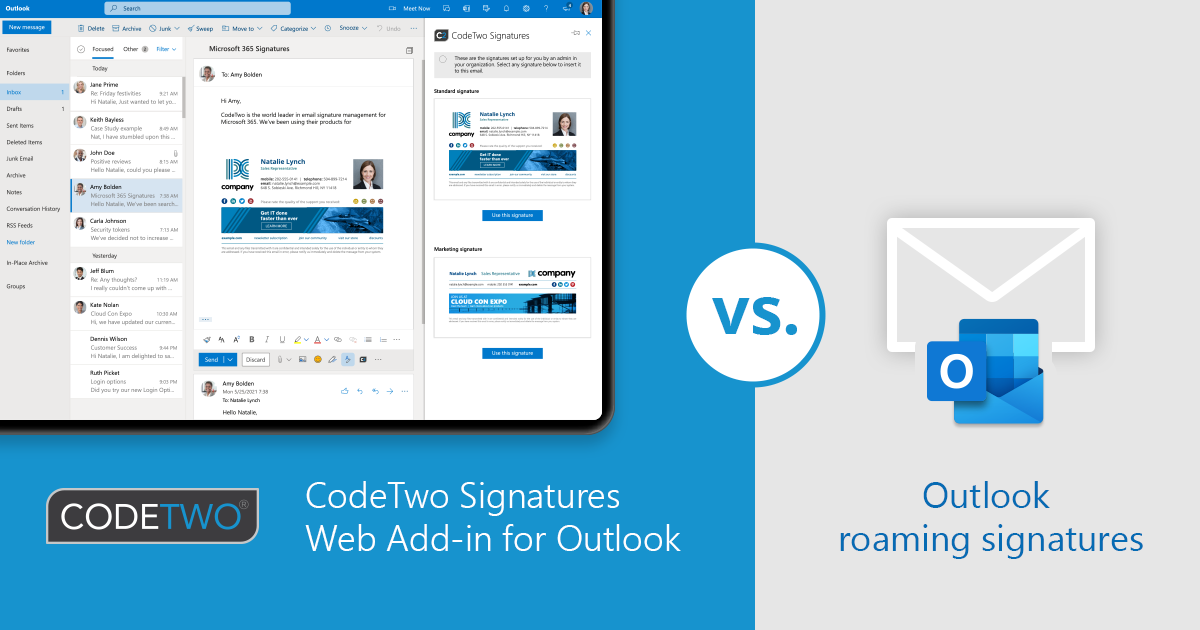
See how signature cloud settings (roaming signatures) compares to CodeTwo email signature solution.
Let your recipients know that they can call you directly on Teams, with a click of a button.
See how roaming signatures (signature cloud settings) DIDN’T revolutionize email signature management in Microsoft 365.
See how dark mode works in Outlook and how to design dark-mode friendly email signatures.

As mentioned earlier, CodeTwo’s CEO, Szymon Szczesniak, is showcasing our major upcoming feature for CodeTwo Email Signatures for Office 365 at Microsoft Ignite 2020. It’s a new Web Add-in, developed together with Microsoft, that will work with Outlook for Windows, OWA and Outlook for Mac, and add client-side signatures to the email body in real time. This add-in can be deployed from within the Microsoft 365 admin center company-wide, without any user interaction. What’s important, the deployment is per Microsoft 365 account, so your users aren’t tied to a single device when using our automated signatures in Outlook. See our CEO's session hosted by the Microsoft Outlook Add-in Team at Ignite:

Since we do a lot of applications for Outlook, we also use them in our everyday work. We use CodeTwo Public Folders and CodeTwo Exchange Rules. Some time ago we created a program for ultra-fast and automatic email account configuration. We love this app so much that we decided to share it with you! We have just released a free tool called CodeTwo Outlook AutoConfig. It's an amazingly easy application that automatically configures an email account in Microsoft Outlook, Outlook Express, Windows Mail or Windows Live Mail. If you want to use any of the above-mentioned email clients, you no longer need to know any technical details like SMTP and POP3 addresses, mail server port numbers, encryption methods, etc. Using CodeTwo Outlook AutoConfig, you can create your email account in split second only by providing your email address. Download CodeTwo Outlook AutoConfig and launch it. Enter your email address - a suggested Display name will appear beneath. Display name is what is shown to recipients instead of your full email address. Naturally, you can change the display name to anything you want, e.g. your name and surname.

Today we are releasing an update to a freeware application used to share Outlook categories between multiple users in the network CodeTwo CatMan v.3.1. Recently, the program was optimized for users of Outlook 2007 who installed the security update MS09-060 issued by Microsoft in October and for this reason experienced a problem sharing public categories. With this update, CodeTwo CatMan becomes capable of sharing categories not only in the local network but also over the Internet. This is done by placing the single public category file, used by the program to update categories on client machines, on an FTP or WWW server. Now, you will also have a quicker start with the program as you will be able to easily copy your existing private categories to the public pool of categories using drag and dropping functionality. CodeTwo CatMan is compatible with Microsoft's latest version of operating system Windows 7. Download CodeTwo CatMan CodeTwo CatMan - Version History Other Feewares by CodeTwo

On 14 April we officially released a beta version of Giegieo, an add-in merging the most popular Polish instant messenger Gadu-Gadu with Microsoft Outlook. You may have read an earlier post on this product. Giegieo is an extension to Outlook - it displays information on the status and description of Gadu-Gadu contacts and people we chat with. This helps us see at a glance if they are online so that we can start off a conversation, send a text message to their cell, or make a phone call using built-in service. Giegieo is a significant aid in managing contacts and conversations. For a detailed list of the functionalities see the previous post on Giegieo. We are delighted with the fact that the release has met with tremendous interest from the users and the media. The application was featured in major Polish websites CHIP, DobreProgramy, Wirtualna Polska, Gazeta.pl. Giegieo Website
