office 365

With EWS disablement in Exchange Online scheduled for October 2026, now is the time to find the right tool for public folder migrations.

CodeTwo Office 365 Migration is your best option for migrating public folders to the cloud ahead of EWS retirement in Exchange Online.

Looking to automate your daily Microsoft 365 grind? Discover our top tools for email signatures, migration, backups, and more.
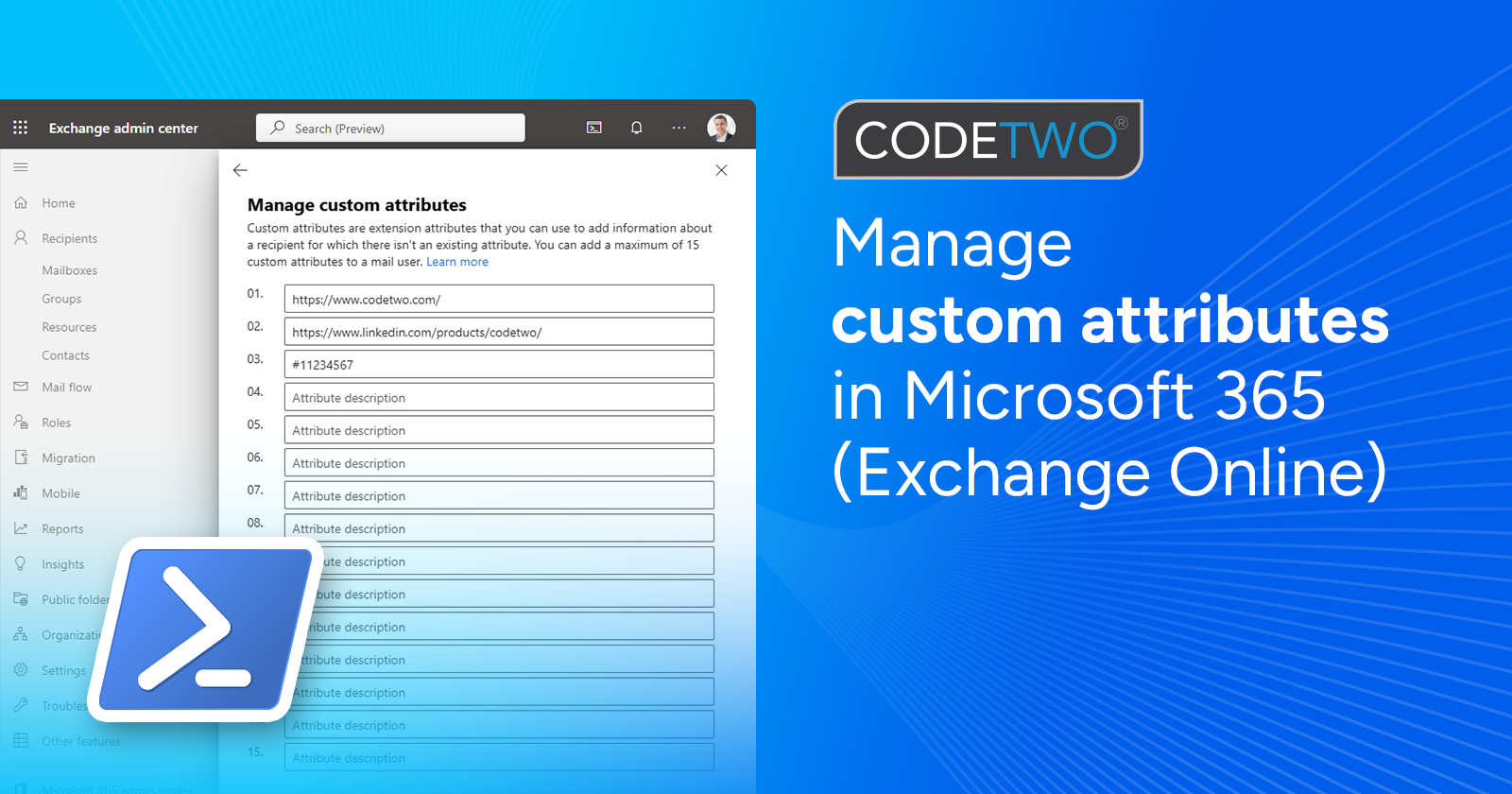
Custom attributes in Microsoft 365: learn what they are and see some real-life examples of how to use them.
We are proud to let you know that CodeTwo Email Signatures 365 – our flagship cloud solution for email signature management in Microsoft 365 (Office 365) - has been featured by Microsoft as “Preferred solution” on AppSource and Azure Marketplace.

The latest update to CodeTwo Email Signatures for Office 365 brings more flexibility in the way signatures are added in your organization. Our software can now work in three different signature modes, including client-side mode in which CodeTwo signatures are available directly in Outlook when a user types an email. Keep reading to learn how to get the most out of the latest edition of the world-leading Office 365 email signature solution.
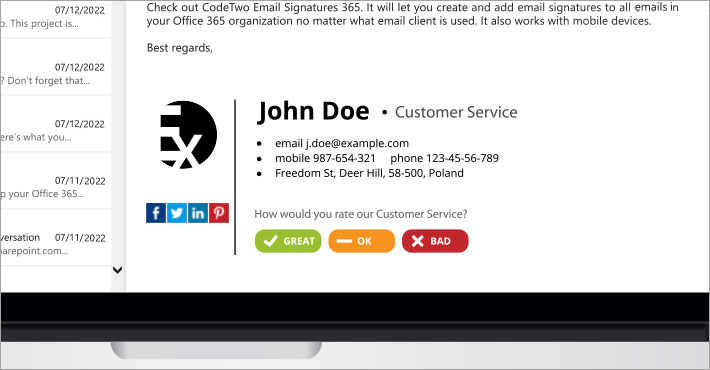
There are many different ways to check if your customers are happy. This article presents how to measure customer satisfaction with email signatures. The method discussed below requires CodeTwo Exchange Rules if you are running on-premises Exchange or CodeTwo Email Signatures 365 if you have a Microsoft 365 (Office 365) organization.
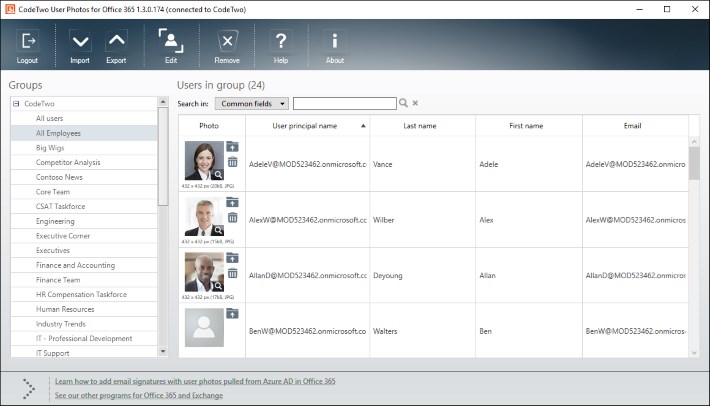
Many of you already know and use our freeware CodeTwo Active Directory Photos – a smart tool designed to ease user photo management in Active Directory.
