new features

Our most powerful Outlook synchronization plugin, CodeTwo Public Folders has been updated to version 4.7.4. Although the newest build doesn't introduce any new features, it fixes some minor bugs from the previous releases. Like most of CodeTwo updates, this one is also free of charge for all users that own the license for the current version of the program (4.x). Feel free to download and install it on your machines! Here is the full lists of fixes included in version 4.7.4: Drafts folders are excluded from the synchronization process of C2PublicFolders folder tree.
In some cases, the program settings were not properly saved when closing the Administration Panel window.
In some cases, users were losing the rights to edit or remove items which they owned.
In some cases, a user was able to use the context menu to publish a folder which was located outside the default Outlook PST file. Just to remind you... To successfully perform an update on CodeTwo Public Folders, both the Syncing master and all Outlook Add-Ins need to be updated. We don't provide automatic updates. The newest installer needs to be downloaded and installed on top of existing installations manually. All previous settings will be kept. Download CodeTwo Public Folders 4.7.4
Learn more about installing updates to CodeTwo software What is CodeTwo Public Folders? CodeTwo Public Folders is a great app for sharing Outlook folders between many PCs in a local network. It allows creating public folders in the Outlook folder tree, sharing personal Outlook data with others and managing detailed access rights to shared items. At the same time the program requires no server deployment and no day-to-day maintenance is involved. More about CodeTwo Products
Follow us on Facebook and stay informed about the updates!

As the New Year is knocking at the door, we don't put our feet up and prepare for the celebration but continue to work on improvements in our Exchange Server and Office 365 migration tools. As promised in our recent blog post, we have just implemented new features in CodeTwo Exchange Migration and CodeTwo Office 365 Migration. New updated versions of both applications are already available for download on our website. The biggest improvement is the user-desired Scheduler feature, allowing you to schedule time frames for your migration batches.

Hi fellow CodeTwo users. Back in September 2011, we mentioned about a lot of new stuff coming down the pike. Since then we have released a new tool and rolled out several new features beefing up our exisitng programs. Our dev teams have been constantly working on a couple of different projects. Two days ago we released CodeTwo Exchange Rules 2010 2.0 (for Exchange 2010) and CodeTwo Exchange Rules 2007 3.0 (for Exchange 2007). It's not an ordinary upgrade as the applications come with a bevy of new features. We have also hammered out the kinks you had reported in previous verions and entirely revamped the user's interface. All of this to make these Exchange add-ons more useful, powerful and stable. The programs open up the world of new possibilities with signatures and disclaimers. Take a look at what's new in both of the programs: Completely new user's interface with new options Remote access to the program Rule scheduler for planning ahead your email campaings Employee's photos in signatures + a free tool to add them to Active Directory QR codes in email signatures Signatures as headers End-user signature control Advanced rules tester Settings Import/Export tool Updated signature positioning mechanism Improved stability. The upgrade is not free of charge, however, you can get it for just 10% of the normal price of the product if you have the previous version. Just head on over to the product's website, hit the Buy button and select upgrade from the previous version. Deploying the program is as simple as installing it over the existing version of the product. All signatures and settings will remain unchanged. Learn more about CodeTwo Exchange Rules 2010Learn more about CodeTwo Exchange Rules 2007Contact Customer Support - available 24h a day
CodeTwo Exchange Rules and CodeTwo Exchange Rules Pro, our email signature management tools for on-premises Exchange Server, have been updated. Apart from a bunch of improvements and fixes, this update brings two new features which facilitate adding tracking parameters to hyperlinks and inserting HTML snippet code to signature templates.
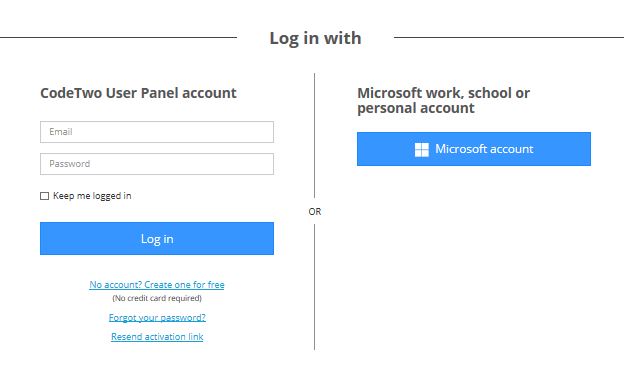
We are glad to let you know that our solution for Office 365 email signature management - CodeTwo Email Signatures for Office 365 - has gained a bunch of useful and long-awaited features. The 3 most important ones will let you: log in to the User Panel with a Microsoft account, configure rules using custom attributes, and have different signatures for new emails and different for replies/forwards. Log in with Microsoft account Now you can choose the way you log in to the User Panel of CodeTwo Email Signatures for Office 365. The first option allows you to log in to the program’s console with the User Panel account. This is possible after creating a dedicated account in the User Panel. The second option now is to log in with a Microsoft work, school or personal account.
CodeTwo Exchange Rules Pro is discontinued. If you are looking for a way to manage email signatures and disclaimers in your Exchange Server organization (including encrypted emails) and are using Exchange SE or Exchange 2019/2016 (until they’re supported by Microsoft), try out CodeTwo Email Signatures On-prem. We have just released an update to CodeTwo Exchange Rules PRO, our email flow, content and signature and manager for Microsoft Exchange. The new version is free for CodeTwo Exchange Rules PRO 2.x license owners (install on top of your current version). It includes several minor bug fixes and 5 new features.
Among the new features, there's one we're particularly happy to deliver to our users, namely:
Processing encrypted and digitally signed emails
For most Exchange veterans the title probably says it all. But in case anyone is still confused - starting with version 2.2.1, CodeTwo Exchange Rules PRO allows for applying several actions to encrypted and digitally signed messages either directly or by wrapping them in an envelope of a new email. Thanks to adding the new Secure message type criteria, our application now also allows for excluding encrypted and digitally signed emails from processing, as well as doing the opposite: creating dedicated rules for these special message types.
One scenario where the new feature may come in useful is stamping encrypted emails with disclaimers.
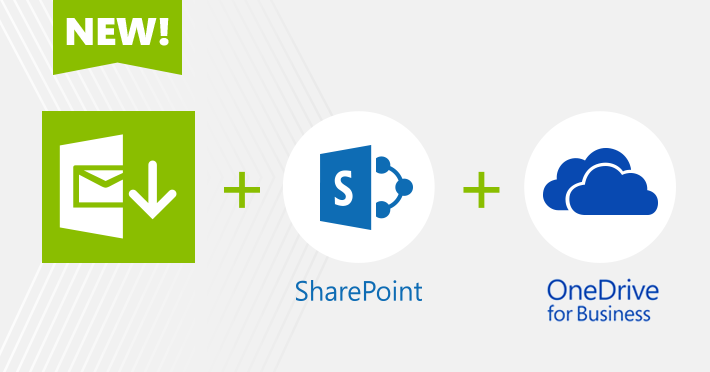
We are excited to let you know that our backup solutions, CodeTwo Backup for Office 365 and CodeTwo Backup for Exchange, have been upgraded to version 2.0 and now support SharePoint on-premises, SharePoint Online and OneDrive for Business backups. Together with mailbox and Public Folders backup features, companies using these tools gain the ability to address more complex backup needs with just one application on board.
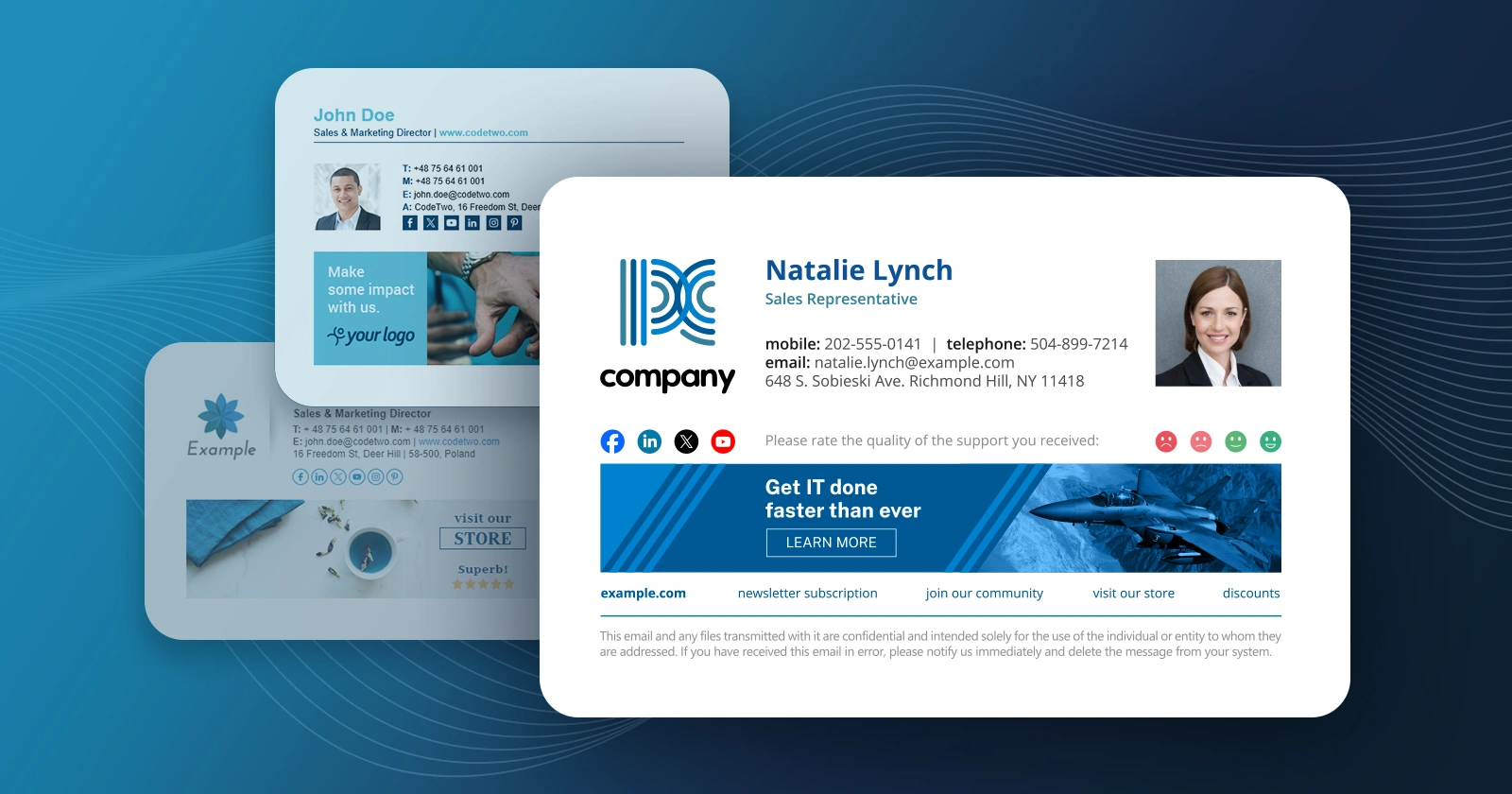
We have just released new versions of programs from the CodeTwo Exchange Rules Family line. Our dev team included a ton of upgrades and total overhauls within the software. Check the following article to learn more and prepare to be excited!
