new
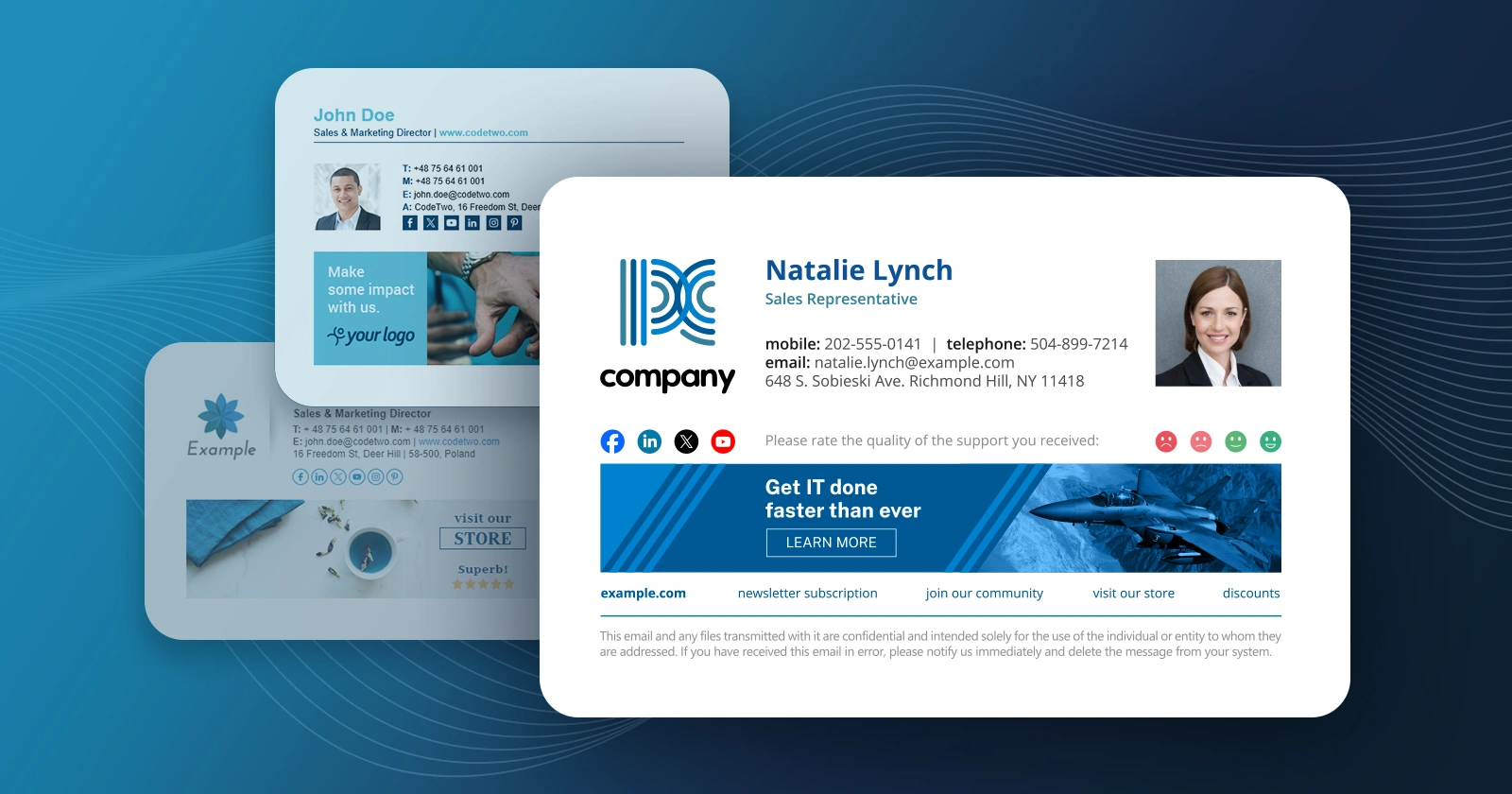
We have just made public the CodeTwo Exchange Rules 3.0 BETA website. As you can expect it includes many new functionalities. A large share of the novelties you can see in 3.0 is the response to your comments and suggestions to what is needed. We appreciate your invaluable contribution in helping us develop solutions that are tailored to your needs and make your workday pass by with the least hassle. The new capabilities include: On top of the list is the Support for Internal Footers
For easy start-up we introduce Predefined Rules
Support for Multilingual Disclaimers will satisfy customers from non-English speaking countries
A real gem! - Brand New Footer Editor
Active Directory Cache for more reliable work
Broadened integration with Active Directory
And last but not least - New Activation System For more info see also our previous post on this release CodeTwo Exchange Rules - Product Page Download CodeTwo Exchange Rules 2007 for Exchange Server 2007

We have just released updated versions of CodeTwo Exchange Rules 2010 (versioned 1.1) and CodeTwo Exchange Rules 2007 (versioned 2.2), both of which introduce a new capability that enables all users to view signatures and disclaimers in their Sent Items in all mail clients. Sent Items Update will not only let end users make sure their signatures were properly added at the end of messages but also help them keep mail archives in compliance with legal regulations. Both CodeTwo Exchange Rules 2010 and CodeTwo Exchange Rules 2007 are amongst very few applications available on the market with an option enabling to view server-added footers in Sent Items on local computers. The update is free of charge for all CodeTwo Exchange Rules 2010 users and all customers using CodeTwo Exchange Rules 2007 2.x. In order to update the program, simply download the installer from our website and run it. All settings and templates will be kept, and there is no need to reboot your server. Download the latest version of CodeTwo Exchange Rules 2010
Download the latest version of CodeTwo Exchange Rules 2007 See version history

Since the launch of CodeTwo Active Directory Photos we have received a lot of positive feedback from you. It is really motivating to hear that our tool is so widely used and that it helps you perform your admin job better. At the same time some of you mentioned some improvement suggestions that would make the program even more useful. We took a closer look at them and decided to include some of the remarks in the new release. And here it is. The new version of CodeTwo Directory Photos includes new fields in filters and import/export mechanisms you requested during the past weeks. Feel free to download it at no cost from our website! Download CodeTwo Active Directory Photos 1.1.2 What's new in version 1.1.2? It is now possible to import, export and filter users based on the following fields: Employee ID;
Employee number;
Logon name (sAMAccountName);
Logon name (userPrincipalName). How to update the program? Just in case of any doubts... We don't provide automatic updates for this tool. To update your program, the new version needs to be downloaded and installed on top of the existing installation manually. How perform updates of CodeTwo software What is CodeTwo Active Directory Photos? CodeTwo Active Directory Photos is a free tool for system administrators that makes it extremely easy to upload users' photographs to Active Ditrectory. It saves a lot of time and effort, since the import is performed by means of an intuitive GUI. It also supports bulk imports and has some basic built-in photo editing features. See the video below to find out more: Should you have any further suggestions on how to improve our software, let us know. We always read your messages and appreciate your help! Learn more about CodeTwo Active Directory Photos
See how to combine the program with CodeTwo Exchange Rules Pro
See other tools for Exchange Server administrators

What did you get for Christmas this year? :) Happy New Year! See other Melissa episodes of Melissa & Coffeek

CodeTwo Exchange Sync, an application enabling automatic synchronization of selected data between folders of Microsoft Exchange server, has been updated to version 2.1.2. The latest version has three main bugfixes, namely: The error logging to MAPI session has been fixed. Occasionally, errors occurred while opening CodeTwo Exchange Sync Administrator.
The ‘Save’ button is no longer disabled after folders are removed from a Folder Ring task.
MAPI_E_AMBIGUOUS_RECIP error is no longer returned if the username running C2ExchangeSync service is part of the username of another AD user (e.g. ‘admin’ is part of ‘Administrator’). We would like to thank all users who reported these issues. Our support and dev teams always work hard to meet your requirements. If you have any feature requests or feel uncertain about something in our programs, just let us know!