improvements
Today we have published new versions of our migration software - CodeTwo Exchange Migration and CodeTwo Office 365 Migration. Both programs are now available for download in version 1.6.0. This release contains a number of small programmatic fixes, new reporting features and migration statistics visible in the GUI, and more importantly the migration speed improvements. The migration can be now even up to 5 times faster thanks to the new data transmission optimization technology implemented in this version of the software. For full list of changes go to the CodeTwo Exchange Migration version history or CodeTwo Office 365 Migration version history. Check out how fast you can migrate now - download trial versions from our websites: Download CodeTwo Exchange Migration 1.6.0
Download CodeTwo Office 365 Migration 1.6.0 CodeTwo Exchange Migration is a program that lets you transfer user's mailboxes between Exchange servers, within or even outside of the same domain. It also allows to perform direct migration from Exchange 2007 to Exchange 2013 or 2016 without any mid-steps. Similarly, CodeTwo Office 365 Migration allows to migrate mailboxes from the on-premise Exchange server to Office 365 organization without a hassle.

Recently we have published new versions (1.7.1) of CodeTwo Exchange Migration and CodeTwo Office 365 Migration which are now available for download.
Amongst new features you can find: Folder type selection. You can choose what specific item types are migrated - emails, tasks, contacts etc.
Migration priority. Decide which mailboxes should be copied first and which ones later by assigning the higher or lower priority to them.
Google Apps archive folders are now supported.
Migration speed from Google Apps has been improved.
And more. For full list of changes go to the CodeTwo Exchange Migration version history or CodeTwo Office 365 Migration version history.
Feel free to download trial versions from our websites:
Download CodeTwo Exchange Migration 1.7.1Download CodeTwo Office 365 Migration 1.7.1
CodeTwo Exchange Migration and CodeTwo Office 365 Migration are tools that allow to copy all contents of user's mailboxes from your old Exchange Server to the new one, or even to the Office 365 cloud service. What's more, they even eliminate the double-hop scenarios when migrating from Exchange 2007 to 2016 and assure no downtime as the program works in the background with no impact to end users.
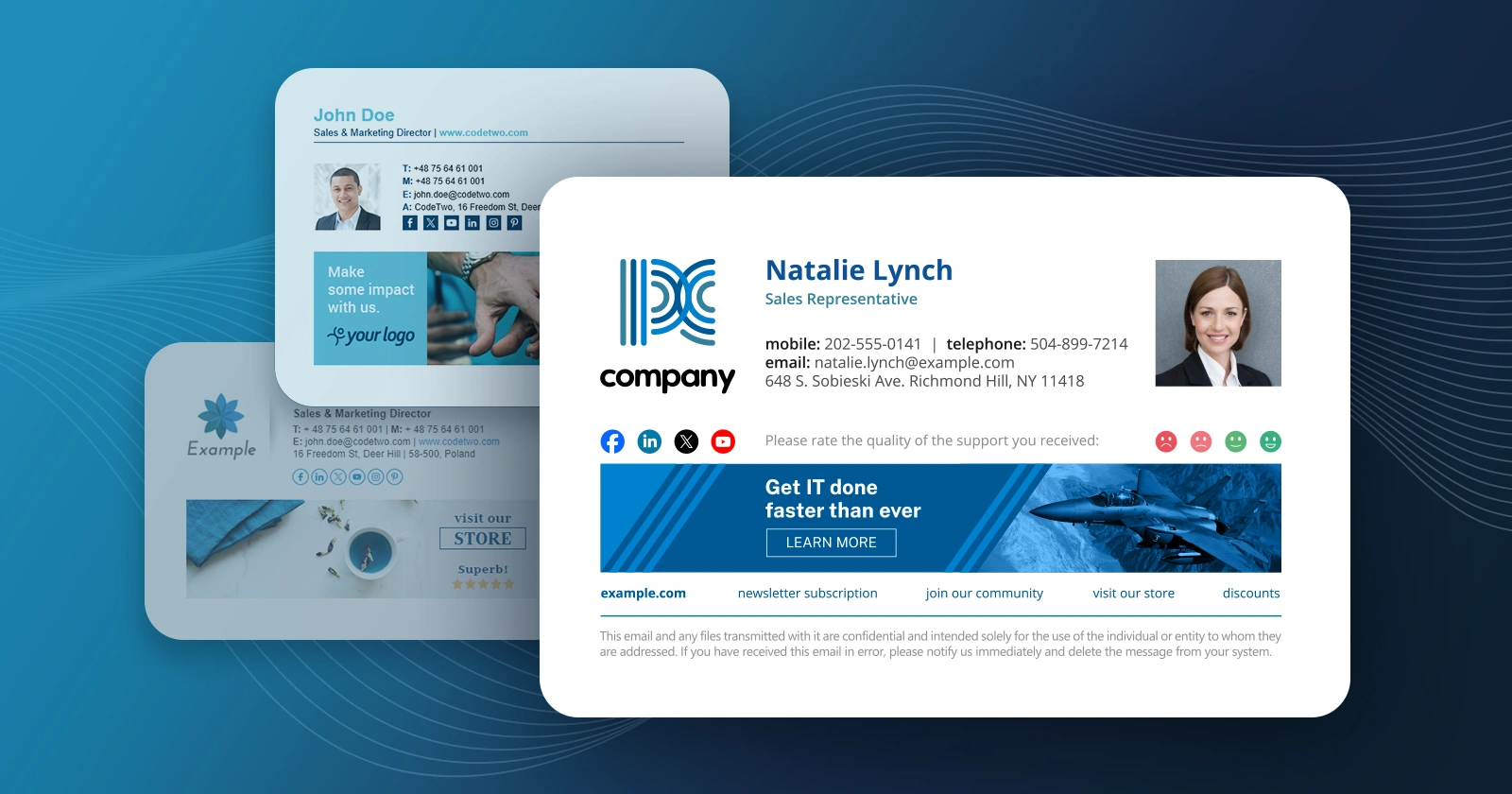
We have just released new versions of programs from the CodeTwo Exchange Rules Family line. Our dev team included a ton of upgrades and total overhauls within the software. Check the following article to learn more and prepare to be excited!
The recent CodeTwo Exchange Rules Pro update has delivered plenty of new features to you. Some of the old ones, on the other hand, have been considerably extended or improved. In our forthcoming blog entries we will cover the hottest changes and novelties applied to version 1.2. We hope that you will find some time to read them and express your opinion about what we have recently implemented. As we develop our applications mostly bearing in mind YOUR NEEDS, would love to hear what your impressions are. What exactly has the latest version of CodeTwo Exchange Rules Pro brought to you? To mention just the most important features... Adding Active Directory photos to signatures/disclaimers - thanks to the new dynamic {Photo} placeholder in the Template Editor, it is finally possible to compose signature templates containing the photographs of the senders that are pulled directly from Active Directory.
Learn more about Active Directory placeholders in CodeTwo Exchange Rules Pro...
Extended autoresponder feature - your autoresponder rules can now be even more complex than before thanks to new modes added to the auto-reply template, e.g. autorespond as reply, autorepond as attachment, splitting recipients into TO, CC, BCC and many more. See video...
Strip/dump attachments and attachment filter - you can now reject or automatically archive attachments found in messages or create other rules with conditions based on the size or type of attachments found in emails.
Learn more about this feature...
Rewrite Sender's address - thanks to this new action you will be able to easily rewrite email addresses of given senders or distribution groups. For instance, the whole Technical Support Department in your company can now send messages from one specified email alias, e.g. [email protected].
Learn more about this action...
New Remote Access options - it is now possible to manage access rights to given rules settings. You can now decide which Active Directory users can view, edit or delete each rule remotely. This will give you the guarantee that the most important settings will stay unharmed, while e.g. the Marketing guys from your company are changing their promo banners or footers.
Learn more about this feature...
Richer signature/disclaimer and picture libraries - composing your company signatures or promo footers with CodeTwo Exchange Rules Pro is now even easier than before, since our graphic designers have prepared more ready-to-use pictures and templates for you. Feel free to use them in your signature patterns and message themes.
Learn more about using Template Library in CodeTwo Exchange Rules Pro... More information on above mentioned features are still to come on CodeTwo Blog within a couple of days. See you soon then! Read more about CodeTwo Exchange Rules Pro
Find out more about other CodeTwo Exchange Server add-ons