exchange server

With EWS disablement in Exchange Online scheduled for October 2026, now is the time to find the right tool for public folder migrations.
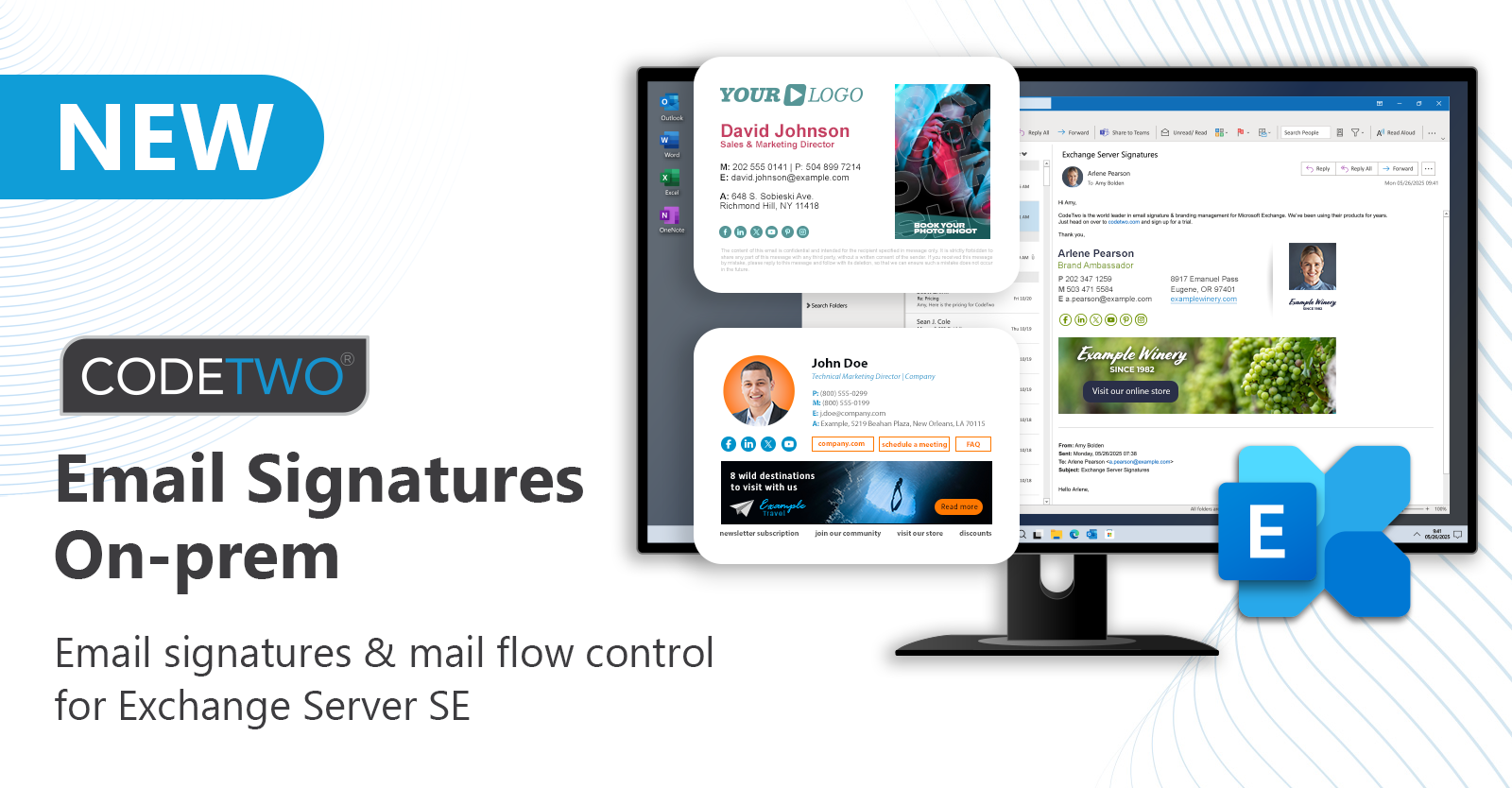
We’re introducing CodeTwo Email Signatures On-prem – our new email signature and mail flow manager for Exchange Server Subscription Edition!

When you first think of email marketing, newsletters and marketing automation are probably the first ideas that come to your mind. What marketers often forget, is that these two pretty obvious associations are not the only options here.
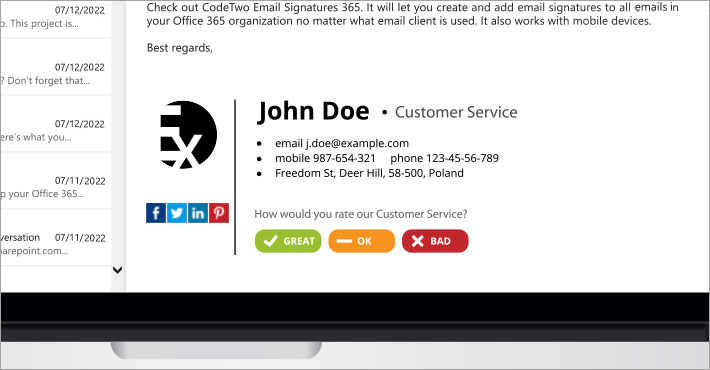
There are many different ways to check if your customers are happy. This article presents how to measure customer satisfaction with email signatures. The method discussed below requires CodeTwo Exchange Rules if you are running on-premises Exchange or CodeTwo Email Signatures 365 if you have a Microsoft 365 (Office 365) organization.

We all know users love to send large files in messages. As they tend to do so, their mailboxes start to grow bigger and bigger again. While the Exchange message store overloads with megabytes, the administrator starts to lose control over the amount of information that is being sent in emails. Of course users have been told not to exceed a given attachment size limit but they never listen.

We have just released an update to CodeTwo Exchange Sync. Version 2.8.2.15 is now available for download on our website. The release includes a number of bug fixes handling issues reported by our users. Make sure to check the full version history of our product as well. The key fixes: Fixed: The subjects of synced items were not always up to date. Even if the program was configured to modify items’ subjects automatically
Fixed: Not all of the items were synchronized in case many of them were created in a short time span
Fixed: Synchronization stopped occasionally, mostly due to the failure of the connection with Exchange server. To continue with synchronization, the server had to be restarted
Fixed: The program could not connect to the server if its AD attributes did not include information of the MS Exchange Server version. CodeTwo Exchange Sync update is highly recommended as it will result in software performance improvement. Update your software immediately or learn more about the process.
What is CodeTwo Exchange Sync?
CodeTwo Exchange Sync is an Exchange Server data synchronization tool. It enables Microsoft Exchange Server folders’ real-time synchronization, allowing you to create group calendars and other common items.
The synchronization can fulfill various source-target scenarios, for example, replicate files from one folder to many, many-to-one, as well as from many-to-many. Synchronized items can be filtered and modified during the replication. The solution is widely known for its administrative purposes, as it enables users to synchronize their public folders with mobile devices or to create an automatically updated group calendar on Exchange. Visit CodeTwo Exchange Sync official webpage to learn more.

Last week we released an update to CodeTwo Exchange Migration and CodeTwo Office 365 Migration, our mailbox migration tools for Exchange Server and Office 365. Apart from fixing some minor bugs, we have also added new important features. One of the most important changes applied in this release is the possibility to filter out mailbox items according to their modification time - so called time filters.
What are time filters?
Time filters let you choose items for your Exchange or Office 365 migration according to their modification time. They are a part of the source server connection wizard. They give you a choice whether to migrate items older, or not older than certain date. For instance, you can choose to only migrate data from the last 30 days.

The results of the last poll conducted by MSExchange.org in the Exchange Administration Category were good news for us. CodeTwo Exchange Sync was announced the second runner-up in MSExchange.org Readers’ Choice Awards. It is a great honour for us, since MSExchange.org is one of the most popular Microsoft Exchange Server resource sites, visited by over 350 000 Exchange experts a month. CodeTwo Exchange Sync enables automatic synchronization of selected data between folders of Microsoft Exchange Server. The program also supports synchronization of mobile devices (e.g. PDA, BlackBerry and devices based on Windows Mobile) with public folders of MS Exchange Server and Outlook. This is a perfect solution for professionals who need to create an Exchange group calendar, shared Exchange contact base, sync mobile phones with Exchange or simply monitor their workers' tasks. See practical applications of CodeTwo Exchange Sync. It's wonderful to know that users are content with CodeTwo Outlook Sync and choose this third-party solution to support their work with Exchange Server. CodeTwo Team says "Thank you" to MSExchange.org Readers for their votes! Download CodeTwo Exchange Sync
Visit CodeTwo Main Page
