disclaimer

Probably everyone who uses email has already had a chance to see these mysterious faded lines attached to corporate messages. Email disclaimers are invaluable for businesses in these days when taking someone to court for no reason happens on a daily basis. No matter if you're negotiating a big business deal or buying a watch in an online shop, it's certain that you will find a short legal statement under a reply to your official email. And it is not only a matter of fashion or a popular whim that forces senders to add those stiff juridical sentences under the body of their emails. It is simply a must-have for everyone who wants to be in keeping with legal regulations and prevent him or herself from damaging implications of sending a business message.
We have just released updated versions of our two products: CodeTwo Exchange Rules PRO (1.4.8) and CodeTwo Exchange Rules 2010 (2.4.0). The update contains a fix that addresses the issue with Microsoft Exchange 2010 SP3RU1 update - when it was applied on the Exchange 2010 server it crippled signature insertion in our software. This problem is now solved - simply update the existing installation. The update is free for all owners of licenses for CodeTwo Exchange Rules 2010 2.x and CodeTwo Exchange Rules PRO. If you have any additional questions, give our Support team a call or send them an email – we are open 24 hours Monday through Friday.

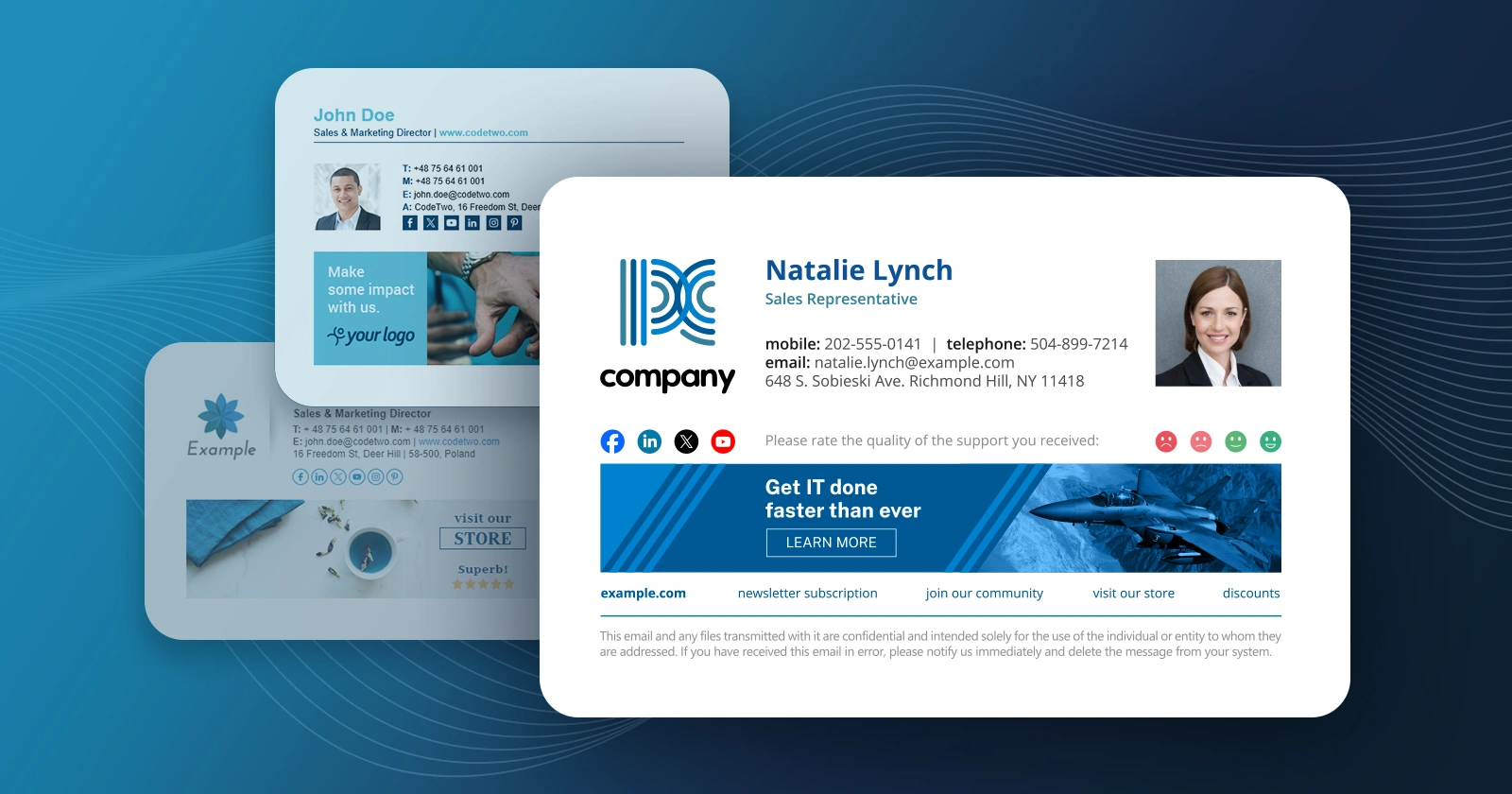
Over 100 professional email signatures, banners, labels and disclaimer images have been made accessible for free in a built-in library of CodeTwo Exchange Rules Pro. What does it mean? It means simply that making beautiful and modern branding of your corporate electronic correspondence is now a matter of a few clicks and can be real fun! Once you have created your rule in the administration panel of CodeTwo's program, there are only 3 steps to make a professional email signature that can be automatically attached to all messages sent from your company's mailboxes. In addition, it can contain names, contact details and even individual photos of each employee pulled from Active Directory. Step 1: Find a proper action Go to the Actions tab, click Add in the List of Actions and choose Insert disclaimer/signature. On the right hand side you can see two buttons: Options (a quick, handy function to define a position of your disclaimer - top, bottom, left or right) and the Edit template... . Click on the Edit template... button to open the Template Editor. Step 2: Check-out the new library full of ideas The Template Editor that facilitates CodeTwo Exchange Rules Pro has everything you need: it simple to use, rich in functions and contains an impressive library of fancy visual propositions prepared for your own use to help you establish your new, stylish e-mail branding. So even if you have to make everything from scratch and your mind goes blank as you do not know what to start with, a whole palette of lovely inspirations is already there. Simply click on the Library tab and go quickly through the list of various designs to select the one that best suits your needs (see some of the examples below). Step 3: Use Template Editor to make your magic! Ok, you have chosen something that looks pretty cool, but there are still no names of your company, employees' phone numbers, e-mail addresses etc. Do not worry. Each of signatures contains Dynamic Fields that pull data, such as names, contact details and even photos from your Active Directory. They are marked with brackets: { } and can be easily edited in HTML, RTF or Plain Text preview. See below: And that is it! The program will automatically add a customized signature to all e-mails sent by your company members specified in the Conditions tab. In the latest 1.2. version, you can not only pull contact details kept in Active Directory to your signatures, but even add senders' photographs. If want to know more about creating and modifying your email signatures, there is an extensive knowledge base available on CodeTwo's website, in user's manual and other blog posts. Learn more about making e-mail signatures and disclaimers in CodeTwo Exchange Rules Pro
See other features of CodeTwo Exchange Rules Pro
Download a trial version and test it in your environment

Starting on January 14th, Windows Small Business Server 2008 users can benefit from more favorable licensing terms for CodeTwo Exchange Rules 2007, an easy and efficient tool for management of disclaimers in email messages. The price of installing the application on Exchange 2007 varies according to the number of users having their email disclaimers managed. However, we’ve decided to go along with the needs of Windows Small Business Server 2008 users and now they can inexpensively purchase a single license per one SBS server regardless of the number of users. The cost of a license for Exchange Server hosted on Small Business Server 2008 is $ 155. Now you will pay less than half of the standard licensing price, assuming that at least 50 users will benefit from using CodeTwo Exchange Rules 2007. Windows Small Business Server 2008 is an all-in-one server system integrating crucial server technologies (Windows Server 2008, Exchange Server 2007, Windows SharePoint Services 3.0) within a single Microsoft product. An affordable price and simplified server administration makes it a popular choice for small businesses with up to 75 workstations - SBS 2008 supports a maximum of 75 users or devices. See pricing Download CodeTwo Exchange Rules 2007 Visit CodeTwo Exchange Rules 2007 Main Page
We have just made public the CodeTwo Exchange Rules 3.0 BETA website. As you can expect it includes many new functionalities. A large share of the novelties you can see in 3.0 is the response to your comments and suggestions to what is needed. We appreciate your invaluable contribution in helping us develop solutions that are tailored to your needs and make your workday pass by with the least hassle. The new capabilities include: On top of the list is the Support for Internal Footers
For easy start-up we introduce Predefined Rules
Support for Multilingual Disclaimers will satisfy customers from non-English speaking countries
A real gem! - Brand New Footer Editor
Active Directory Cache for more reliable work
Broadened integration with Active Directory
And last but not least - New Activation System For more info see also our previous post on this release CodeTwo Exchange Rules - Product Page Download CodeTwo Exchange Rules 2007 for Exchange Server 2007
Some 12 months ago we published the first CodeTwo Exchange Rules 2007 1.0. Today, it gets replaced by the new release: CodeTwo Exchange Rules 2007 2.0. The updated version is rich in new features and functionalities such as the close integration with Active Directory, brand new HTML editor, support for all world languages, support for the latest Microsoft systems, and more.
A patch has been released to CodeTwo Exchange Rules - an application that is used for central management of disclaimers applied to messages sent via Microsoft Exchange 2000/2003. The current version is 2.0.1. The patch fixes a single problem but a very cumbersome one. The issue involved the log file, which could reach up to several dozen of MB. A new log file, instead of being created daily or once it reaches 2 MB, was made only after the Exchange server services were restarted. To install the updated version, download the program and run the installer. Upon upgrading a restart of the server is needed.
On 09 Apr 2009 we published an update to the recently released CodeTwo Exchange Rules 3.0 that enables centralized management of signatures, disclaimers, branding, in electronic mail processed by Exchange Server. The update is free and contains fixes to several problems reported by our users, such as: certain internal messages reached their recipients stripped of the message body;
disclaimer/signature would not be added to internal messages if the recipients were entered only in the Bcc. field;
it would take too long to process certain messages, the result being messages stacked up in queues. A complete list of fixes can be found here. It is recommended for users of CodeTwo Exchange Rules 3.0 to install the update. The installation will require a restart of the server. Program's HomePage Download program History of changes to the program CodeTwo Exchange Rules for Exchange Server 2007
