Author: Szymon Szczesniak
Before we head into 2026, let’s take a quick look back and recap the key moments of 2025 at CodeTwo.

A big win for CodeTwo – we're recognized as Deloitte Impact Star at the 26th edition of the Deloitte Technology Fast 50 awards.
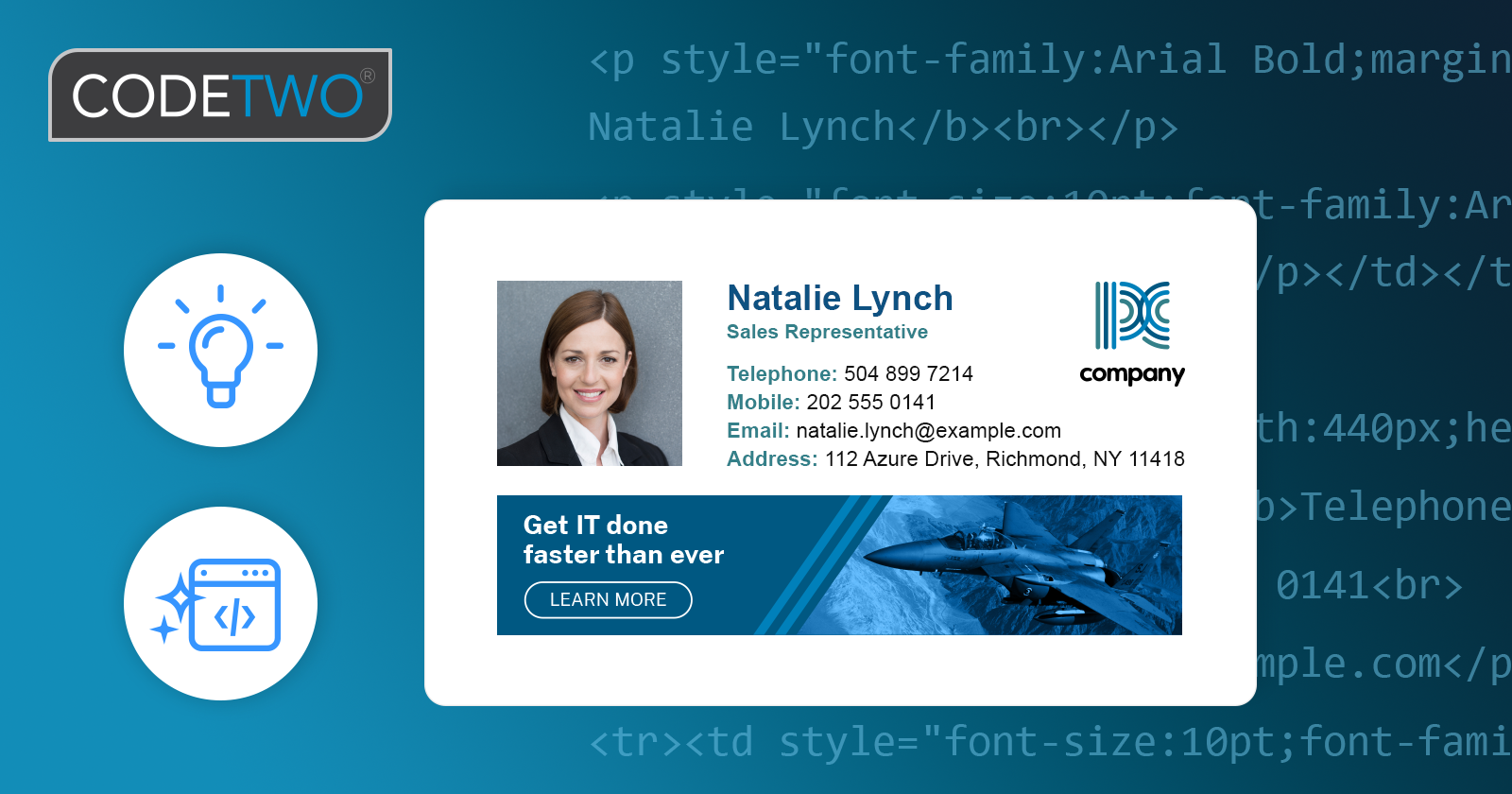
Smarter, cleaner, more reliable: discover how the updated CodeTwo editor ensures your signatures look great in any email app.
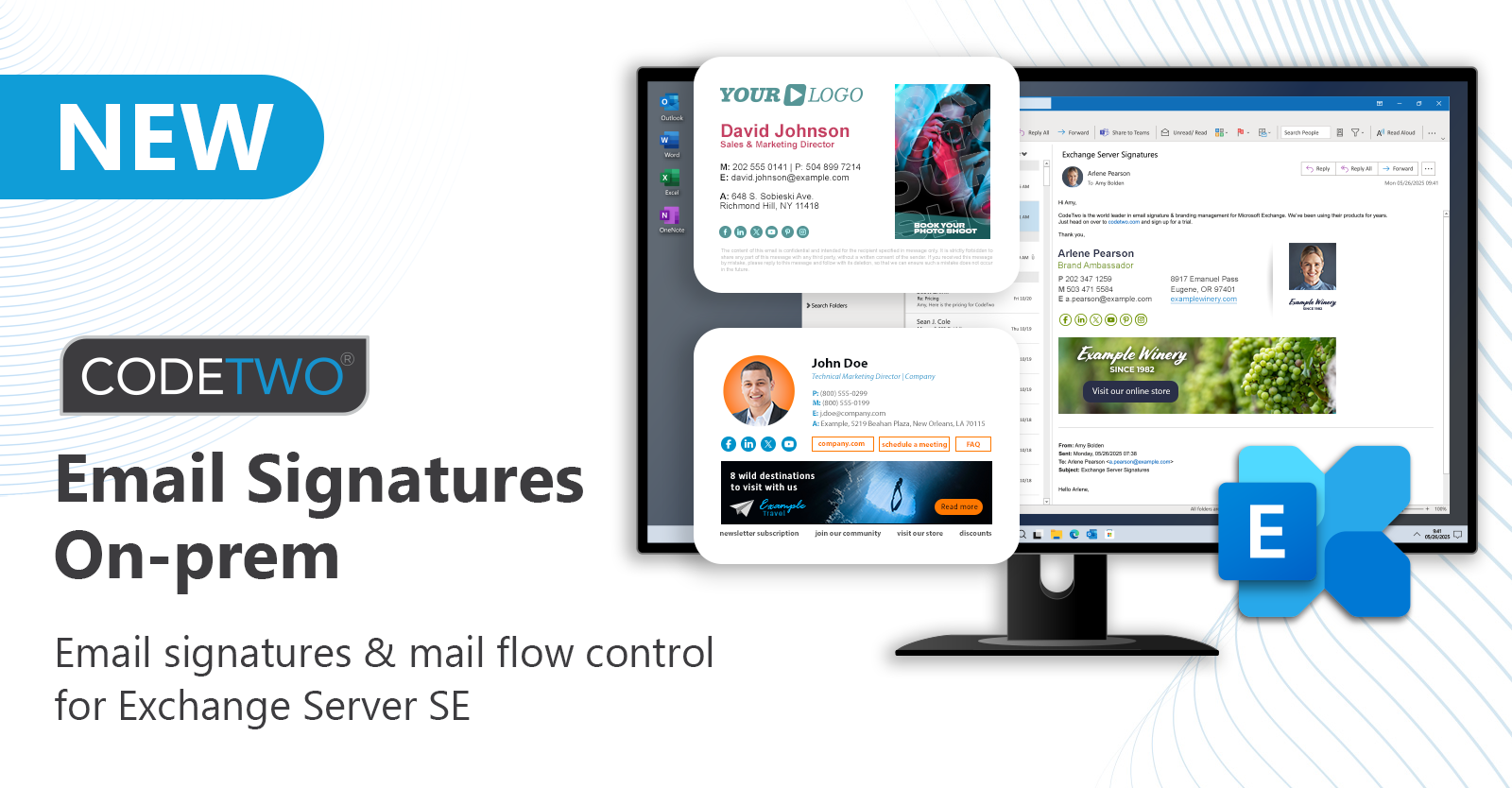
We’re introducing CodeTwo Email Signatures On-prem – our new email signature and mail flow manager for Exchange Server Subscription Edition!
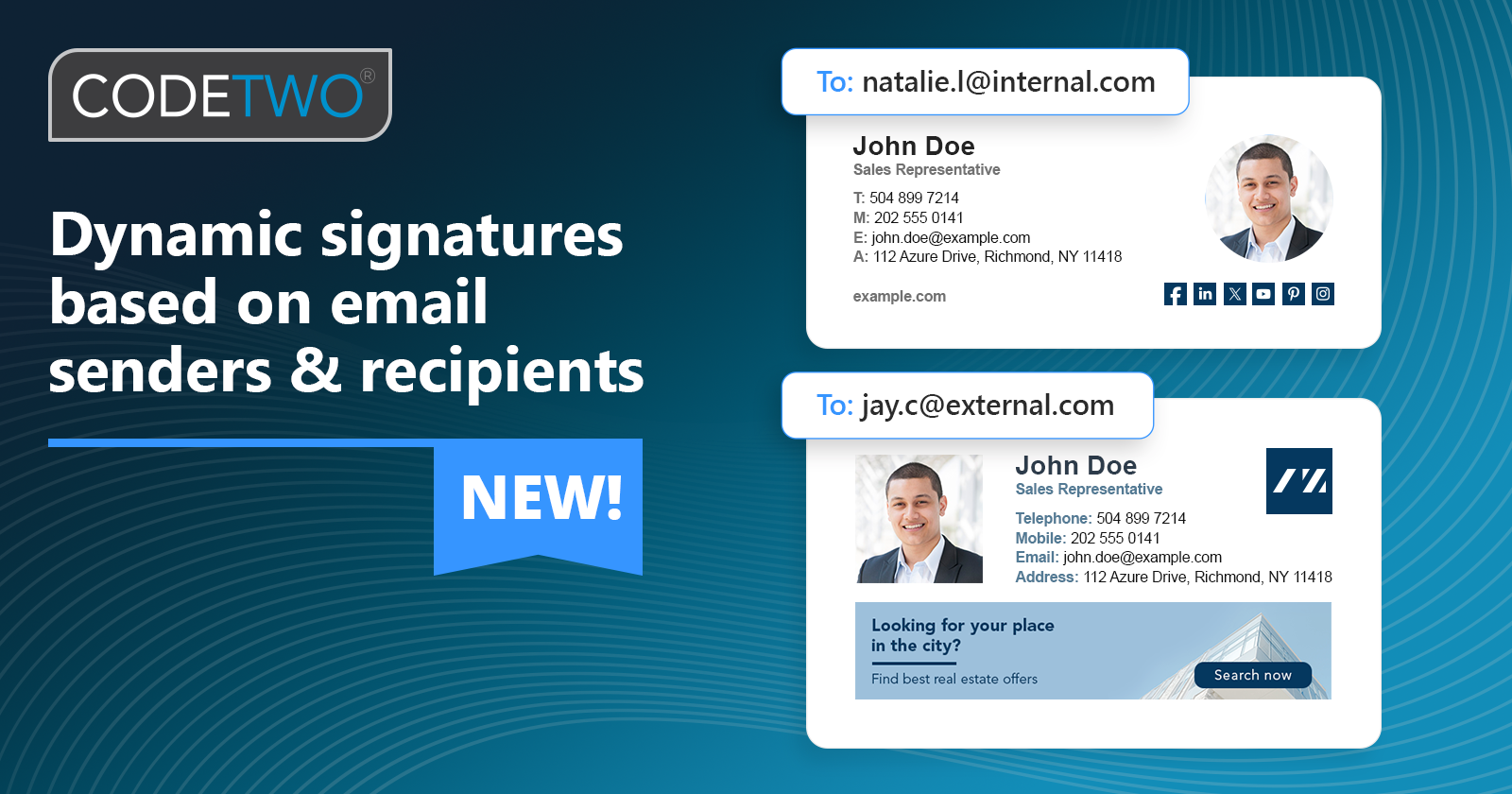
CodeTwo Outlook signatures now automatically change based on the email sender and recipients ("From" & "To" fields).
The built-in editor in CodeTwo Exchange Rules includes a functionality enabling quick and easy insertion of AD placeholders that are filled with data dynamically when the message travels through Exchange Server. Apart from the standard fields (e.g. First Name, Last Name, Company, Title Department), the AD button allows using extra placeholders, listed under Exchattr. If you combine extra placeholders and a suppressing tool of CodeTwo Exchange Rules you might be able to let your users decide which footer is to be added by the program and in each language.

Hi fellow CodeTwo users. Back in September 2011, we mentioned about a lot of new stuff coming down the pike. Since then we have released a new tool and rolled out several new features beefing up our exisitng programs. Our dev teams have been constantly working on a couple of different projects. Two days ago we released CodeTwo Exchange Rules 2010 2.0 (for Exchange 2010) and CodeTwo Exchange Rules 2007 3.0 (for Exchange 2007). It's not an ordinary upgrade as the applications come with a bevy of new features. We have also hammered out the kinks you had reported in previous verions and entirely revamped the user's interface. All of this to make these Exchange add-ons more useful, powerful and stable. The programs open up the world of new possibilities with signatures and disclaimers. Take a look at what's new in both of the programs: Completely new user's interface with new options Remote access to the program Rule scheduler for planning ahead your email campaings Employee's photos in signatures + a free tool to add them to Active Directory QR codes in email signatures Signatures as headers End-user signature control Advanced rules tester Settings Import/Export tool Updated signature positioning mechanism Improved stability. The upgrade is not free of charge, however, you can get it for just 10% of the normal price of the product if you have the previous version. Just head on over to the product's website, hit the Buy button and select upgrade from the previous version. Deploying the program is as simple as installing it over the existing version of the product. All signatures and settings will remain unchanged. Learn more about CodeTwo Exchange Rules 2010Learn more about CodeTwo Exchange Rules 2007Contact Customer Support - available 24h a day

We've just updated CodeTwo Sync for iCloud - our blockbuster product for hassle-free synchronization of Outlook and iCloud folders (calendars, contacts, reminders/tasks). The new version brings back the meeting request sync feature that was blocked in the previous release due to iCloud resending invites to past events upon sychronization. We've also added support for Outlook 2013 and Windows 8. To update the program, simply download this version and install it on top of the exisiting installation. Your settings will remain unchanged. Thank you for all the comments, emails and phone calls regarding missing features. Without you, this program wouldn't be as killer as it is now. If you have more questions, ideas, or just want to send us your feedback, feel free to add your comment below. And for those of you who haven't heard about CodeTwo Sync for iCloud yet (is this still possible?), check out its website or the video here: Check out CodeTwo Sync for iCloud
Find out more about other synchronization tools for Outlook
